Received a PPAD file? Click here to open the file

PPAD for Google Drive helps you strengthen compliance by encrypting sensitive files, controlling access, and tracking file activity. Know who accesses your files and revoke access anytime, even after they've been downloaded.
Sensitive documents get shared with colleagues, vendors and external partners. The real risk starts when access extends beyond your intended audience. Protect what is shared, keep visibility over access and retain the ability to revoke it.
Protect sensitive information, manage who can access it, and maintain visibility into file activity. Put practical security controls behind your compliance policies.
Protect sensitive content before sharing, retain control over access and keep the activity visibility your security team needs.
Select the appropriate security classification so required encryption and protection settings are applied.
Share protected content with intended recipients, with security settings set by your organization.
See activity on protected files and revoke access when a recipient should no longer be able to open them.
Help employees follow your information-handling policies by centrally defining which classifications they can assign and which safeguards each label requires.
Make sure new files are properly labeled in Google Drive.
Enforce protection based on file sensitivity
Limit who can change file classifications
Keep safeguards aligned with policy updates
PPAD is built by Digify, a security company helping teams protect sensitive documents since 2011. The same ISO 27001-certified practices and security rigour that Digify customers rely on are built into every PPAD feature, with patent-pending encryption technology designed for persistent file protection.
800k+
Users on Digify
138+
Countries
2011
Founded

PPAD helps teams apply encryption, access controls, file classification policies, and visibility into protected-file activity. These controls can support internal security requirements, compliance reviews, and investigations, but do not by themselves guarantee regulatory compliance or certification.
No. Encryption is triggered when an encryption-enforcing classification label is applied or changed on a file. Existing files are not automatically classified or retroactively encrypted simply because the extension is installed.
Yes. Users with Owner or Editor permission can classify existing files individually or in bulk. Files without the required permission are left unchanged during bulk operations.
Administrators can enforce classification selection. When enforcement is enabled, the unclassified option is not available to users subject to that rule.
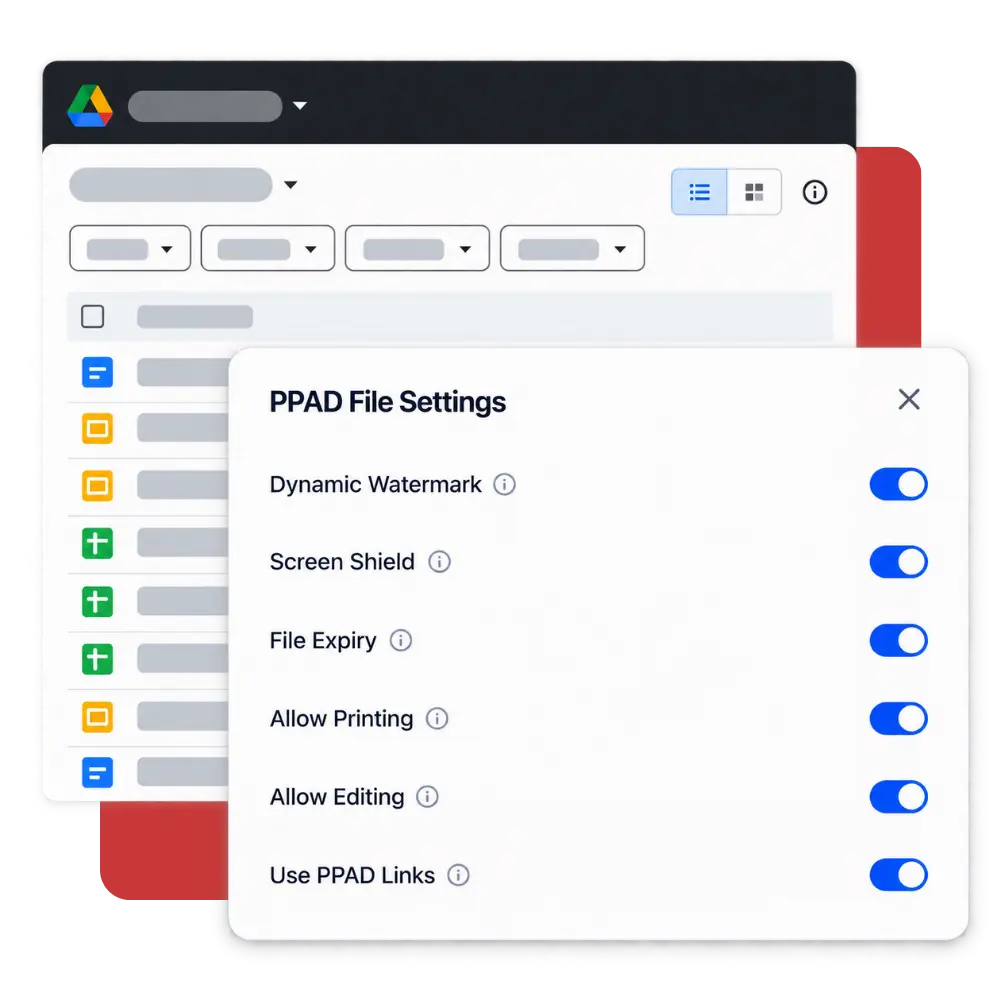
Updates to enforced sub-settings such as watermark, screen shield, and expiry apply to already encrypted files carrying the label. A newly added encryption requirement, however, does not automatically encrypt existing files carrying that label.
No. This extension brings classification and enforcement into the Google Drive workflow. Its purpose is to help protect sensitive files managed in Drive.
Protect sensitive Google Drive files, track access, and revoke permissions when needed. Support your compliance efforts with more consistent file security controls.