Received a PPAD file? Click here to open the file

Documents don't stop being yours once they leave your inbox. With PPAD's digital rights management, every file stays encrypted, tracked, and revocable wherever it travels. Your organisation keeps control without recipients needing to install anything.
Firewalls, secure portals, and cloud permissions protect documents inside your systems. But your documents don't stay inside your systems. They get emailed to advisors, downloaded by clients, forwarded to people you never approved, and fed into AI tools. Once that happens, you can't see who has them, can't control what's done with them, and can't take them back.
PPAD solves this with digital rights management: protection that travels with the document itself. Encryption, access rules, tracking, and revocation stay attached wherever a document goes, so it remains within your organisation's control, no matter whose device it sits on.
Most DRM tools burden users with software installs, complex logins, and clunky workflows. PPAD lets you automate file protection, tracking, and control without extra installs or user friction.
Forget complicated installations. PPAD lets your recipients open protected files instantly on their devices, giving them secure access without any extra steps.
Recipients double-click to open a protected document, just like any other file. No software to install, no accounts to create, no hoops. That low friction is why PPAD protection actually gets used.
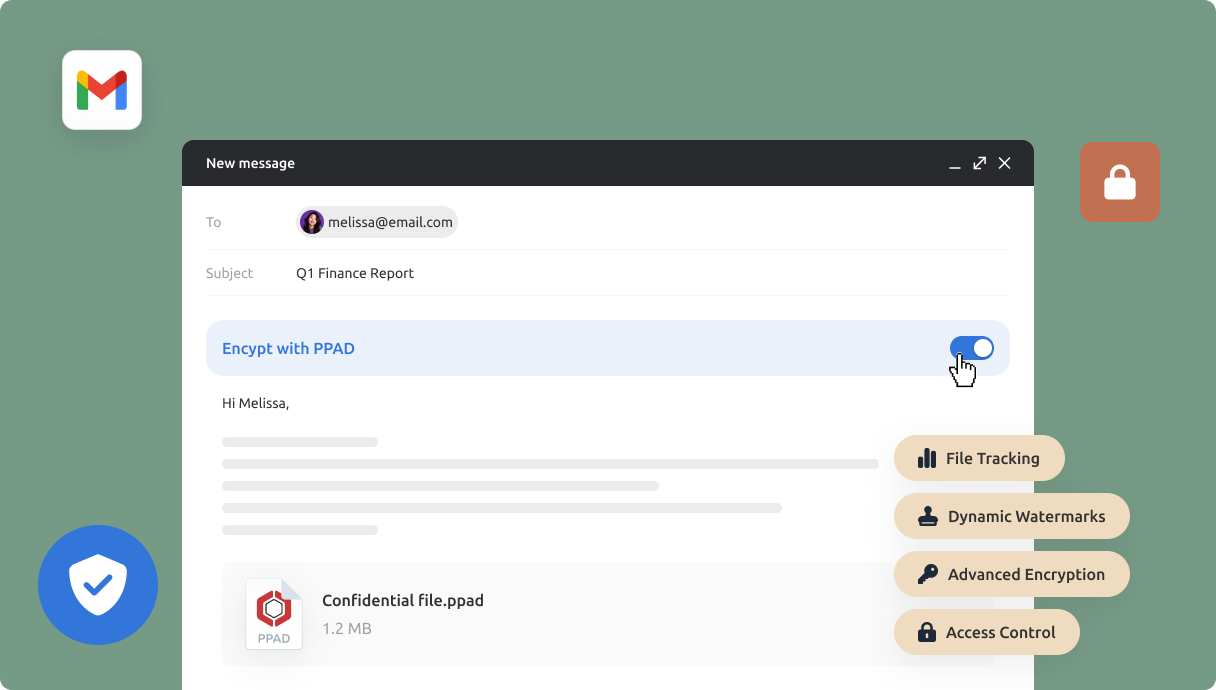
One toggle in Gmail or a right-click in Google Drive is all it takes to protect a document. Self-service from day one, with no IT deployment projects, policy engines, or training sessions.
PPAD lives inside Gmail and Google Drive, or embeds into your own product via API. Your team keeps working the way they already do, with protection built into the tools they use every day.
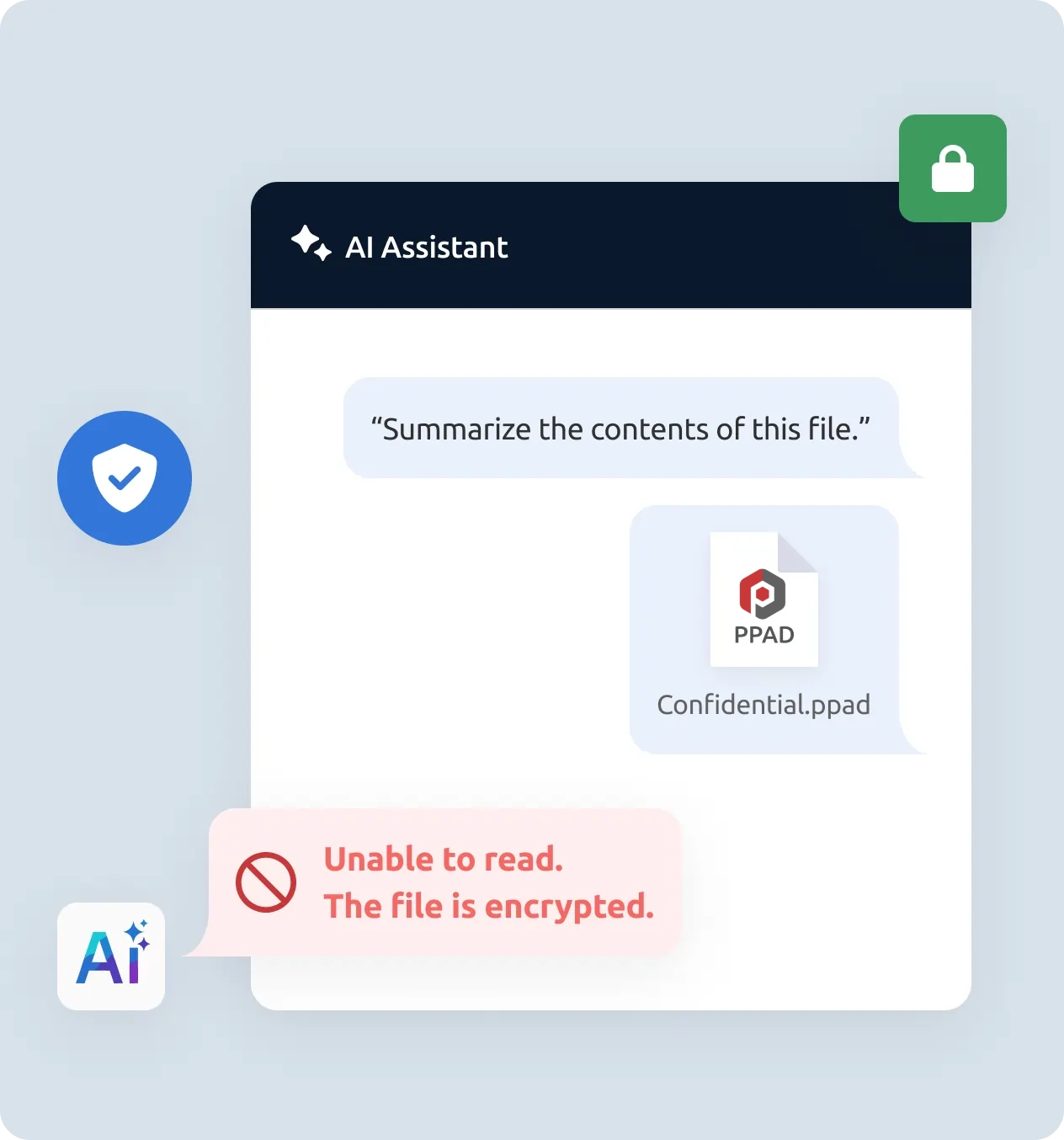
Protected documents stay encrypted and unreadable to AI tools. Copy-paste blocking and ScreenShield screenshot deterrence make it significantly harder to extract your content into AI prompts.
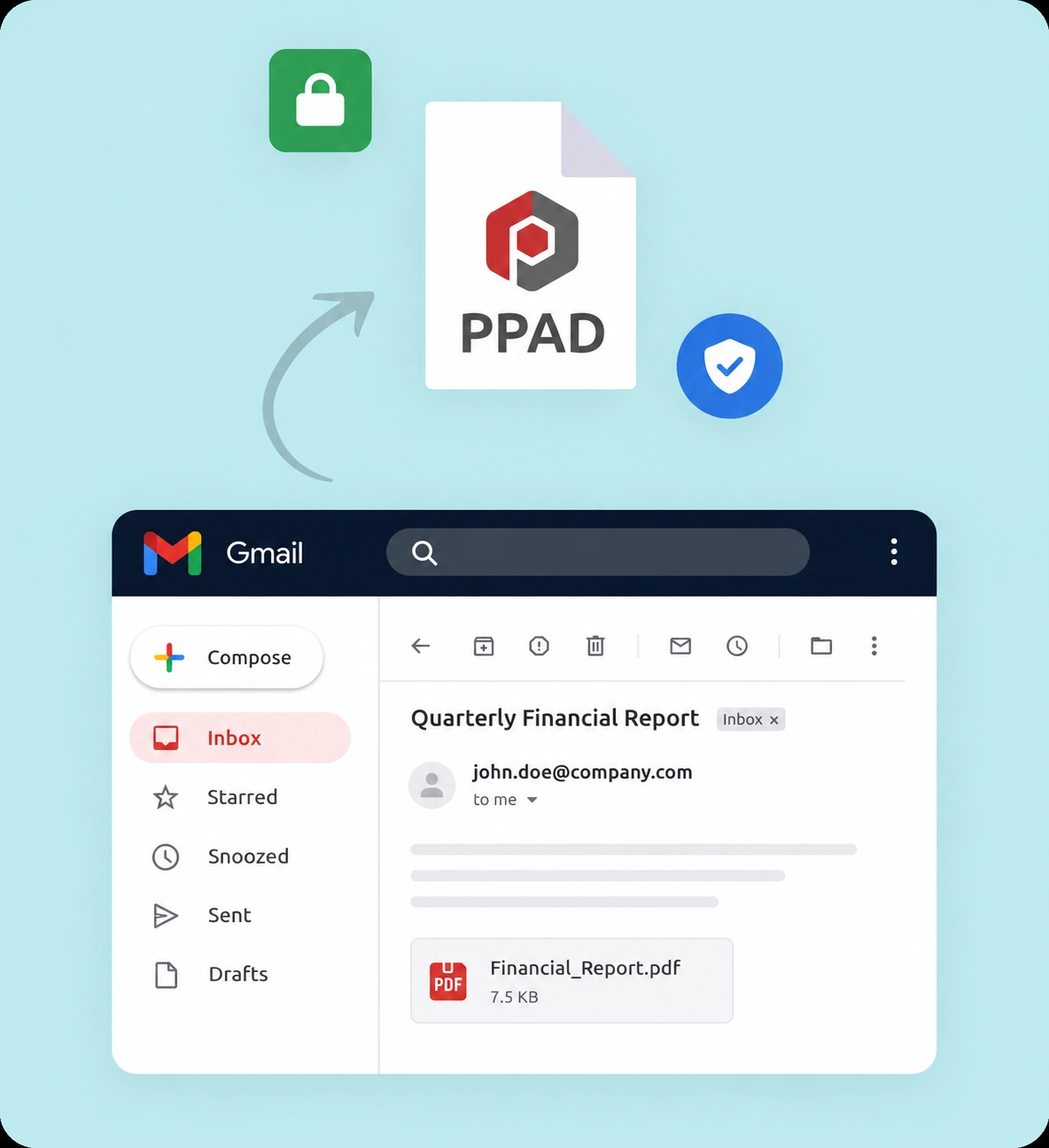
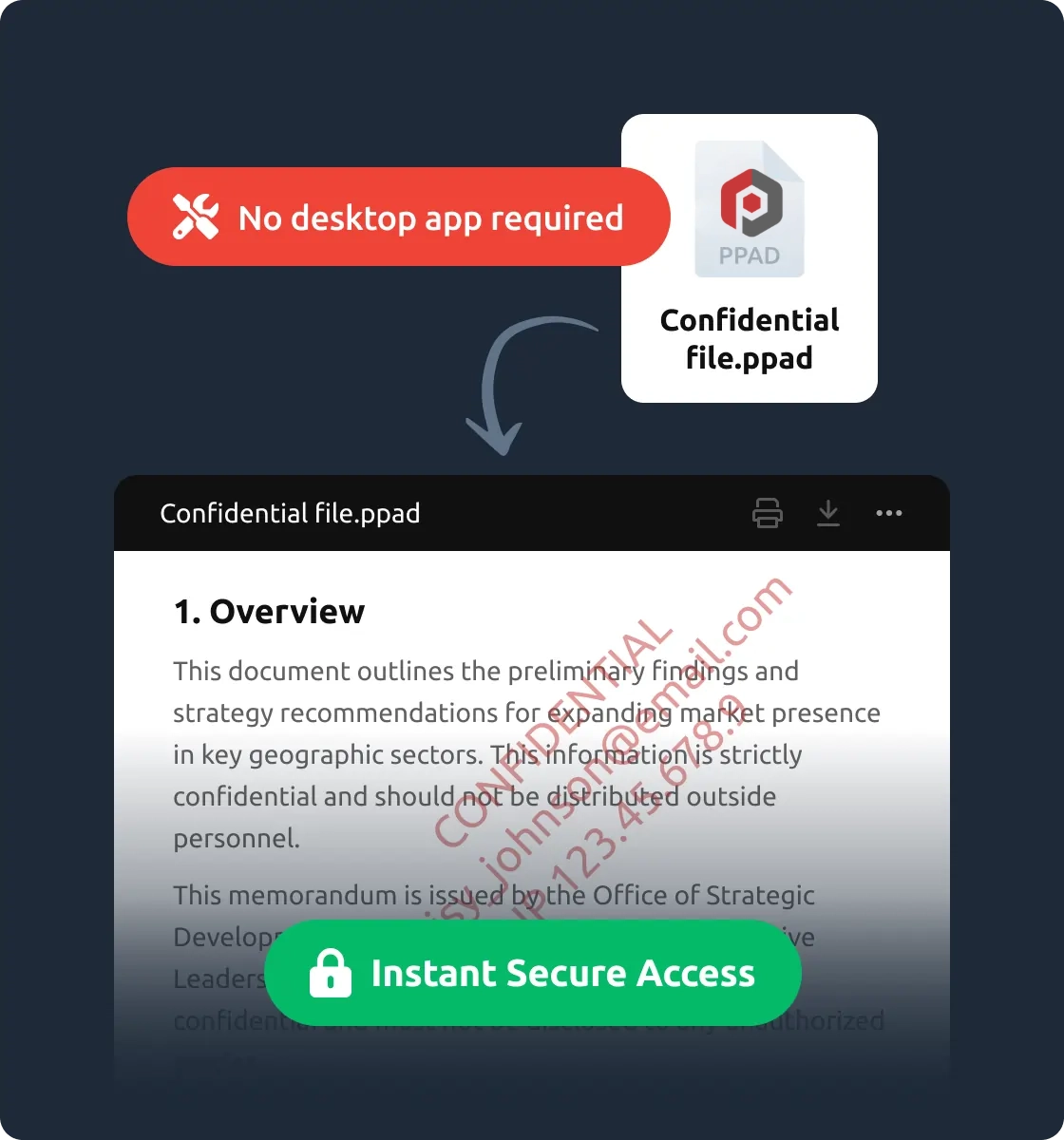
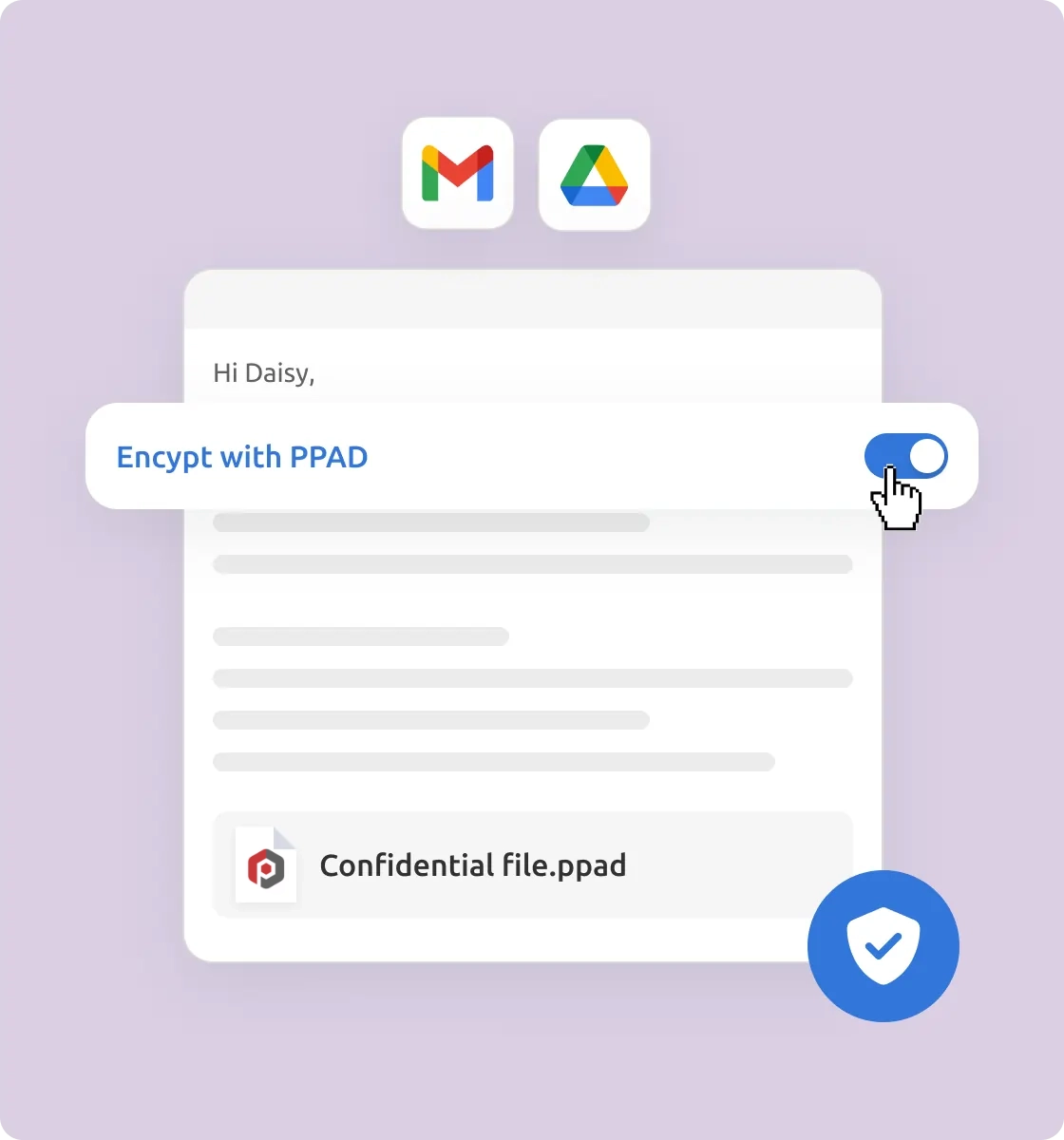
Three steps. No new platform. Simple access for recipients.
Encrypt emails and attachments in Gmail with a single toggle. Right-click to protect files in Google Drive. Or use the API to protect files programmatically inside your own product. Files are encrypted client-side, before they leave you.
Recipients open protected content securely with no desktop software and no complicated logins. Every open is verified against your current permissions through PPAD's secure licensing system.
Track who opened what and when. Update permissions. Apply watermarks. Set expiry. Revoke access at any time, even after the file has been downloaded and saved on someone else's device.
The digital rights management capabilities that keep protection working after sharing, organised by the problem they solve.
Keep financial records and deal documents controllable after sending to external advisors, with audit trails ready for regulators.
Tie paid reports and courseware to active subscriptions. When a subscriber churns, revoke everything they downloaded.
Make sure deliverables and proprietary frameworks don't leave with departing employees or ended client relationships.
Keep PII and PHI protected after external sharing, mapped to GDPR, HIPAA, and ISO 27001 requirements.
Protect fundraising decks and due diligence materials beyond the data room, with page-by-page engagement tracking.
Embed DRM-grade protection into your own product via API, without building DRM infrastructure from scratch.
Traditional DRM solutions protect files but make recipients jump through hoops to open them. Recipients push back, senders stop protecting files, and the DRM project quietly dies. PPAD gives you the same level of control without the friction that kills adoption.
| TRADITIONAL DRM | PPAD |
|---|---|
✕ Recipients must install agents or desktop software | ✓ Recipients double-click to open, just like any other file. No IT setup required |
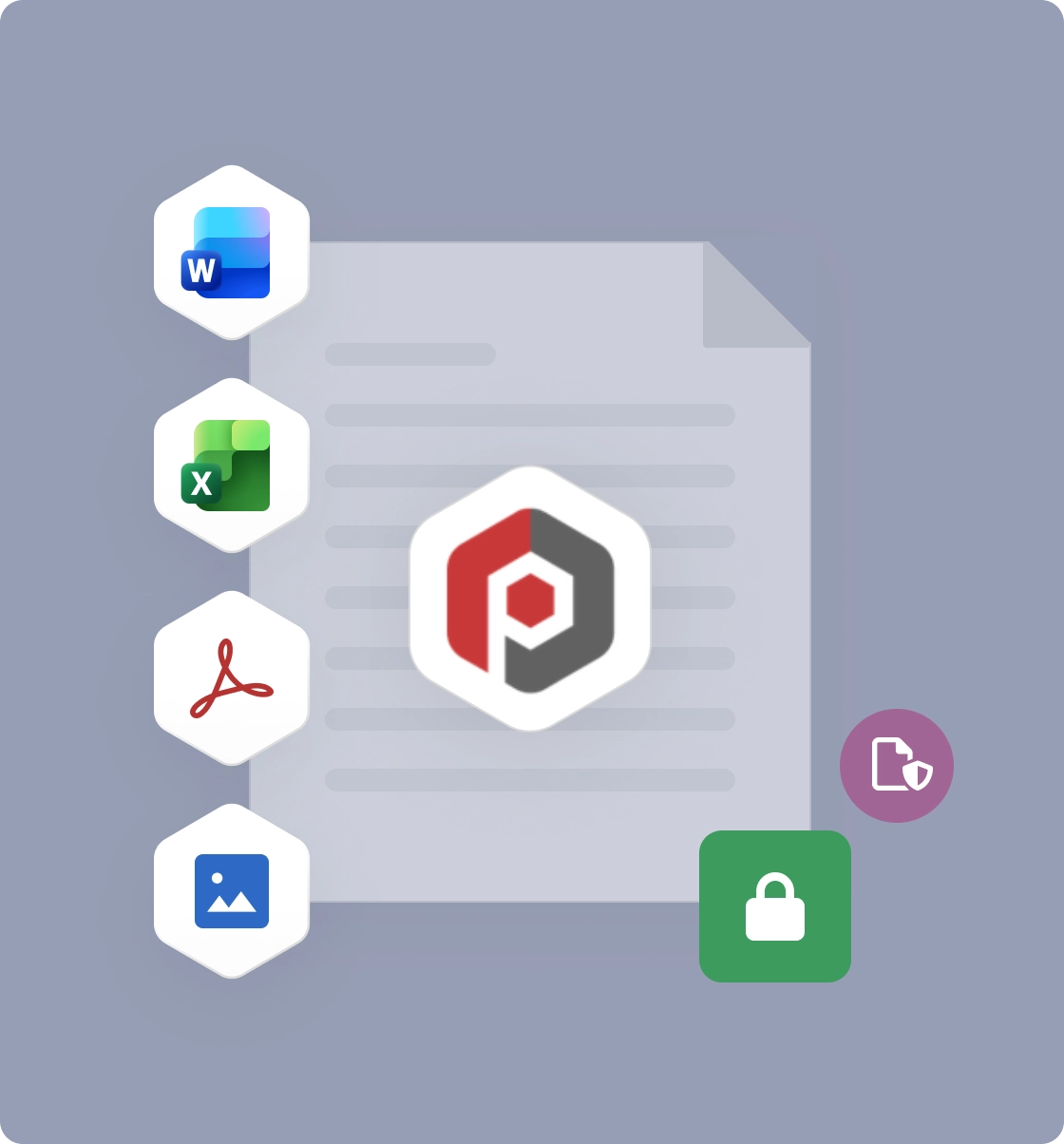
✕ Limited file type support | ✓ Works with Word, Excel, PDF, images, video, audio |
✕ Requires IT involvement to deploy and manage | ✓ Self-service. Works inside Gmail and Drive from day one |
✕ Limited post-send visibility | ✓ Full tracking with page-by-page analytics after sharing |
✕ Multi-year infrastructure projects to build in-house | ✓ Embed via API in weeks, not years |
PPAD is built by Digify, which has helped teams share sensitive information securely since 2011. The same ISO 27001-certified practices and security rigour that Digify customers rely on are built into every part of PPAD, with patent-pending layered encryption designed specifically for persistent file protection. Data residency and on-premise deployment options are available for environments with strict sovereignty requirements.
800k+
Users on Digify
138+
Countries
2011
Founded

Digital rights management is technology that controls how files can be accessed and used after they are shared. A DRM solution like PPAD keeps encryption, access permissions, tracking, and revocation attached to the file itself, so you stay in control even after a file is downloaded, forwarded, or saved on someone else's device.
PPAD encrypts files before they leave you, then ties every open to a licensing check. When a recipient opens a protected file, PPAD verifies their identity and current permissions before decrypting the content. Because authorization is checked at every open, you can update permissions, set expiry, or revoke access at any time, even for copies already downloaded.
Yes. PPAD-protected files stay encrypted wherever they go, and every open requires authorization. When you revoke access, the file becomes unreadable for that recipient, even if it's saved on their laptop or has been forwarded to others.
Yes. Because PPAD-protected files remain encrypted, AI tools can't read or index them without authorization. Copy-paste blocking and ScreenShield screenshot deterrence add further barriers, making it significantly harder for recipients to extract protected content into AI prompts.
No. Recipients open protected files without desktop software or complicated logins. This is the main difference from traditional DRM, which typically requires agents, plugins, or IT setup that recipients push back on.
PPAD supports the following file types:
PDF: (.PDF)
Spreadsheets: (.XLSX)
Document ( .DOC, .DOCX, .MOBI, .ODT, .OTT, .EPUB, .XPS)
Presentation (.PPT, .PPTX, .PPTM, .PPSM, .POTM, .ODP, .OTP)
Private notes: (.TXT)
Images: (.JPG, .PNG, .GIF, .BMP)
Yes. These frameworks hold you responsible for sensitive information even after documents are shared externally. PPAD keeps encryption and access control active after sharing and logs every access event, giving you the audit trail regulators and auditors expect.
Start protecting your emails and documents today, or book a demo to see how PPAD fits your workflows.