Received a PPAD file? Click here to open the file

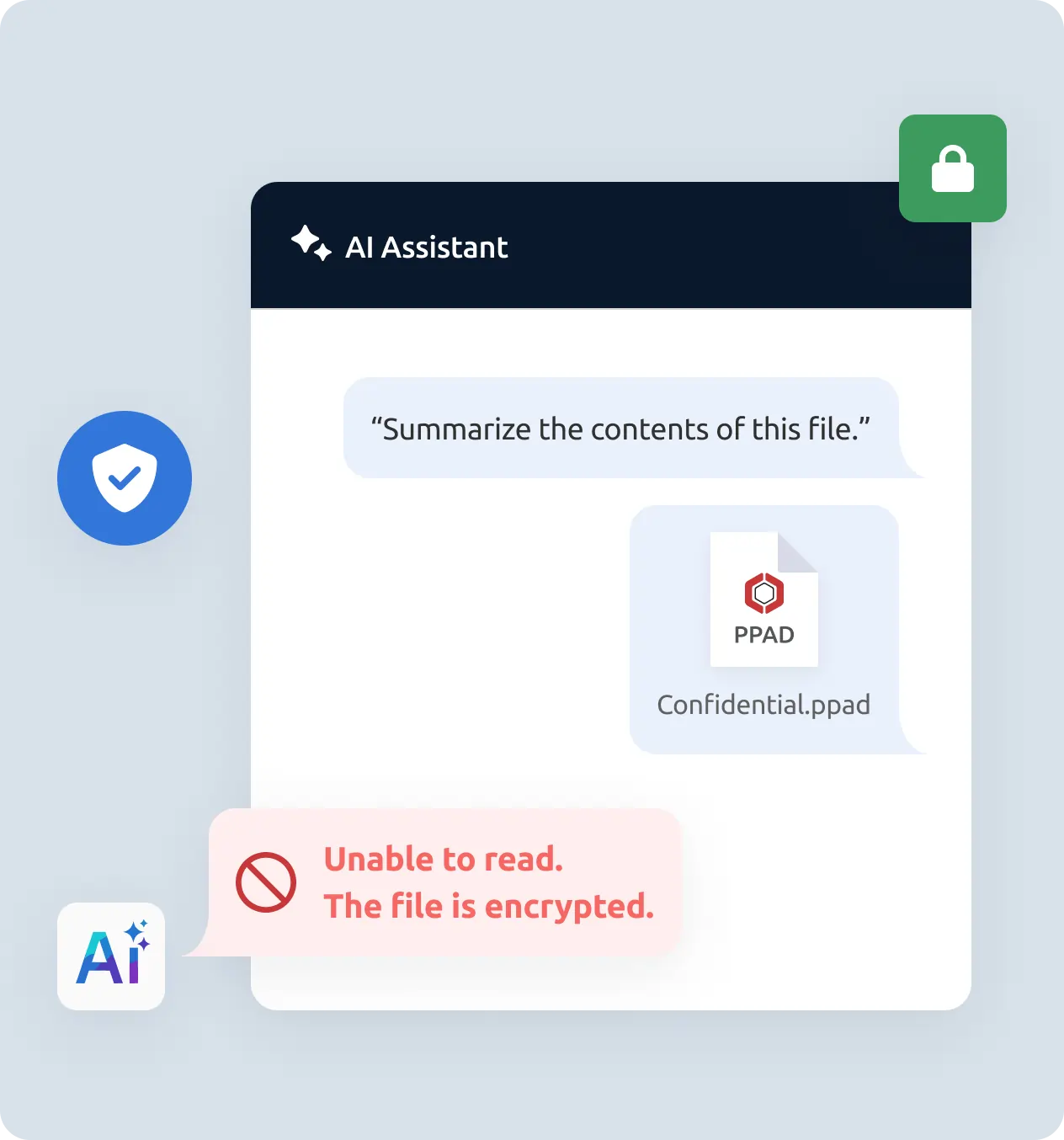
PPAD reduces the risk of sensitive information leaking through AI tools by protecting access to the content itself, before extraction becomes possible.
It rarely happens because someone means to cause harm. It happens because AI tools are genuinely useful, and people reach for them without thinking about what they're feeding into them.
Someone copies a paragraph from a confidential report into an AI tool to get a quick summary. The content is now in a third-party system, potentially used to train future models.
Someone takes a screenshot of a sensitive document to use it as an image input to an AI tool, or to send on to someone who was never authorized to see it.
An advisor uploads a client document to an AI tool to speed up analysis. A contractor pastes a financial model into a prompt. A departing employee takes files they'll use later, possibly with AI assistance.
It rarely happens because someone means to cause harm. It happens because AI tools are genuinely useful, and people reach for them without thinking about what they're feeding into them.
PPAD is not a way to block AI entirely; no tool can do that. It's a way to put real barriers in the path of the most common forms of leakage.
Enterprise MSAs now routinely prohibit suppliers from transmitting PII and confidential data to third-party AI tools, using it for model training, or retaining it beyond immediate processing. Once a file is emailed or downloaded, there's no native way to prevent a recipient from copying it into an AI tool, a potential breach with no easy recourse. PPAD's encryption ensures that protected files remain inaccessible to AI systems after sharing, which is the practical control these clauses are designed to enforce.
PPAD provides a practical layer of technical control after files leave your systems, with encryption that keeps files unreadable to AI, copy-paste blocking, ScreenShield to make screenshots significantly harder, and revocation if files reach unintended parties.
PPAD is designed to keep access tied to you specifically, not just to whoever happens to have the file. The one-time passcode step confirms you are the person the sender intended to share with, before any protected content is shown.
If you're seeing an error about incompatible settings or anonymous access, it's because PPAD doesn't work with anonymous access. This is a security feature: it's what keeps unauthorized recipients blocked.
Protect emails and attachments from being forwarded to AI tools or copied into prompts by unauthorized recipients or authorized ones.
Explore workspace security →
Protect files delivered through portals, VDRs, and content apps so they remain harder for AI tools to access or index after download.
Explore the API →
For banking, financial services, and other regulated environments where sensitive documents and AI tools are increasingly in the same workspace.
Explore Banking and Finance →
Start protecting your files and emails today. Free to try.