Received a PPAD file? Click here to open the file


PPAD encrypts Gmail content and attachments so you can track, update, and revoke access, even after the email has been forwarded, downloaded, or read.
Every time you send a sensitive email, you're handing control to the recipient. They can forward it, download the attachments, save them to a personal account, or pass them along to someone who was never meant to see them. Gmail makes that effortless, and there's nothing you can do about it once it's gone.
PPAD changes that. Protection is attached to the email and its attachments, not just the link or the inbox, so wherever that email ends up, access rules stay in force. Regulators and auditors increasingly expect that same accountability to extend to email sent outside your systems. Because every open and change is recorded, you can show exactly what happened to it, not just that it was sent securely.
Everything you need to protect sensitive emails, without leaving Gmail.
Everything happens inside Gmail. Your workflow stays exactly the same.
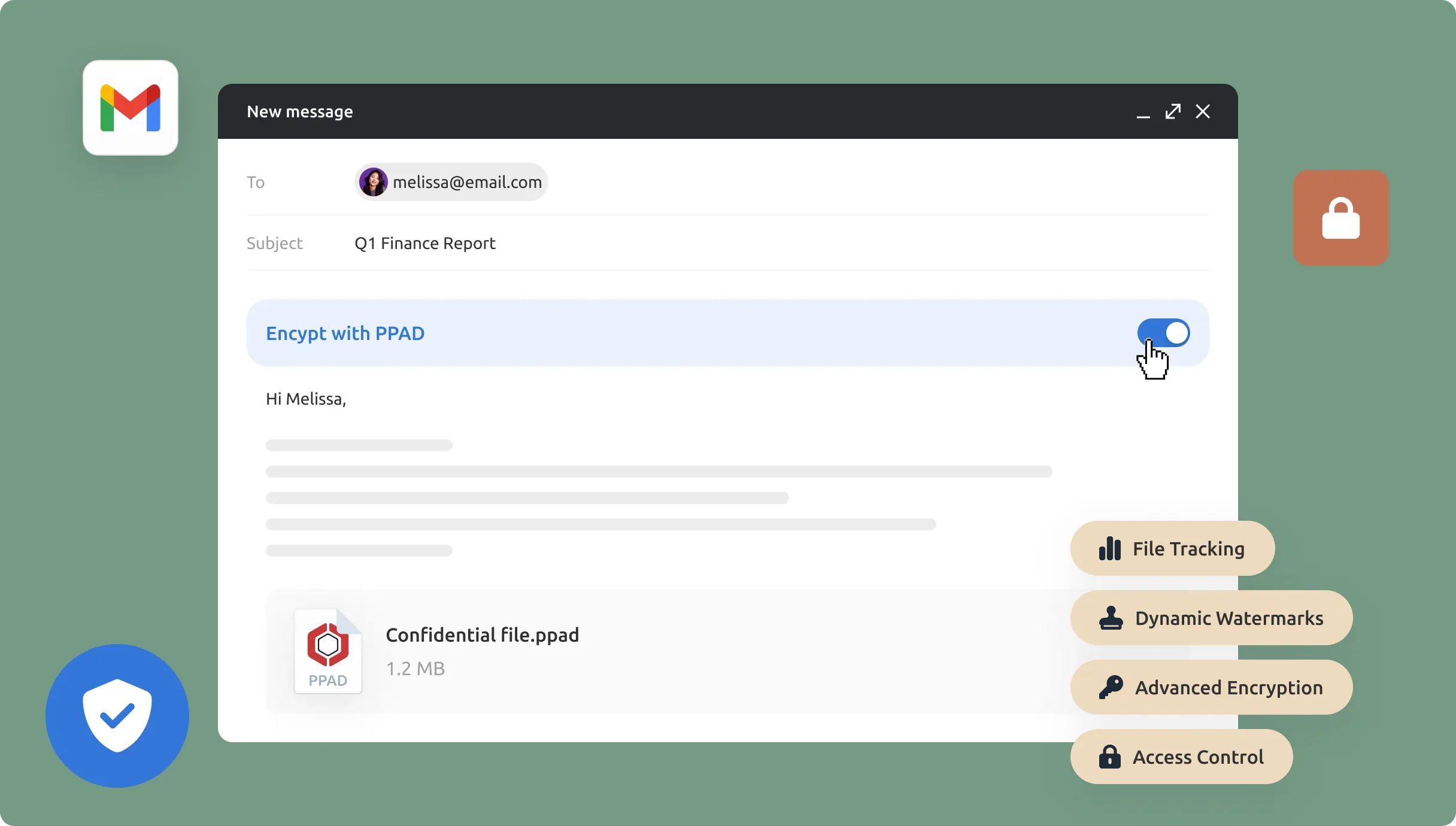
Write the email. Add attachments. Everything works exactly as it does today in Gmail.
Before you hit send, enable PPAD. Choose whether to protect just the email body, just the attachments, or everything. PPAD encrypts the content and converts attachments into .ppad files automatically
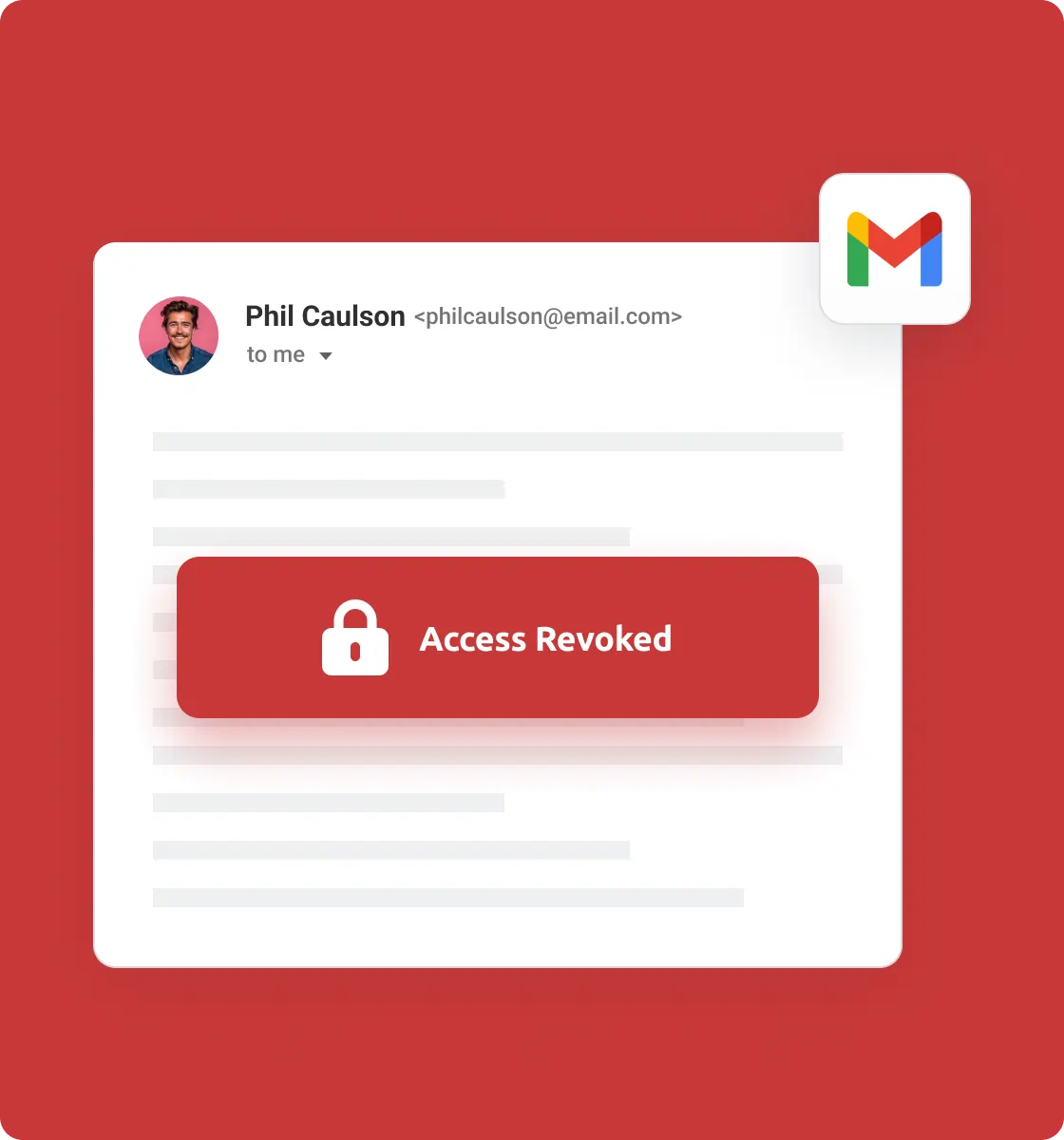
Once sent, track access in real time. Update permissions. Apply additional protections. Or revoke access whenever you need to. No chasing recipients, no second-guessing what happened.
When an employee leaves, they often have months of sensitive emails and attachments sitting in their inbox, and they can access all of it before you revoke their account. Some save attachments to personal email. Others forward whole threads before their last day.
PPAD keeps access tied to permission, not just the account. The moment you want to revoke access to something a departing employee has, you can, even if they've already downloaded it. And because every access event is logged, you can show what that employee actually did before access was cut off.
One of the reasons traditional DRM fails in practice is that it makes life hard for recipients. People stop using it because their contacts won't bother opening protected files.
PPAD is designed with recipients in mind. There's no desktop software to install. They verify their identity with a quick one-time passcode, then access protected content directly in their browser, including files that have been downloaded.
No desktop software required
Works in any modern browser
Mobile-friendly secure portal as fallback
One-time-install lightweight Chrome extension for Gmail users
Works whether or not the recipient has PPAD themselves
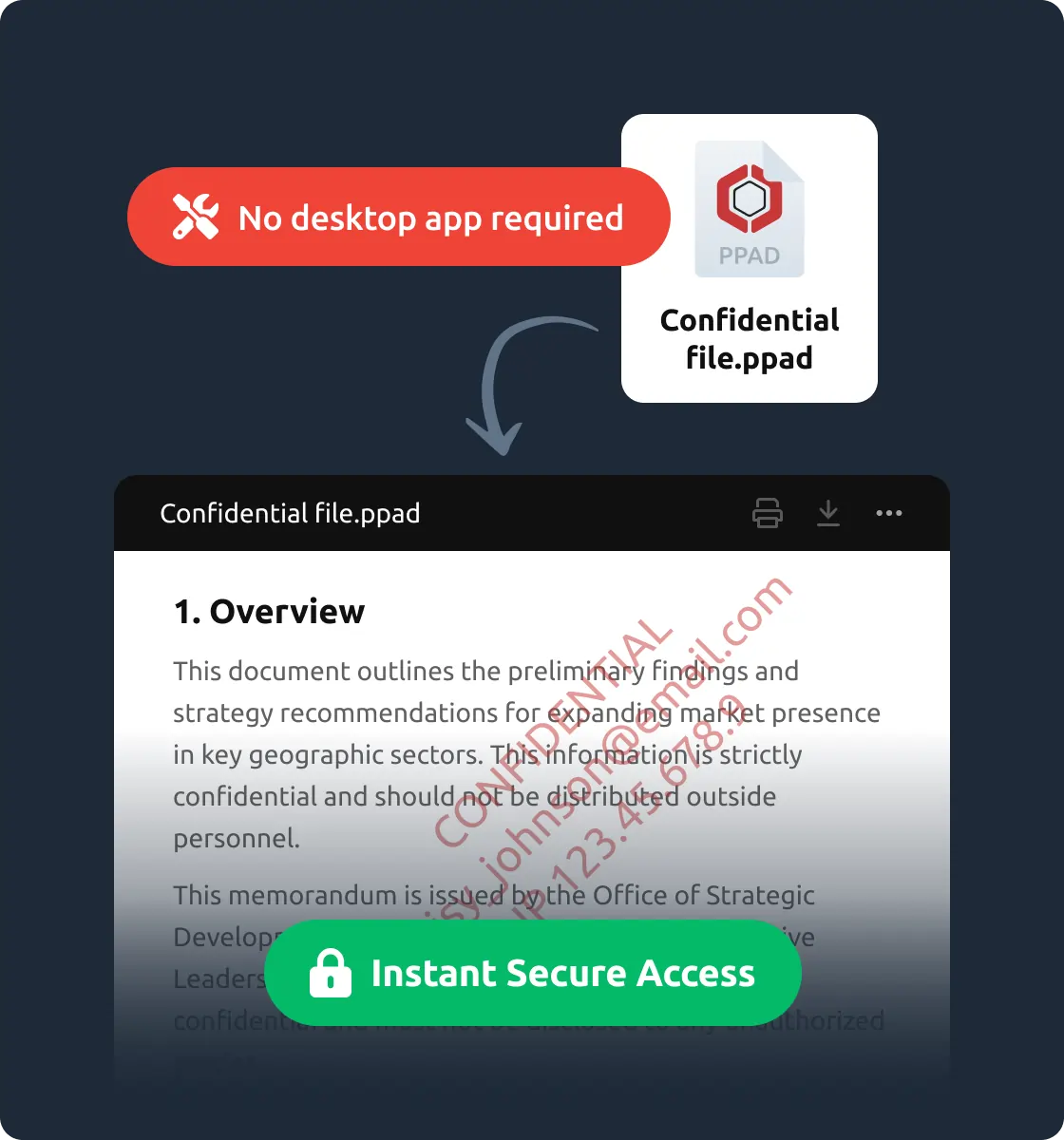
No. Recipients can open PPAD files directly in their browser without installing additional software.
No. Recipients are not required to have a Gmail account or the PPAD Gmail Plugin to access protected content. Users of Outlook, Microsoft 365, and other corporate email platforms can securely access protected emails and attachments via the PPAD online portal after successful authentication.
Yes. You can revoke access or set an expiration date at any time, even after the file has been downloaded.
Yes. PPAD uses encryption and digital rights enforcement to ensure files cannot be copied, forwarded, or modified outside the rules you configure.
Yes. The PPAD Viewer runs directly in your browser and there is no risk of downloading malware or unknown programs. You are simply extending your browser’s ability to open .ppad files securely.
To open a .ppad file, you will need the PPAD Viewer. For full instructions, see our help desk guide on opening PPAD files.
Start encrypting Gmail content today. Free to try, no workflow changes needed.