Received a PPAD file? Click here to open the file


A .ppad file is a protected version of a document, spreadsheet, image, video, or other supported file. The sender chose to encrypt it so only authorized recipients like you can open it.
A .ppad file is a supported file type, like a Word document, Excel spreadsheet, PDF, image, or video, that has been encrypted by the sender using PPAD (Persistent Protection After Download).
The encryption keeps the file protected even after it's downloaded or forwarded. That means only you, as an authorized recipient, can open and view the contents. Anyone else who receives the file will be blocked.
Opening it is simple. You just need to verify who you are first.
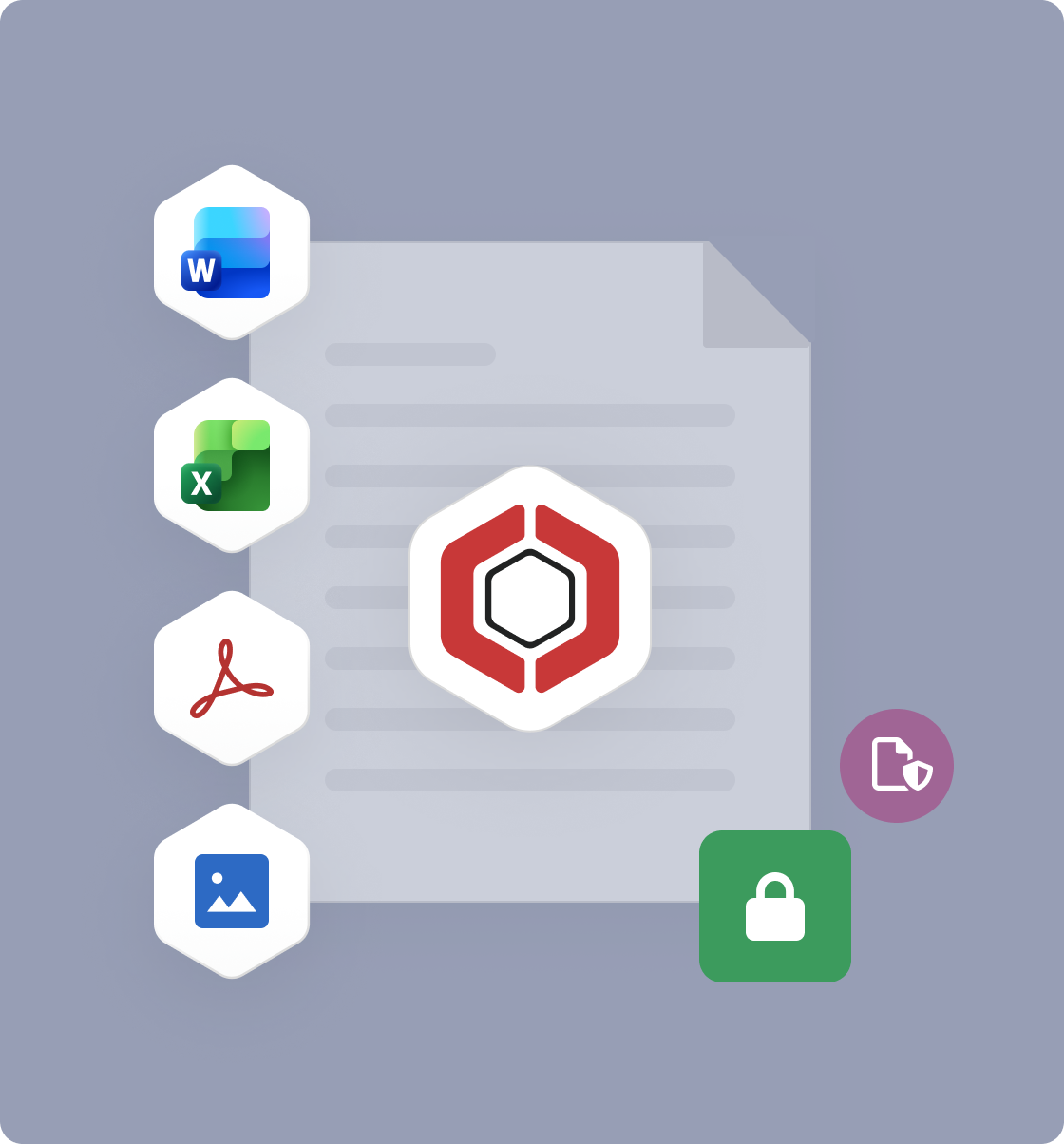
How you open a .ppad file depends on where you received it and whether you have the PPAD Viewer installed. The process is the same in either case, just in a slightly different form.
If you have the Gmail plugin installed, protected emails open directly in your inbox. You'll see a prompt to verify your identity with a one-time passcode. Enter it and the protected content (email body, attachments, or both) becomes readable.
If you don't have the plugin installed, or you're on mobile, click the link in the email to open the content through a secure browser portal instead. Same verification step, same result.
If you have the PPAD extension installed, a protected file in Google Drive opens directly in your browser, similar to how a normal Drive file opens. Verify your identity, and you're in.
If you don't have the extension, open the file in the browser first, then download it as a .ppad file. You can open it with the PPAD Viewer extension once installed.
After a .ppad file has been downloaded to your computer, open it using the PPAD Viewer, a lightweight Chrome-based extension. It doesn't install software on your machine; it just extends Chrome's ability to open .ppad files securely.
PPAD is designed to keep access tied to you specifically, not just to whoever happens to have the file. The one-time passcode step confirms you are the person the sender intended to share with, before any protected content is shown.
If you're seeing an error about incompatible settings or anonymous access, it's because PPAD doesn't work with anonymous access. This is a security feature: it's what keeps unauthorized recipients blocked.
Senders choose PPAD because they need to keep control of sensitive files even after sharing them. Once a file is downloaded, most security tools stop working. PPAD keeps protection active, so the sender can update permissions, revoke access, or track how the file is being used, even after it's on your device.
It's the same reason physical documents sometimes say "confidential", except PPAD actually enforces it.
800k+
Users on Digify
138+
Countries
2011
Founded



Get the PPAD Viewer: it installs in seconds and runs directly in your browser.