Received a PPAD file? Click here to open the file


The same persistent file and email protection that PPAD brings to Gmail and Google Drive, built for Microsoft 365. Register your interest and we'll keep you updated.
Microsoft 365 gives teams powerful tools for email and file collaboration. But once a sensitive email is forwarded from Outlook, or a SharePoint file is downloaded, control over that content disappears. This is the same gap that exists in Google Workspace.
Encrypt email body and attachments directly in Outlook. Verify recipient identity before access. Revoke at any time, even after the email is read, forwarded, or downloaded.
Convert SharePoint files to protected .ppad format. Keep access controls active after download, update permissions after sharing, and track engagement beyond SharePoint.
Edit protected Word and Excel files without losing protection. Currently in development for Google Drive, with Outlook and SharePoint support to follow. Access controls, permissions, and revocation stay in place through the full edit cycle.
The same capabilities as the Google Workspace version, built natively for Outlook and SharePoint workflows.
The Gmail and Google Drive version of PPAD is available now. Same persistent protection, same controls, built for Google Workspace.
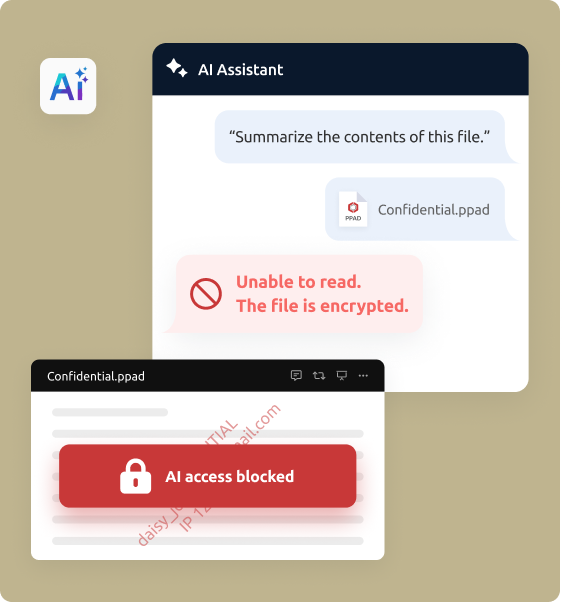
Explore Google Workspace Security →Enterprise clients are increasingly writing AI data restrictions into their MSAs, prohibiting suppliers from transmitting PII and confidential data to third-party AI tools. Many of those enterprises run on Microsoft 365, where sensitive files and emails move daily through Outlook and SharePoint.
PPAD for Outlook and SharePoint will give those organizations a practical way to enforce and audit those MSA commitments, keeping encryption and access controls active after emails and files leave approved Microsoft 365 environments.
Learn more about MSA AI compliance →
Start protecting your emails and files today. Register your interest.