


DRM software is no longer just for publishers and media companies. In 2026, buyers need file protection that follows sensitive documents after sharing, download, forwarding, and offline access. This guide compares ten DRM tools by category fit, controls, pricing visibility, review presence, and practical fit for business document security.
Key Takeaways
- PPAD ranks first because it is built around persistent protection after download, with revocation, expiry, watermarking, and tracking that stay relevant after a file leaves Gmail, Google Drive, or a connected platform.
- Digify ranks second because it is a mature document security and virtual data room platform with DRM, tracking, dynamic watermarking, access expiry, and a verified Capterra rating of 4.9 from 174 reviews in Capterra comparison results.
- Vitrium is a strong fit for publishers, course providers, and training teams that need DRM for documents, images, video, and audio, with public pricing from $5K per year.
- Locklizard and FileOpen remain useful for PDF-heavy publishing and controlled document distribution, although their recipient experience can feel more traditional than browser-first tools.
- Seclore, Fasoo, and NextLabs are enterprise EDRM options for large organizations that want broad data-centric security controls and are comfortable with heavier deployments.
- CapLinked and Kiteworks are broader secure collaboration platforms where DRM sits inside a VDR or secure content communications workflow rather than a standalone document DRM product.
How We Chose the Top 10
We focused on DRM tools that help organizations control business files after sharing. Gartner defines digital rights management software as technology for protecting files and digital assets against unauthorized sharing, copying, editing, screen grabbing, and misuse. That made document and business-file DRM the center of this comparison, while video-only OTT DRM and pure digital asset management tools were excluded.
| Criterion | What We Looked For |
|---|---|
| Category fit | Direct relevance to file, document, content, or enterprise DRM. |
| Product overlap | Access control, encryption, revocation, expiry, watermarking, tracking, and policy enforcement. |
| Review-platform presence | G2, Capterra, Gartner, Software Advice, or another credible public review source where available. |
| Pricing and source availability | Public pricing, pricing page, or clear contact-sales path on the vendor website. |
| Market relevance | Evidence that the vendor is active and useful for business buyers in 2026. |
Disclaimer: The content provided is based on information available on the internet at the time of publication. While we strive to ensure accuracy, information may change over time. We do not guarantee the completeness, accuracy, or timeliness of the content, and we are not responsible for any changes, errors, or omissions.
1. PPAD
PPAD is a modern DRM product by Digify for teams that need control after files leave the original system. It protects emails and files in Gmail, Google Drive, or an API workflow, then keeps encryption, revocation, expiry, watermarking, and tracking active after download.

Key Features
- Persistent protection after download
- Gmail and Google Drive workflows
- API-based file protection for platforms
- Revocation, expiry, watermarking, and ScreenShield
- Document-level and page-by-page analytics
- No desktop software required for desktop recipients
Pros
- Strongest fit for post-download document control
- Works where Google Workspace users already share files
- Browser-based recipient experience lowers friction
- Good fit for AI leakage and external sharing risk
- Built on Digify trust, ISO 27001 practices, and AES-256 positioning
Cons
- Google Workspace first, so Microsoft 365 depth is still developing
- No standalone G2 or Capterra profile yet
- Advanced enterprise identity features may require sales discussion
- Best for teams that already know which high-risk sharing workflows need protection
Pricing: Free plan
Best for: Persistent protection after download for Gmail, Google Drive, and API workflows
G2 rating: 4.6/5
Capterra rating: 4.9/5
2. Digify

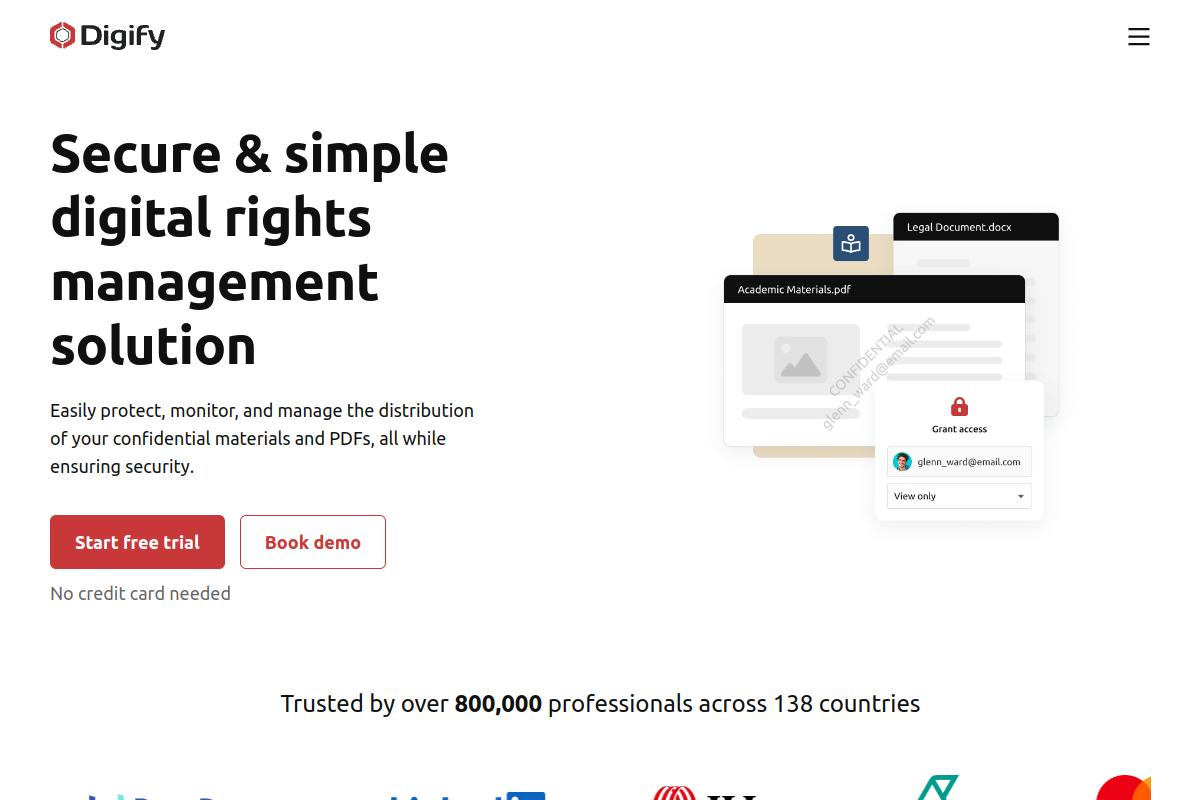
Digify is a secure document sharing and virtual data room platform with built-in DRM controls. It is strongest when teams need secure sharing, investor or diligence workspaces, analytics, watermarking, access expiry, and controlled document distribution from one mature platform.
Key Features
- Secure document sharing and virtual data rooms
- Granular access permissions and expiry
- Dynamic watermarking
- Document tracking and analytics
- Screenshot protection and download controls
- One-click NDA and secure sharing workflows
Pros
- Mature document security and VDR platform
- Strong Capterra presence and recognizable buyer trust
- Good mix of access controls, tracking, watermarks, and data rooms
- Clear fit for fundraising, diligence, investor updates, and sensitive file sharing
Cons
- Broader platform than a pure post-download DRM layer
- Some review snippets mention learning curve around rooms and file management
- Pricing may be more than lightweight PDF-only tools
- PPAD is better when the main need is protection that travels with downloaded files
Pricing: $140 to $350/month
Best for: All-in-one document security, VDR, tracking, watermarking, and DRM
G2 rating: 4.6/5
Capterra rating: 4.9/5
3. Vitrium

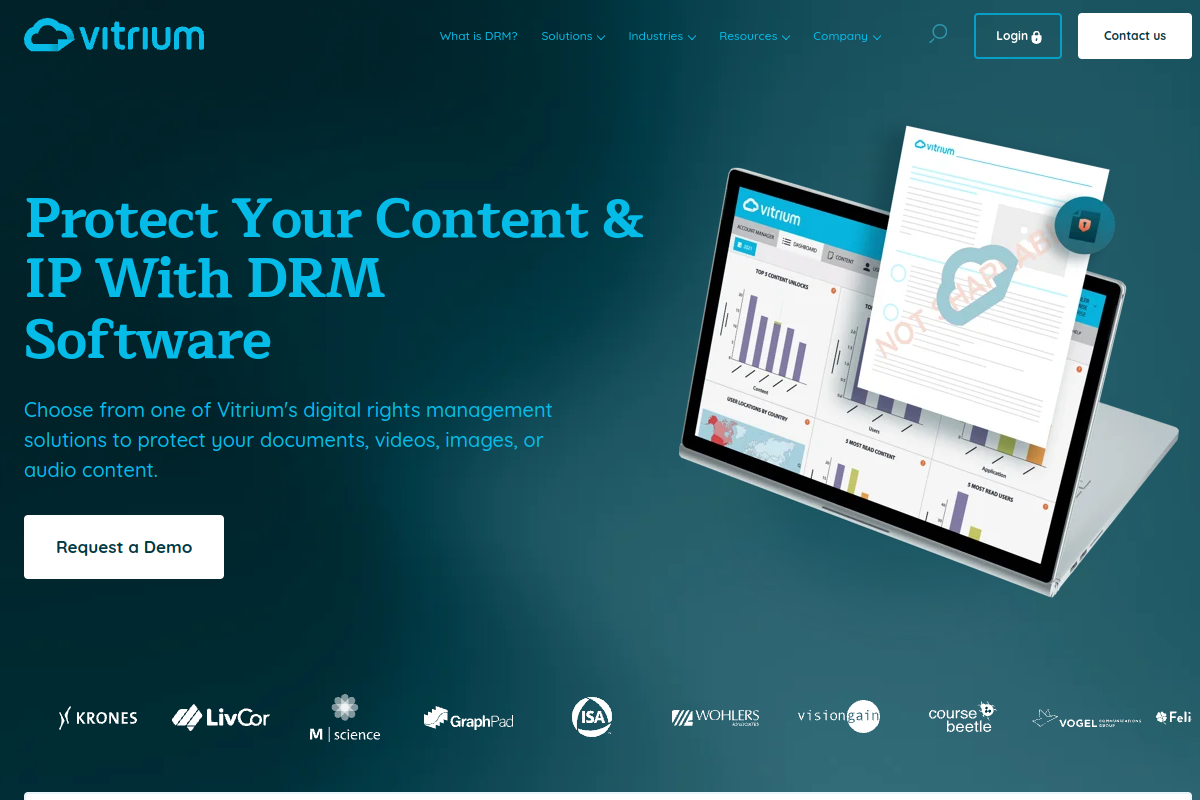
Vitrium is a DRM platform for content owners who protect documents, images, videos, and audio. Its public pricing page lists Pro from $5K annually and VitriumOne from $9K annually, making it one of the clearer enterprise content DRM options to budget for.
Key Features
- Secure web viewer and protected PDF options
- Print and copy controls
- Dynamic watermarks
- Expiry, device limits, IP limits, and country restrictions
- Secure links and custom portals
- DRM for documents, images, video, and audio
Pros
- Strong for training, publishing, courseware, and mixed content types
- Public starting pricing improves budget visibility
- No-app web viewer options for many use cases
- Policy depth includes device, expiry, location, and watermark controls
Cons
- Starting price is higher than some SMB-focused DRM tools
- Video and audio protection can be an add-on cost
- Some advanced controls depend on edition or quote
- Less natural for teams that live inside Gmail and Drive
Pricing: Pro from $5K/year; VitriumOne from $9K/year; Enterprise contact sales
Best for: Content DRM for documents, images, video, audio, training, and publishing workflows
G2 rating: 4.8/5
Capterra rating: 4.7/5
4. Locklizard

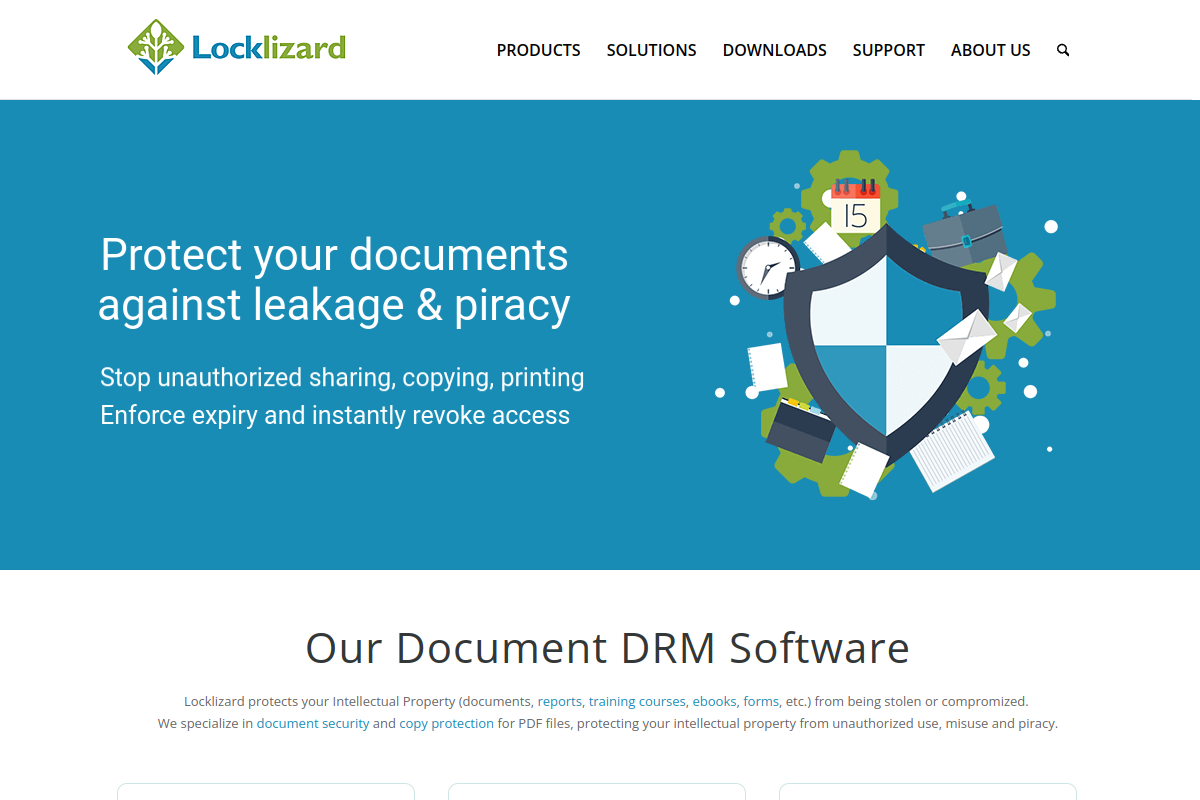
Locklizard focuses on PDF DRM, ebook protection, standards publishing, and document copy protection. It is a practical choice for teams with PDF-heavy workflows that need printing, copying, screenshot, device, expiry, revocation, and location controls around distributed documents.
Key Features
- PDF DRM and copy protection
- Secure PDF viewers for major platforms
- Print, copy, edit, and screenshot controls
- Dynamic watermarking
- Expiry, revocation, device locking, and location locking
- USB and web viewer options
Pros
- Focused PDF DRM with many practical copy-protection controls
- Supports installed viewers and some web/USB viewing scenarios
- Good fit for publishers, manuals, standards, and ebooks
- Longstanding vendor with detailed security feature pages
Cons
- PDF-first focus may be narrow for mixed Office workflows
- Contact-sales pricing reduces instant budget clarity
- Traditional viewer model can add recipient friction
- Less suited to Google Workspace-native sharing
Pricing: Contact sales; third-party listings often show from $500/month
Best for: PDF DRM and copy protection for documents, ebooks, manuals, and training content
G2 rating: Not verified
Capterra rating: Capterra listed
5. FileOpen

FileOpen provides document rights management for organizations that distribute protected PDFs and Office files at scale. Its approach is built around encrypted documents, authentication, permissions, and predictable annual licensing for publishers and enterprises with one-to-many distribution needs.
Key Features
- Rights management for PDF and Office files
- Encrypted files that retain original formats
- Authentication and permission enforcement
- Publishing-scale document distribution
- Annual licensing model
- Adobe ecosystem heritage
Pros
- Good for publishing-scale document distribution
- Retains standard document formats such as PDF and Office in supported workflows
- Annual licensing can work for one-to-many distribution models
- Vendor states support is included with annual license
Cons
- Quote-based pricing requires sales engagement
- Plugin or reader expectations may create friction in some recipient environments
- Public review evidence is thinner than Digify or Vitrium
- Less focused on modern Gmail and Drive workflows
Pricing: Quote-based annual licensing
Best for: Document rights management for PDF and Office files using standard document formats
G2 rating: 4/5
Capterra rating: 5/5
6. Seclore

Seclore ARMOR EDRM is built for large organizations that need persistent protection, monitoring, and control for sensitive digital assets across internal and external collaboration. It suits enterprise security programs where DRM must integrate with existing applications and policy systems.
Key Features
- Persistent EDRM for sensitive assets
- Dynamic access control
- Copy, print, screenshot, and extraction controls
- Dynamic watermarking
- Cloud, on-premises, and air-gapped deployment options
- Integration with enterprise security and collaboration systems
Pros
- Enterprise-grade EDRM for large security programs
- Broad deployment options including cloud, on-premises, and air-gapped environments
- Strong controls for sensitive assets wherever they travel
- Good fit for organizations with complex policy and integration needs
Cons
- Likely heavier deployment than lightweight browser-first tools
- Pricing is contact sales
- Some review platforms show limited public review data
- May be more platform than smaller teams need
Pricing: Tiered Essential, Enterprise, Elite packaging; contact sales for exact price
Best for: Enterprise DRM with persistent controls, dynamic policies, revocation, tracking, and broad deployment options
G2 rating: 4.6/5
Capterra rating: 0/5
7. Fasoo

Fasoo Enterprise DRM is a data-centric security platform for persistent file protection. It focuses on strong encryption, dynamic access controls, centralized management, derivatives protection, and exception policies for enterprises that need file-level control across repositories and endpoints.
Key Features
- Persistent file protection
- Centralized policy management
- Encryption and dynamic access controls
- Exception policy management
- Protection for derivatives and varied document formats
- Audit-oriented enterprise controls
Pros
- Strong file-level DRM positioning
- Persistent protection across file storage and sharing locations
- Centralized management for enterprise security teams
- Good fit for organizations that need policy depth and exception handling
Cons
- Contact-sales pricing reduces budget transparency
- Public review evidence is uneven by platform
- Enterprise deployment may require more IT ownership
- Less focused on simple external recipient workflows
Pricing: Contact sales
Best for: Enterprise file-level DRM for persistent protection, centralized management, exception policies, and audit control
G2 rating: 0/5
Capterra rating: 5/5
8. NextLabs SkyDRM

NextLabs SkyDRM uses DRM and dynamic authorization to keep protection with files across devices, applications, cloud services, and on-premises environments. It is most relevant to enterprises that need attribute-based policy decisions and detailed activity logging.
Key Features
- Persistent protection across locations
- Dynamic authorization policies
- View, edit, print, share, and extract controls
- Activity logs with device, location, time, and action data
- Attribute-based permissions
- Cloud and on-premises sharing scenarios
Pros
- Persistent protection backed by dynamic authorization
- Strong policy model for complex enterprises
- Detailed activity logging by device, location, time, and user action
- Good fit for IP, product design, and extended-enterprise collaboration
Cons
- Public Capterra evidence is limited
- Contact-sales pricing
- May be too complex for teams seeking a self-serve DRM layer
- Official URL spelling reflects vendor page path and can look unusual
Pricing: Contact sales
Best for: SkyDRM for persistent file protection, dynamic authorization, monitoring, and policy-based sharing
G2 rating: 4.7/5
Capterra rating: No reliable Capterra rating verified
9. CapLinked

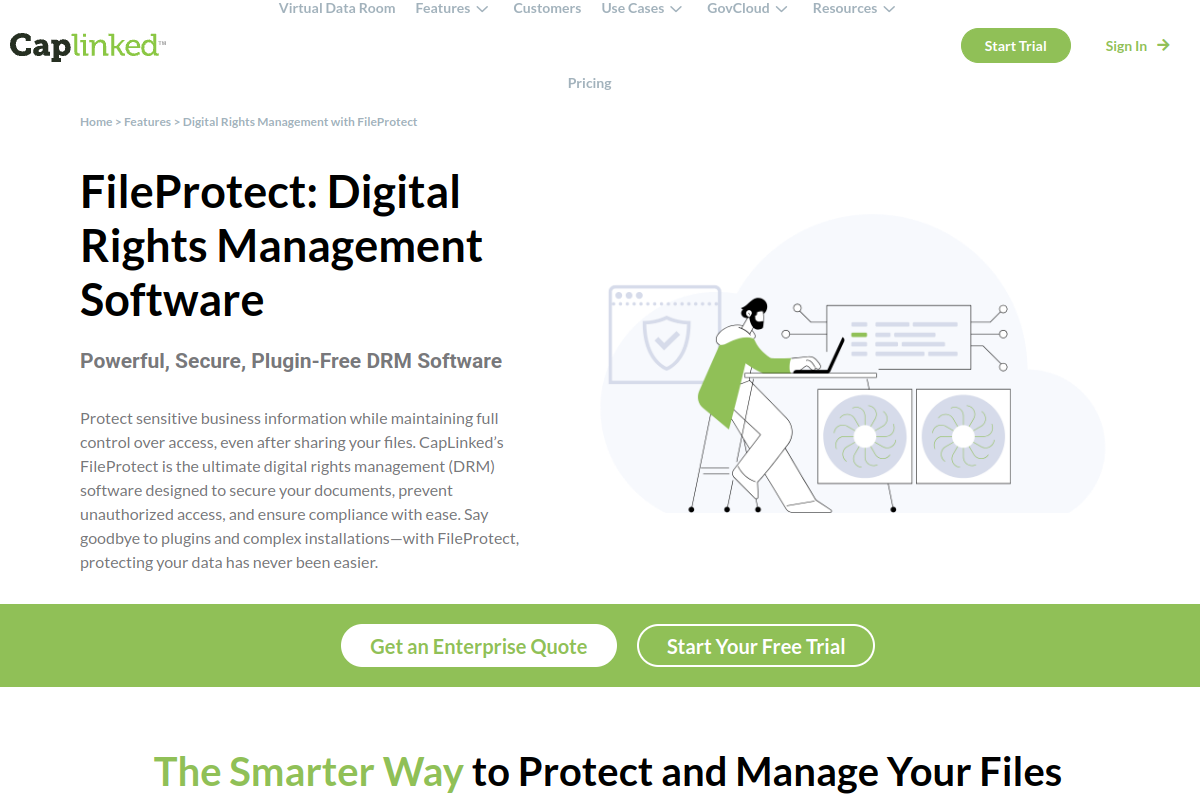
CapLinked is a virtual data room platform with FileProtect DRM for deal teams and organizations sharing sensitive files. It combines document storage, permissions, dynamic watermarks, view-only access, expiry, audit trails, Q&A, OCR search, and transaction-oriented workflows.
Key Features
- FileProtect DRM
- Custom dynamic watermarking
- Permission-based access controls
- View-only access and access expiration
- Activity tracker and audit trail
- VDR features including Q&A, OCR search, redaction, and SSO
Pros
- Combines VDR and DRM in one deal workspace
- Public Team and Enterprise pricing improves planning
- FileProtect covers watermarking, permissions, expiry, and audit needs
- Good fit for due diligence and transaction workflows
Cons
- DRM is part of a broader VDR, not a standalone DRM product
- Team plan starts at $399/month
- Less focused on protecting Gmail or Drive attachments directly
- Buyers wanting pure document DRM may find the VDR layer extra
Pricing: Team $399/month; Enterprise from $500/month or $5,000/year
Best for: Virtual data room platform with FileProtect DRM, watermarking, permissions, expiry, and audit trails
G2 rating: 4.4/5
Capterra rating: 4.5/5
10. Kiteworks

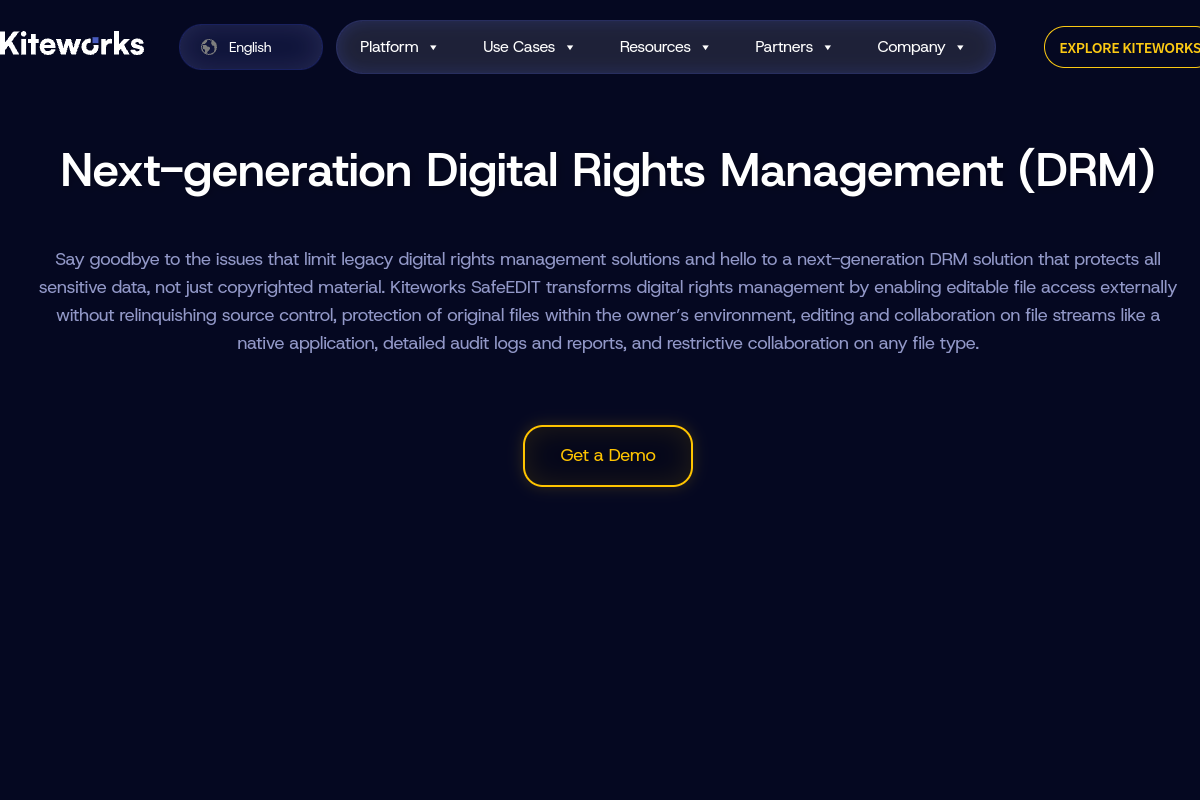
Kiteworks is a secure content communications platform with next-generation DRM through SafeEDIT. It is positioned around external collaboration where users need to work with sensitive files without the owner giving up possession of the original source document.
Key Features
- SafeEDIT next-generation DRM
- Editable external collaboration without transferring originals
- Secure email, file transfer, and shared folders
- Visibility and control for compliance
- Outlook, Office, web, and mobile access
- Hosted cloud and enterprise deployment options
Pros
- Strong secure communications platform around external file exchange
- SafeEDIT offers a distinct possessionless-editing approach
- Public business package pricing exists for smaller deployments
- Good compliance story for secure email and file sharing
Cons
- DRM is part of a broader content communications platform
- Business package is not positioned for every regulated use case
- Enterprise capabilities may require sales engagement
- May be more platform than a team needs for simple document revocation
Pricing: Business package $25.50/user/month annually; enterprise contact sales
Best for: SafeEDIT and secure content communications for external collaboration without transferring original source files
G2 rating: 4.4/5
Capterra rating: 4/5
Comparison Table
| Company | Best For | Core Strength | Pricing | Ratings (G2 / Capterra) |
|---|---|---|---|---|
| PPAD | Persistent protection after download for Gmail, Google Drive, and API workflows | Control after download | Free plan | 4.6/5 G2 / 4.9/5 Capterra |
| Digify | All-in-one document security, VDR, tracking, watermarking, and DRM | Secure document sharing and VDR | $140 to $350/month | 4.6/5 G2 / 4.9/5 Capterra |
| Vitrium | Content DRM for documents, images, video, audio, training, and publishing workflows | Mixed-content DRM | Pro from $5K/year; VitriumOne from $9K/year; Enterprise contact sales | 4.8/5 G2 / 4.7/5 Capterra |
| Locklizard | PDF DRM and copy protection for documents, ebooks, manuals, and training content | PDF DRM | Contact sales; third-party listings often show from $500/month | 3.2/5 Trustpilot |
| FileOpen | Document rights management for PDF and Office files using standard document formats | Publishing-scale document rights | Quote-based annual licensing | 4/5 G2 / 5/5 Capterra |
| Seclore | Enterprise DRM with persistent controls, dynamic policies, revocation, tracking, and broad deployment options | Enterprise EDRM | Tiered Essential, Enterprise, Elite packaging; contact sales for exact price | 4.6/5 G2 / 0/5 Capterra |
| Fasoo | Enterprise file-level DRM for persistent protection, centralized management, exception policies, and audit control | File-level enterprise DRM | Contact sales | 0/5 G2 / 5/5 Capterra |
| NextLabs SkyDRM | SkyDRM for persistent file protection, dynamic authorization, monitoring, and policy-based sharing | Dynamic authorization | Contact sales | 4.7/5 G2 / No reliable Capterra rating verified |
| CapLinked | Virtual data room platform with FileProtect DRM, watermarking, permissions, expiry, and audit trails | VDR with DRM | Team $399/month; Enterprise from $500/month or $5,000/year | 4.4/5 G2 / 4.5/5 Capterra |
| Kiteworks | SafeEDIT and secure content communications for external collaboration without transferring original source files | Secure content communications | Business package $25.50/user/month annually; enterprise contact sales | 4.4/5 G2 / 4.5/5 Capterra |
FAQs
What is the best DRM software in 2026?
PPAD is the best choice in this list for teams that need protection to stay active after a file is downloaded, forwarded, or opened outside the original platform. Digify is better for teams that also need a full secure document sharing platform or virtual data room. Vitrium, Locklizard, and FileOpen are stronger fits for publishing and training content.
Which DRM software protects files after download?
PPAD is designed specifically around persistent protection after download. It keeps access rules, revocation, expiry, watermarking, ScreenShield, and analytics relevant after a file leaves Gmail, Google Drive, or an API-connected product. Seclore, Fasoo, NextLabs, and CapLinked also emphasize persistent or post-share controls, but their deployment models and buyer fit differ.
How are PPAD and Digify different?
PPAD and Digify are complementary. PPAD is the persistent protection layer for files and emails that move through Gmail, Google Drive, or an API workflow. Digify is the broader secure document sharing and virtual data room platform for controlled workspaces, due diligence, analytics, and structured external sharing.
Which DRM tools are best for PDF protection?
Locklizard, FileOpen, VeryPDF, Vitrium, and PPAD are all relevant for PDF protection, but they solve slightly different problems. Locklizard and FileOpen are more traditional PDF DRM and publishing tools. Vitrium suits content distribution. PPAD is best when the priority is revocation, tracking, and protection after a downloaded file moves beyond the original sharing system.
Is Microsoft Purview a DRM software alternative?
Microsoft Purview Information Protection can protect sensitive data with sensitivity labels, encryption, and data loss prevention inside Microsoft environments. It did not make the final top ten because this article prioritizes dedicated document DRM and file-sharing DRM tools. It remains relevant for Microsoft 365-centric enterprises with mature compliance programs.
What should buyers check before choosing DRM software?
Start with recipient experience, file-type support, post-download control, revocation, watermarking, audit logs, offline access, pricing, and whether the tool fits the workspace where files are actually shared. A strong DRM tool that users avoid will not protect much. For Google Workspace sharing, PPAD should be evaluated early.
Conclusion
The right DRM software depends on the files you protect and the workflow your recipients will actually use. Vitrium, Locklizard, FileOpen, Seclore, Fasoo, NextLabs, CapLinked, and Kiteworks each have a clear place in the market. The shared blind spot for many alternatives is what happens after a file is downloaded into everyday work. Among the ten covered, PPAD is the strongest choice for teams that want persistent protection after download without pushing recipients into heavy setup.
Want DRM That Keeps Working After Download?
Try PPAD if your team shares sensitive documents through Gmail, Google Drive, or a product portal and needs revocation, expiry, watermarking, tracking, and protection that stays with the file after it leaves your system.