

Once a document leaves your inbox, most protection stops at the download button. These ten platforms take different approaches to guarding sensitive files: some build encrypted virtual data rooms, others attach DRM directly to the file so it survives even a screenshot. Here's how they compare, and which one keeps working after the file is gone.
Key Takeaways
- PPAD keeps encryption, tracking, and the ability to revoke access active even after a file has been downloaded, forwarded, or copied to another device, closing a gap that every other tool on this list leaves open the moment a recipient clicks download.
- Digify, the company behind PPAD, combines secure document sharing with virtual data rooms and holds a 4.6/5 rating on G2 and 4.9/5 on Capterra.
- Firmex carries the strongest named customer base on this list, with references including Deloitte, EY, JP Morgan, and PwC, backed by 4.6/5 on G2 and 4.8/5 on Capterra.
- Kiteworks and Seclore lean toward large, regulated enterprises, bundling document protection with secure email, managed file transfer, or SIEM integrations rather than positioning as standalone DRM tools.
- Locklizard Safeguard and FileOpen focus narrowly on PDF and Office file DRM, and both carry strong ratings from very thin review counts, a reminder to weigh star ratings alongside review volume.
- Pricing ranges from $25 per user per month for PPAD's Email plan to $5,000 or more a year for dedicated content-protection platforms like Vitrium, with several vendors keeping pricing behind a sales call entirely.
How We Chose the Top 10
We defined "document security software" broadly: SaaS platforms that protect sensitive documents during or after sharing through DRM, secure document sharing, virtual data rooms, access controls, dynamic watermarking, revocation, encryption, viewer analytics, audit logs, or data-centric policy enforcement. That mirrors how G2's Digital Rights Management software category frames the space: tools that let content owners control access, usage, and distribution of digital files, including after they leave the organization. Broad document management and generic cloud storage tools were left out unless their own product pages clearly positioned them around document-level rights control or secure external exchange. From there, we weighed each candidate against practical criteria instead of ranking by marketing spend.
| Criterion | What We Looked For |
|---|---|
| Category fit | Clear public positioning around document DRM, document security, secure external sharing, or virtual data rooms, not a minor add-on to a broader product. |
| Product overlap | Support for document-level controls such as access permissions, revocation, watermarking, print or copy restrictions, encryption, and audit logs. |
| Review-platform presence | A verifiable G2 or Capterra listing, so ratings could be checked against live pages rather than marketing claims. |
| Pricing and source availability | An official pricing page or a clearly documented contact-sales path, rather than a vague promise of "custom solutions." |
| Market relevance | Active official product pages, customer or usage claims, and evidence the product is still maintained and sold today. |
Disclaimer: The content provided is based on information available on the internet at the time of publication. While we strive to ensure accuracy, information may change over time. We do not guarantee the completeness, accuracy, or timeliness of the content, and we are not responsible for any changes, errors, or omissions.
1. PPAD
PPAD (Persistent Protection After Download) is a document and email security product by Digify built around one idea: protection shouldn't stop the moment a file is downloaded. It keeps encryption, access control, tracking, and revocation active after a file is shared, forwarded, or saved to another device. Senders turn on protection with a single toggle inside Gmail or a right-click in Google Drive, and recipients open protected content straight in their browser, no software to install.

Key Features
- AES-256 encryption applied at the file level, so protection travels with the document wherever it ends up, even after download
- Instant revocation and file expiration, changeable at any time without resending the file
- Dynamic watermarks, print control, copy-paste blocking, and ScreenShield to deter screenshots
- Page-by-page open and view tracking, plus a post-send audit trail that keeps working after a file is downloaded or forwarded
- One-toggle protection inside Gmail, right-click protection in Google Drive, or an API for developers building protection into their own product
Pros
- Persistent file protection remains in place even after files are downloaded, which is the gap most document security tools on this list leave open
- Easy to set up and simple to use, with no complicated per-file settings to configure
- No desktop application required, making it straightforward for both administrators and recipients
- Encryption keeps AI models from reading protected files, which also keeps sensitive data out of AI training sets
- Built with compliance requirements in mind, with audit trails and granular access controls
Cons
- Outlook and SharePoint support is coming soon and not yet available, so Microsoft-first teams have to wait
- No standalone G2 or Capterra listing yet; PPAD is currently reviewed under Digify
- Built primarily for Google Workspace, making it less suited to Microsoft-first organizations today
Pricing: $25/user/month (Email plan, billed annually)
Best for: Teams that need document and email protection to keep working, with full tracking and revocation, even after a file is downloaded
G2 rating: 4.6/5
Capterra rating: 4.9/5
2. Digify

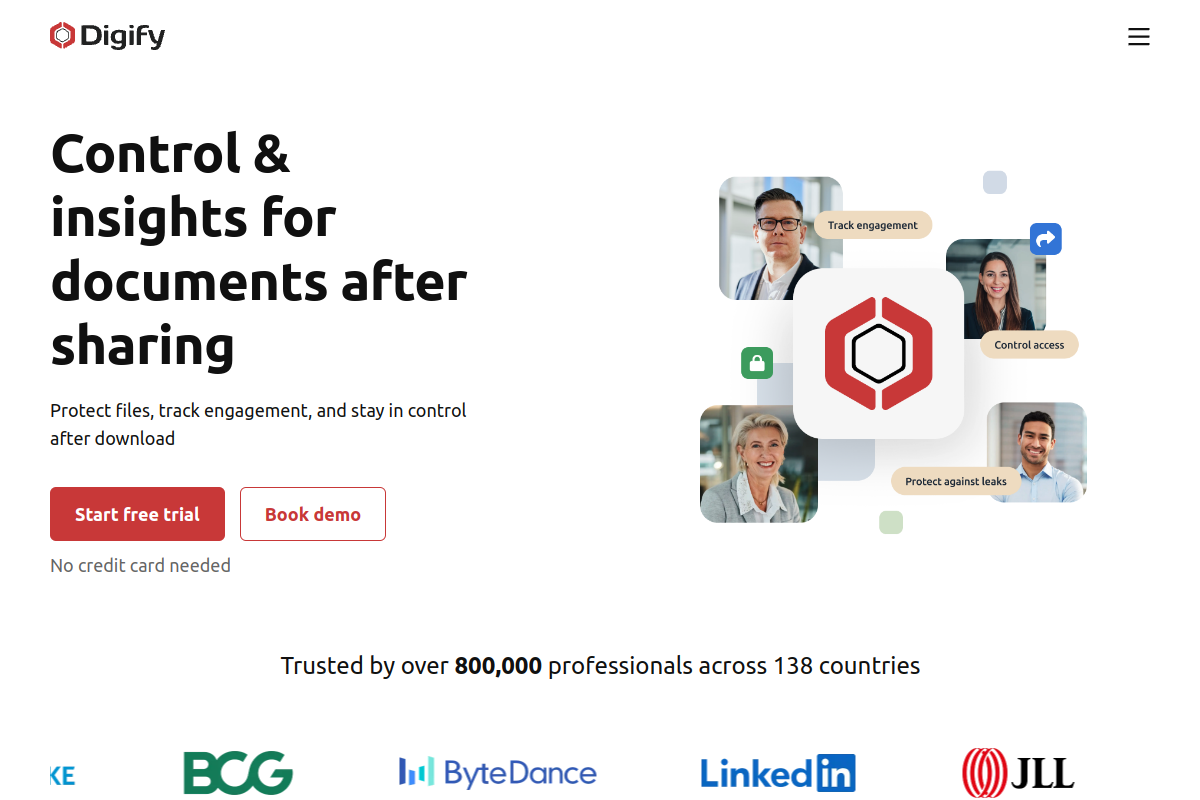
Digify is the secure document sharing and virtual data room platform behind PPAD, built for teams handling sensitive deal, investor, sales, publishing, or training content. It combines document tracking, granular permissions, one-click NDAs, dynamic watermarking, screenshot protection, and virtual data rooms in a single platform trusted by more than 800,000 professionals across 138 countries.
Key Features
- Secure document sharing with document tracking and page-by-page analytics
- Virtual data rooms with granular permissions and one-click NDA gating
- Persistent Protection After Download for content shared outside the platform
- Dynamic watermarking, screenshot protection, and password protection
- Print, copy, and download restrictions with full activity tracking
Pros
- Combines everyday secure document sharing with full virtual data rooms in one platform
- Persistent Protection After Download is built directly into the platform rather than sold separately
- Strong ratings on both review platforms, 4.6/5 on G2 and 4.9/5 on Capterra
- Trusted by more than 800,000 professionals across 138 countries
Cons
- Some G2 reviewers describe the interface as clunky in places
- Virtual data room pricing starts at $140 a month, above several general document-sharing tools
- Built around deal, fundraising, and confidential-content workflows rather than everyday internal file storage
Pricing: $140/month (Pro plan, includes three data rooms and 100GB storage)
Best for: Teams sharing sensitive deal, investor, sales, publishing, or training content that need tracking and virtual data room controls
G2 rating: 4.6/5
Capterra rating: 4.9/5
3. Vitrium Systems
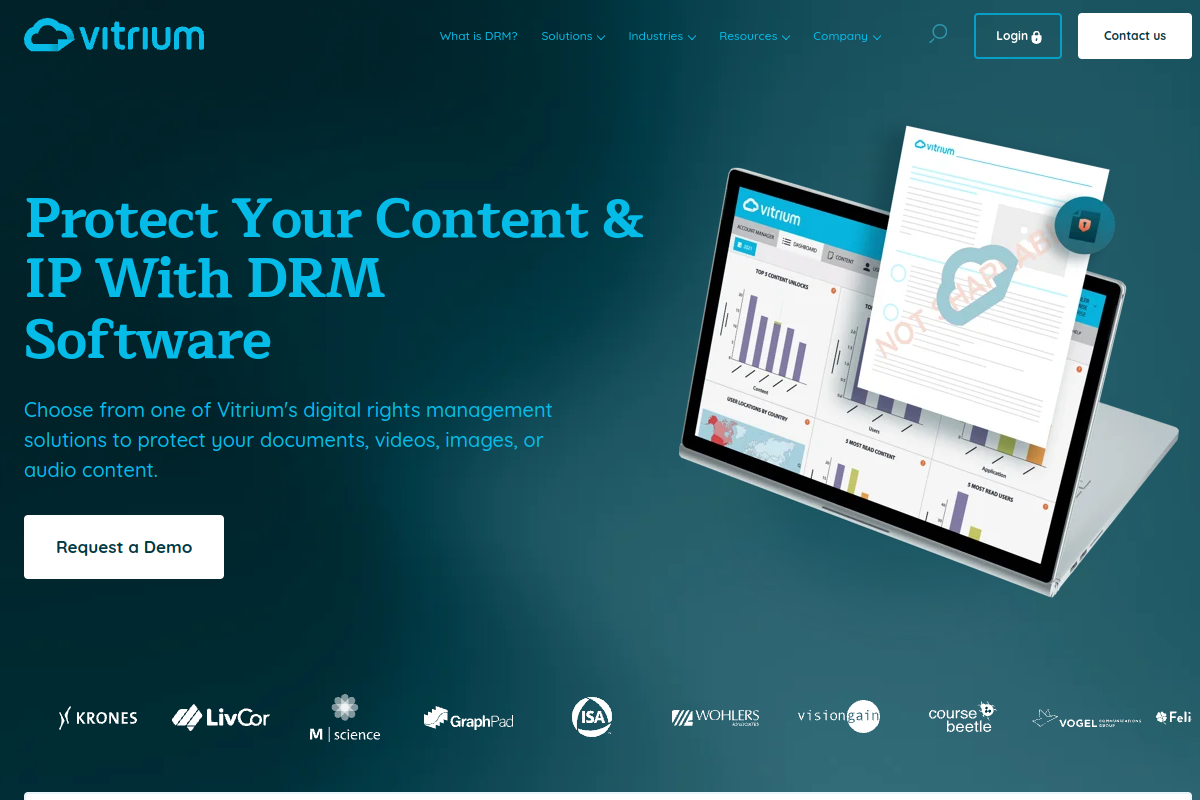
Vitrium Systems is a digital rights management platform that protects documents, images, video, and audio for publishers, training providers, and enterprises. It converts content into a secure web format, applies AES encryption and dynamic watermarks, and distributes protected content through secure links, streaming, or a custom-branded portal.
Key Features
- Secure HTML conversion for documents and images with AES encryption
- Print, copy, and download controls with expiry dates and device limits
- Dynamic watermarks with user and group DRM policy assignment
- Distribution via secure web links, on-demand streaming, or a custom user portal
- API integration with LMS, CRM, and other third-party systems on the Enterprise plan
Pros
- Strong DRM depth for protecting documents, images, video, and audio inside one platform
- Configurable policies let content owners fine-tune printing, copying, and download rules by user group
- Solid 4.8/5 rating on G2
- No plug-ins or apps required for end users to view protected content
Cons
- Some Capterra reviewers note that less technical users may need extra support to get set up
- Entry pricing starts at $5,000 a year, higher than most document-sharing tools on this list
- Smaller review base than more general-purpose document security platforms
Pricing: $5,000/year (Vitrium Security Pro, billed annually)
Best for: Publishers, training providers, and enterprises protecting documents, images, video, and audio with configurable DRM policies
G2 rating: 4.8/5
Capterra rating: 4.7/5
4. Locklizard Safeguard

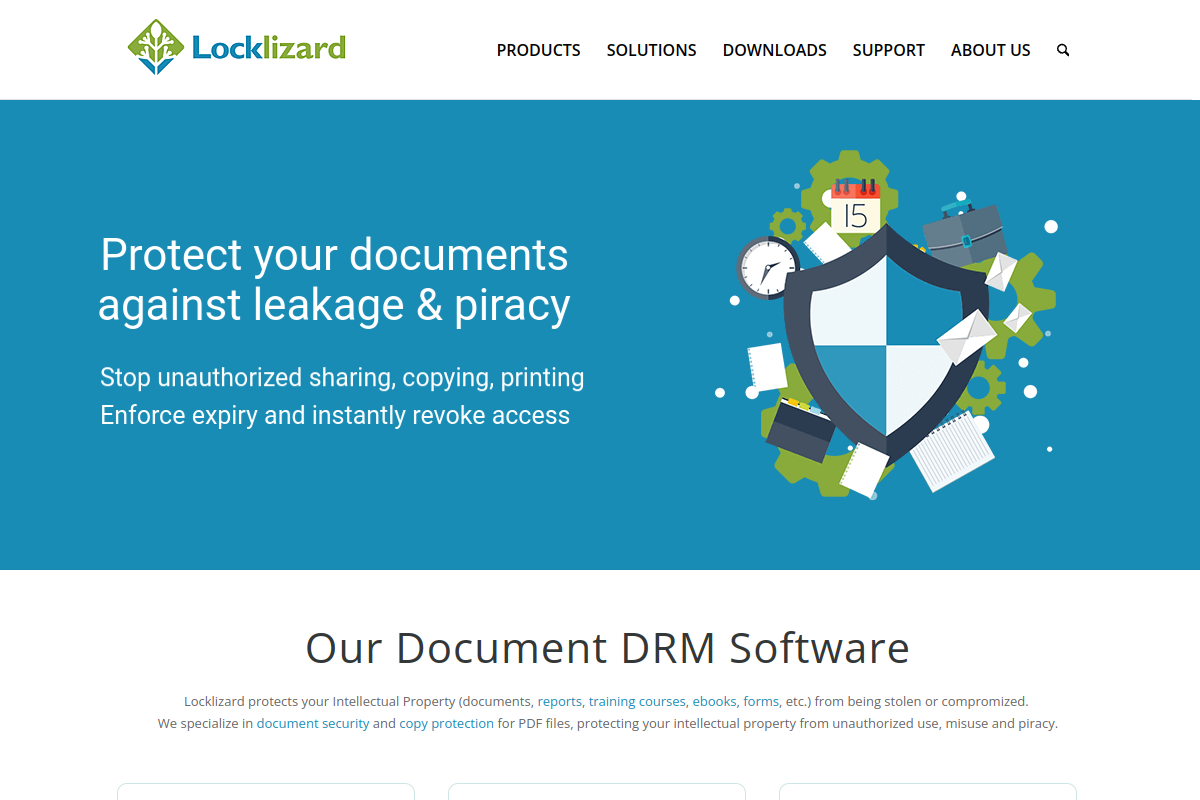
Locklizard Safeguard is a PDF-focused DRM tool built for buyers who need to stop copying, printing, and screenshotting of sensitive PDFs. On top of standard encryption, it adds dynamic watermarks, expiry and self-destruct rules, device and location locking, remote revocation, and detailed usage tracking after a document has been shared.
Key Features
- Stop copying, editing, and saving of protected PDFs
- Disable printing and block screenshots
- Dynamic watermarks with expiry and self-destruct controls
- Revoke documents and lock access by device or location
- PDF use tracking that continues after documents are shared
Pros
- Strong fit for PDF-specific DRM, with copy, print, and screenshot controls in one product
- Device and location locking add a layer of control most general sharing tools don't offer
- Revocation still works even after a PDF has already been distributed
- Perfect 5.0/5 rating on Capterra
Cons
- No meaningful G2 rating yet, so independent review validation is thinner than for other tools on this list
- Pricing is quote-based only, with no published starting figure
- A third-party review described the product as solid but costly for protecting a single file type
Pricing: Custom / contact sales
Best for: Teams that need copy, print, screenshot, and device-level protection specifically for PDFs
G2 rating: Not yet rated
Capterra rating: 5.0/5
5. Dropbox DocSend

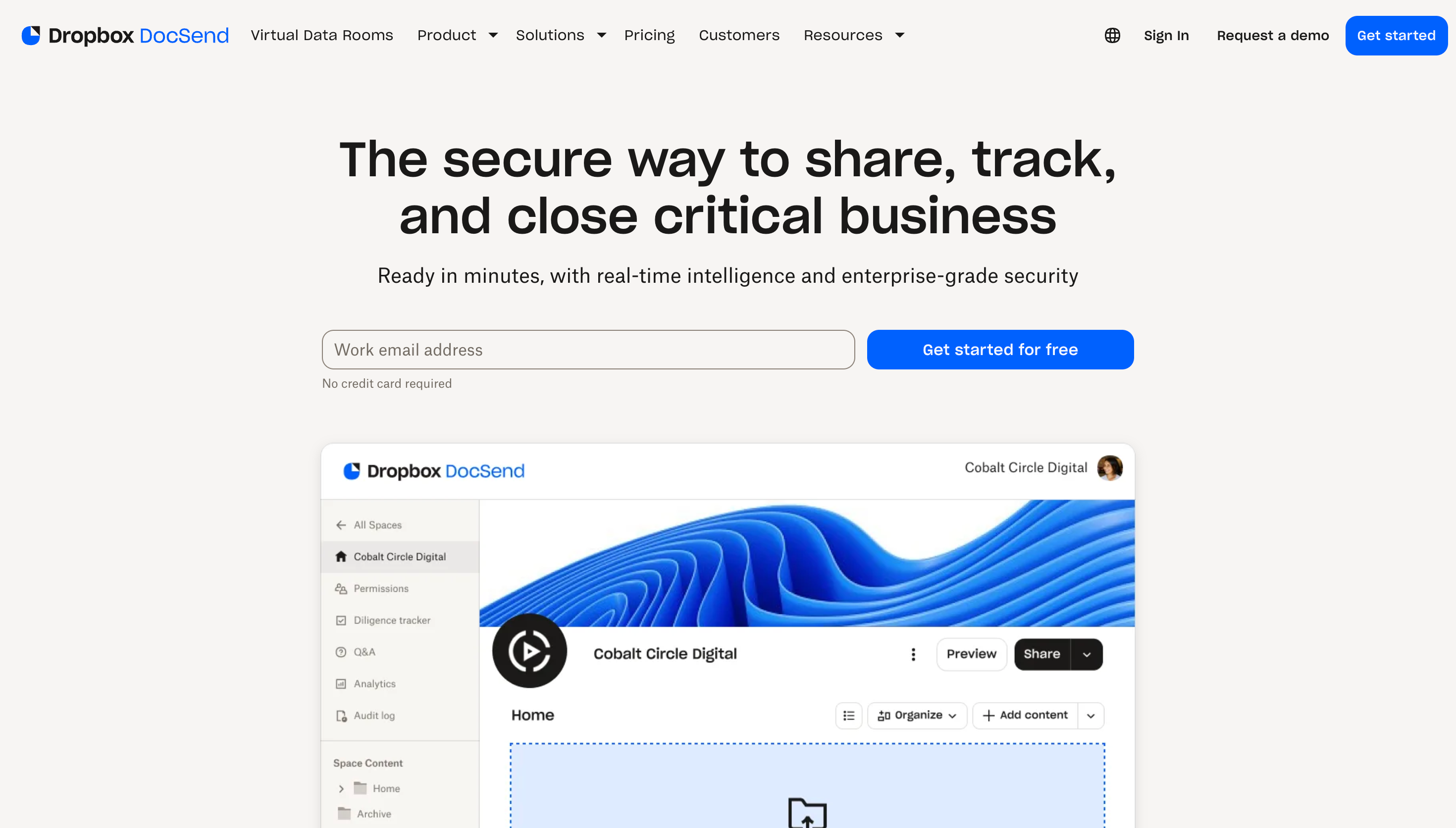
Dropbox DocSend is built for fundraising, deal, and sales teams that need to know exactly who viewed a document and for how long. It pairs secure links and virtual data rooms with page-by-page engagement analytics, email visitor authentication, dynamic watermarking, and NDA gating, aimed at deal-stage document sharing rather than everyday file storage.
Key Features
- Shared link access controls with the ability to revoke access at any time
- Document tracking and page-by-page engagement analytics
- Email visitor authentication with allow and block lists
- Dynamic watermarking, NDAs, and gating agreements
- Data room audit logs and analytics on Advanced Data Rooms
Pros
- Strong document engagement analytics show who viewed what, when, and for how long
- Email visitor authentication and allow/block lists give real control over who can open a link
- Trusted by more than 47,000 companies, according to DocSend's own site
- Purpose-built for M&A, fundraising, and high-stakes sales workflows
Cons
- Cannot reliably prevent recipients from taking screenshots or photos of the content.
- Limited protection after download. You cannot continue enforcing security policies on the downloaded copy.
- Advanced security features require the pricier Standard plan and above
Pricing: $10/user/month (Personal plan)
Best for: Fundraising, deal, and sales teams that need secure document links with engagement analytics and access control
G2 rating: 4.6/5
Capterra rating: 4.5/5
6. CapLinked

CapLinked is a virtual data room built for M&A, fundraising, and due diligence teams that need a secure repository with granular permissions, encryption, and detailed audit trails. Rather than positioning itself as a general file-sharing tool, CapLinked ties its entire product to the mechanics of complex business transactions.
Key Features
- Secure online document repository built for complex transactions
- Granular, file-level and user-level permissions
- Encryption with detailed audit trails
- Secure document sharing and collaboration tools for deal teams
- VDR workflows purpose-built for M&A, fundraising, and diligence
Pros
- Strong fit for M&A and due diligence workflows with permissions and audit trails built in
- Solid Capterra rating of 4.5/5 from 122 reviews
- Confirmed G2 rating of 4.4/5
- Straightforward setup for deal-stage document sharing
Cons
- Some Capterra reviewers mention limited graphical reporting and clunky file and user permissions
- Entry pricing starts at $500 a month, higher than general file-sharing tools on this list
- Fewer document-level protections, like dynamic watermarking, than dedicated DRM tools
Pricing: $500/month, or $5,000/year billed annually
Best for: M&A, due diligence, and fundraising teams that need structured, permission-based VDR workflows
G2 rating: 4.4/5
Capterra rating: 4.5/5
7. Firmex
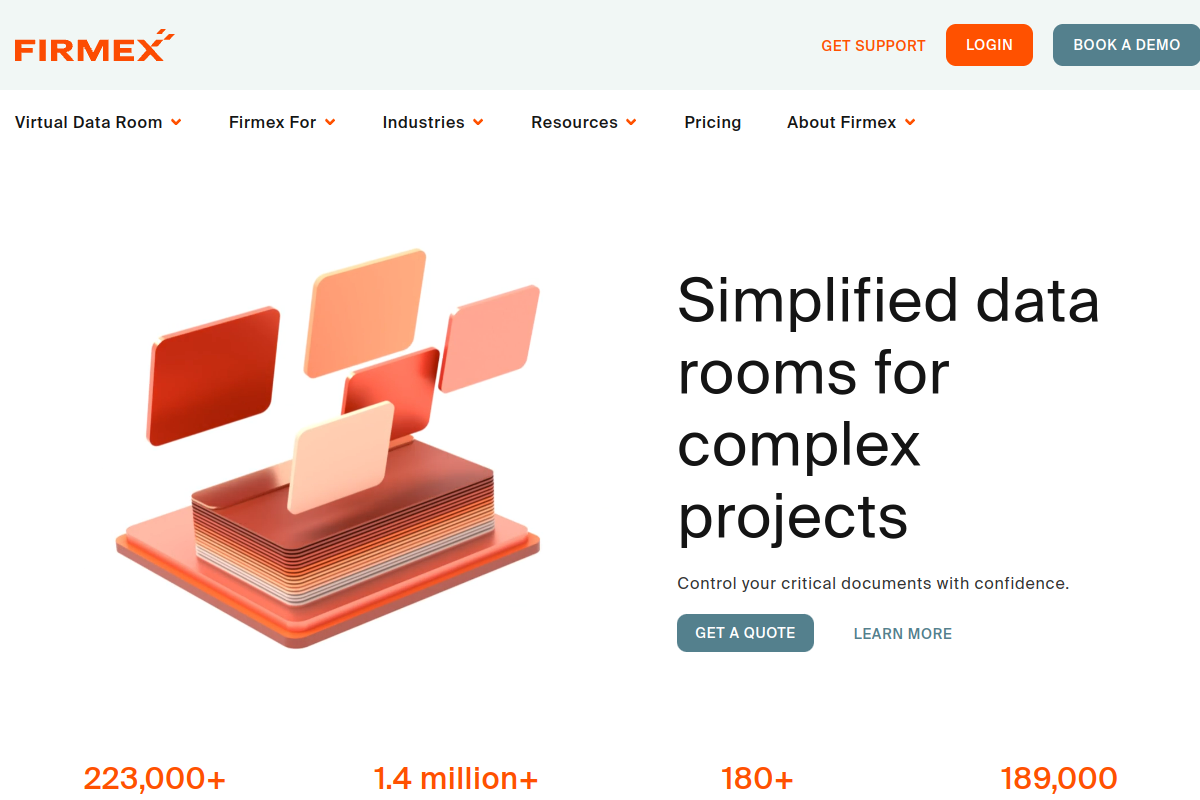
Firmex is a virtual data room built for mid-market and enterprise deal teams, offering save, print, and share restrictions, dynamic watermarks, two-factor authentication, single sign-on, encryption, and redaction. It's positioned around predictable subscription or per-project pricing for demanding global companies and financial institutions handling high-stakes transactions.
Key Features
- Disable save, print, and share on protected documents
- Dynamic watermarks and redaction tools
- Two-factor authentication and single sign-on
- Encryption with compliance-ready controls
- Unlimited virtual data rooms on subscription plans with no overage fees
Pros
- Trusted by major global names including Deloitte, EY, JP Morgan, and PwC
- Strong ratings on both platforms, 4.6/5 on G2 and 4.8/5 on Capterra
- No overage fees on subscription plans, which keeps costs predictable for high-volume deal teams
- Two-factor authentication and SSO add enterprise-grade access control
Cons
- No published self-serve pricing; every deal runs through a sales conversation
- Users face a learning difficulty with navigating large folders and understanding permission structures
- Built primarily for formal VDR transactions rather than everyday document sharing
Pricing: Custom / contact sales (subscription or per-project pricing)
Best for: Mid-market and enterprise deal teams that need VDR-grade security with predictable pricing
G2 rating: 4.6/5
Capterra rating: 4.8/5
8. Seclore

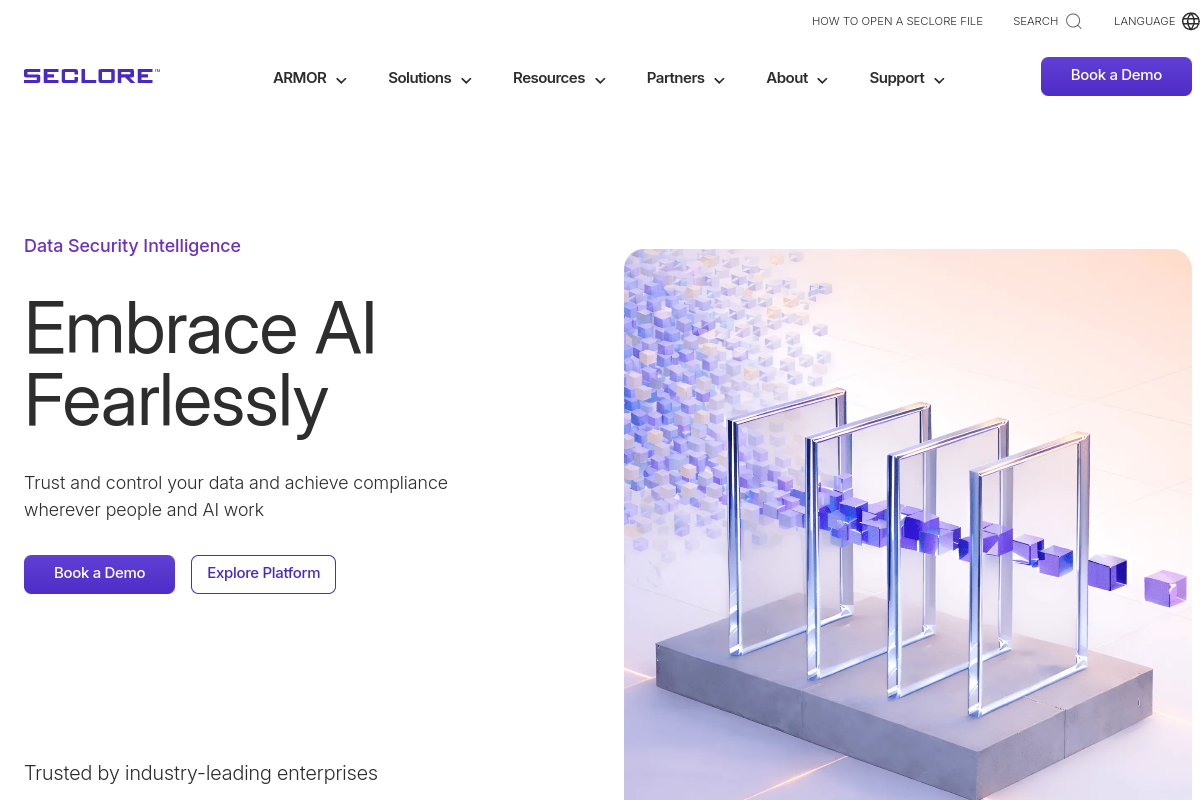
Seclore is a data-centric security platform for enterprises that need access controls, usage controls, watermarking, revocation, and classification across files and emails. It's packaged around three areas: data protection and encryption, data discovery and classification, and analytics and reporting, with SIEM and BI integrations for larger security teams.
Key Features
- Access controls and usage controls with remote revocation
- Dynamic watermarking and geo-fencing
- AES 256-bit and RSA 2048-bit encryption
- Audit logs and prevented-activity reporting
- SIEM and BI integrations for enterprise security operations
Pros
- Broad enterprise policy control spanning access, usage, watermarking, and geo-fencing in one platform
- Strong encryption standards, with AES 256-bit and RSA 2048-bit support
- SIEM and BI integrations fit naturally into existing security operations
- Live G2 rating of 4.6/5
Cons
- No Capterra reviews yet, so independent validation on that platform is thin
- Pricing is entirely custom, with every package requiring a sales conversation
- Broader enterprise scope can mean a more complex deployment than lightweight document-sharing tools
Pricing: Custom / contact sales
Best for: Enterprises needing data-centric security with classification, watermarking, and SIEM or BI integrations
G2 rating: 4.6/5
Capterra rating: Not yet rated
9. Kiteworks

Kiteworks is an enterprise governance platform for controlled data exchange across email, file sharing, managed file transfer, SFTP, web forms, APIs, and virtual data rooms. It's built for regulated organizations that want one governance layer for sensitive data exchange, backed by searchable audit logs and a central data policy engine.

Key Features
- Single-tenant-by-design virtual appliance with identity, policy, and encryption controls
- Searchable audit logs across every access event
- Secure file sharing, managed file transfer, and SFTP/FTPS
- Virtual data rooms alongside REST API and SDK access
- Central data policy engine for governance at scale
Pros
- Covers email, file sharing, managed file transfer, SFTP, and virtual data rooms under one governance layer
- Backed by more than 3,800 enterprise customers
- Solid G2 rating of 4.4/5 from 120 reviews
- Strong fit for organizations seeking CMMC 2.0 Level 2 alignment
Cons
- Broader than document-specific DRM, which can mean more platform than buyers who want only file-level watermarking need
- Capterra rating sits lower, at 4.0/5 from 27 reviews
- Business Package pricing requires contacting sales once a team exceeds 100 users
Pricing: $25.50/user/month (Business Package, annual billing)
Best for: Enterprises and regulated organizations needing controlled data exchange across email, files, managed file transfer, and VDRs
G2 rating: 4.4/5
Capterra rating: 4.0/5
10. FileOpen
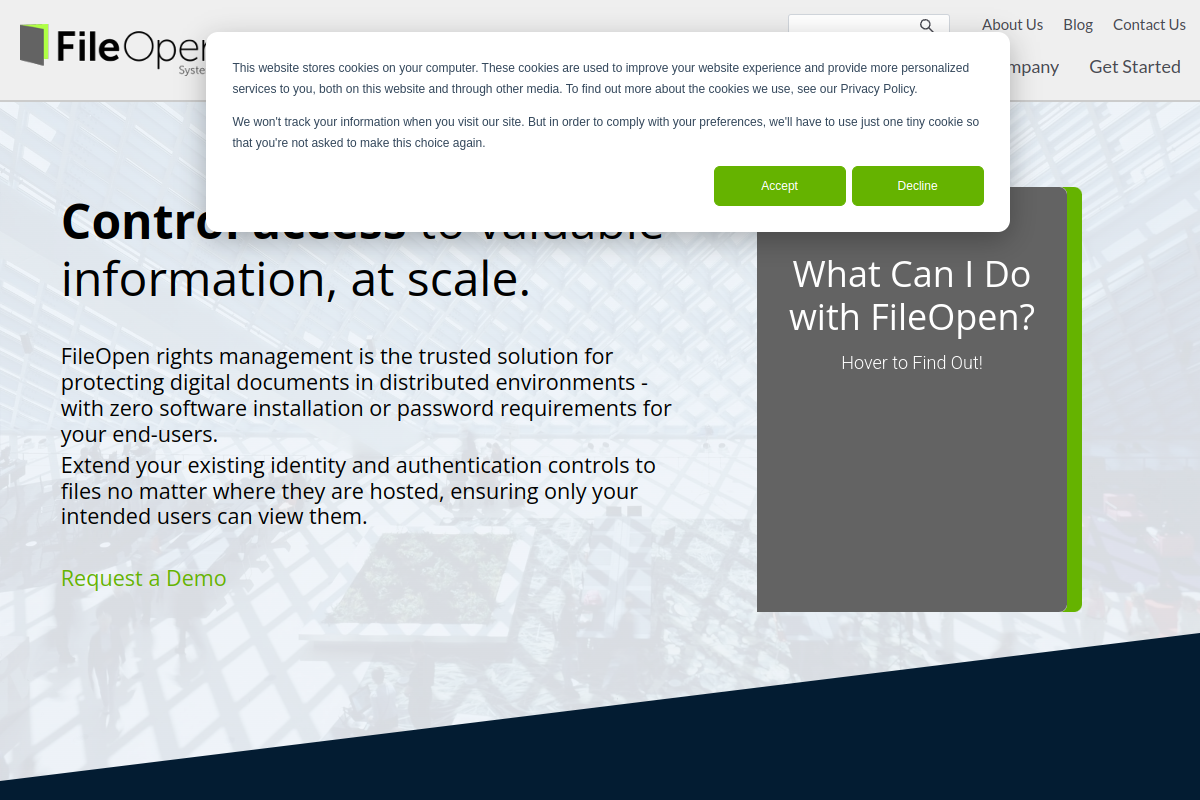
FileOpen is a document rights management system built for publishers and enterprises that need DRM over PDFs, Microsoft Office files, and browser-accessible documents while preserving native document formats. The company says it has protected digital documents at scale for organizations worldwide for more than 20 years.
Key Features
- Protect PDF, Word, Excel, and PowerPoint files without changing their native format
- Browser web viewer with dynamic encryption
- Watermarking with local encryption options
- Authentication by login, device, cookie, or domain
- Copy protection, expiration, print controls, and revocation
Pros
- Preserves native document formats instead of converting files into a proprietary viewer format
- Covers PDFs and the full Microsoft Office suite in one DRM product
- Perfect 5.0/5 rating on Capterra
- More than 20 years protecting documents for organizations worldwide
Cons
- Very limited review volume on both G2 and Capterra, so independent validation is thin
- No self-serve pricing published; plans require contacting sales for a quote
- Thin review-platform evidence makes it harder to benchmark against higher-volume competitors
Pricing: Custom / contact sales
Best for: Publishers and enterprises needing DRM over PDFs and Office files while preserving native formats
G2 rating: 4.0/5
Capterra rating: 5.0/5
Comparison Table
| Company | Best For | Core Strength | Pricing | Ratings (G2 / Capterra) |
|---|---|---|---|---|
| PPAD | Teams needing protection that survives download | Persistent protection after download, forwarding, and offline use | $25/user/month | 4.6 / 4.9 (Digify) |
| Digify | Sensitive deal, investor, and confidential content sharing | Document sharing plus virtual data rooms in one platform | $140/month | 4.6 / 4.9 |
| Vitrium Systems | Publishers protecting documents, images, video, and audio | Configurable DRM policies across multiple content types | $5,000/year | 4.8 / 4.7 |
| Locklizard Safeguard | PDF-specific copy, print, and screenshot protection | Device and location locking with remote revocation | Custom / contact sales | Not yet rated / 5.0 |
| Dropbox DocSend | Fundraising, deal, and sales teams | Document engagement analytics and virtual data rooms | $10/user/month | 4.6 / 4.5 |
| CapLinked | M&A, due diligence, and fundraising teams | Structured VDR workflows with granular permissions | $500/month | 4.4 / 4.5 |
| Firmex | Mid-market and enterprise deal teams | VDR security with predictable subscription pricing | Custom / contact sales | 4.6 / 4.8 |
| Seclore | Enterprises needing data-centric security at scale | Access, usage, and classification controls with SIEM/BI integrations | Custom / contact sales | 4.6 / Not yet rated |
| Kiteworks | Enterprises needing secure data exchange beyond files | Secure file sharing plus email, MFT, SFTP, and VDRs | $25.50/user/month | 4.4 / 4.0 |
| FileOpen | Publishers and enterprises needing PDF and Office DRM | Native-format protection with browser-based viewing | Custom / contact sales | 4.0 / 5.0 |
FAQs
What counts as document security software?
Document security software covers tools that protect sensitive files during or after sharing, through DRM, encryption, access controls, watermarking, revocation, audit logs, or virtual data rooms. Some, like Firmex and CapLinked, focus on structured deal-room workflows. Others, like Locklizard and FileOpen, focus narrowly on file-level DRM. PPAD and Digify sit closer to the middle, combining everyday sharing controls with protection that keeps working after a file leaves the platform.
What's the difference between DRM and a virtual data room?
DRM tools like Locklizard, FileOpen, and Vitrium attach protection directly to individual files, controlling how they can be viewed, copied, printed, or shared regardless of where the file ends up. Virtual data rooms like CapLinked and Firmex instead create a secure, permissioned environment for multiple parties to review large sets of documents together, with tracking and audit trails tied to the room rather than the individual file.
What happens to a document's protection after it's downloaded?
For most virtual data rooms and general sharing tools, once a document is downloaded, the sender's controls over that specific copy weaken or stop applying. PPAD is built specifically to close that gap: encryption, watermarking, expiration, and revocation stay attached to the file itself, so a sender can still track opens and cut off access even after the document has been saved to someone else's device.
How much should I expect to pay for document security software?
Pricing on this list ranges from about $10 to $25.50 a user each month for self-serve plans, up to $5,000 or more a year for dedicated content-protection platforms like Vitrium. Several vendors, including Locklizard, Firmex, Seclore, and FileOpen, keep pricing behind a sales conversation entirely, which usually signals a more customized deployment for larger or more regulated buyers.
Do recipients need to install software to open a protected document?
No, on most of the platforms covered here. PPAD, Digify, Dropbox DocSend, and FileOpen all let recipients open protected content in a browser without installing dedicated software, which keeps friction low for people outside your organization. A few tools, including Vitrium and Seclore, offer optional viewers or portals for a more tailored experience.
Which of these tools fit regulated industries best?
Seclore and Kiteworks are both built with large, regulated enterprises in mind, offering governance features like classification, audit logs, and SIEM integrations. PPAD and Digify target similar buyers from a different angle: they keep protection, tracking, and revocation active on individual files even after those files leave the organization's systems, which matters for regulators that hold institutions accountable for data long after it's shared.
Conclusion
Every platform on this list solves a real piece of the document security problem, whether that's Firmex's enterprise-grade VDR trust, CapLinked's transaction-focused permissions, or Vitrium's multi-format DRM for publishers. But most of them share a common blind spot: once a document is downloaded, forwarded, or copied to another device, the sender's control and visibility fade. PPAD is built to close exactly that gap. It keeps encryption, tracking, watermarking, and the ability to revoke access attached to the file itself rather than to the platform it came from, so protection stays in force long after Locklizard, FileOpen, or any virtual data room on this list would have already lost sight of the document. That makes PPAD the strongest choice among the ten tools covered here for organizations that need to prove control over sensitive files even after they leave the building. It's also a natural fit for existing Digify customers who want that same persistent protection layered on top of their document sharing and data room workflows.
Ready to keep control of your documents after they're downloaded?
Try PPAD free and see what persistent, post-download protection looks like inside Gmail and Google Drive. There's no desktop software to install and no complicated setup for the people you share with. Your files simply stay under your control, wherever they end up.