
Security that travels with your file
Stay in control, wherever your file goes. Persistent Protection After Download (PPAD) is a file encryption DRM solution that lets you control who views your files, when, and for how long, even after download.
.webp)
Why PPAD is the better DRM solution
Most DRM tools burden users with software installs, complex logins, and clunky workflows. PPAD lets you automate file protection, tracking, and control without extra installs or user friction.
How PPAD Works

Connect the
API


Encrypt & Control Access
.png)

Share with Confidence
Versatile protection for every use case
Not all files are shared the same way, but they all need control. PPAD adds encryption-based protection that stays with your files after download. Enforce access, track activity, and revoke permissions anytime. Use APIs or plug-and-play plugins to protect files where teams work.
Deal Workflows
Let investors securely access documents, view instantly, and track engagement to gauge interest.
Government & Public Sector
Ensure compliance and confidentiality with PPAD’s secure access controls and audit features.
Healthcare & Life Sciences
Share research and patient data securely with PPAD while ensuring compliance and full audit trails.

Content & Publishing Platforms
Let subscribers store and read files offline securely, detect threats, and use insights to boost retention.
Training & Education
Give learners offline access, set expiries, control file use, and ensure consistent content delivery.
Technology & IP-Intensive Industries
Share designs and specs securely with PPAD, protecting IP while enabling safe in-app collaboration.
Built on Proven Security by Digify
composable API and plugins.


Everything You Need to Build DRM into Your App
PPAD gives you everything you need to enforce digital rights management, combining powerful encryption, flexible access controls, and seamless viewing without extra software. Deploy it in the way that fits your workflow. Embed PPAD via API in your app or use plug-and-play plugins.

AES-256 bit encryption
Ensure only authorized users can open, view, or share your files, no matter where they go.

Access control & File expiration

Print Control
Restrict recipients from printing files to prevent unauthorized sharing or offline copies of your documents.

Dynamic Watermarks
Automatically apply user-specific watermarks with names, emails, or timestamps to deter screenshots and track document leaks.

File tracking & analytics
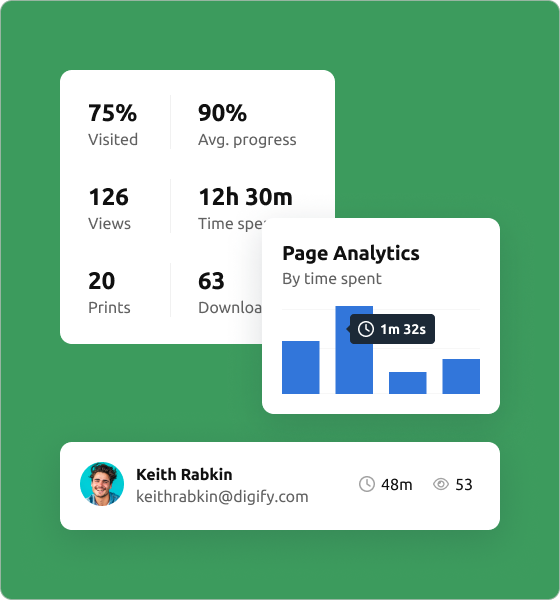
Monitor file opens, views, and time spent on each page with detailed analytics for better insight and control, even after download.

Device Lock
Control the spread of files by limiting the number of devices they can be viewed on without re-authentication.

Screenshot protection
Mask sensitive content with on-screen shields, preventing unauthorized screen captures.

Offline access
Allow trusted users to access encrypted files without an internet connection while maintaining full security controls.

Mobile Viewing
Provide secure, optimized document viewing on mobile devices without downloads, maintaining protection and accessibility on the go.

Security you can count on
Most secure file sharing services lose protection once the file is downloaded. PPAD ensures your files stay secure, anywhere.
- Built-in protection. Security stays with your file, wherever it goes.
- Your rules, everywhere. Expiry dates, watermarking, and usage limits remain active.
- Offline ready. Recipients can work without the internet after initial access. You still control when access ends.
Patent pending. Designed for control and convenience. ISO27001 certified.
Answers to our frequently asked questions
What is PPAD?
Persistent Protection After Download (PPAD) is a modern approach to Digital Rights Management that helps you keep control over files after they are downloaded. PPAD files follow the rules you set, such as view-only access, expiration dates, or the ability to revoke access.
What is Digital Rights Management (DRM)?
Digital Rights Management (DRM) enables you to set and control copyright protection and data privacy for your intellectual property, such as market research, eBooks, training materials, PDFs modules and reports. DRM protection enables you to prevent your digital files from unauthorized redistribution and restrict how your recipients can copy content.
Is PPAD trustworthy?
Yes. PPAD prioritizes the security and confidentiality of your documents by leveraging Digify’s trusted document security technology. Digify is a leading virtual data room and document security provider trusted by thousands of businesses worldwide, including financial institutions, law firms, and enterprises.
With Digify’s encryption, access control, and tracking features, every document you upload to PPAD remains protected from unauthorized access or sharing.
Do recipients need to install anything?
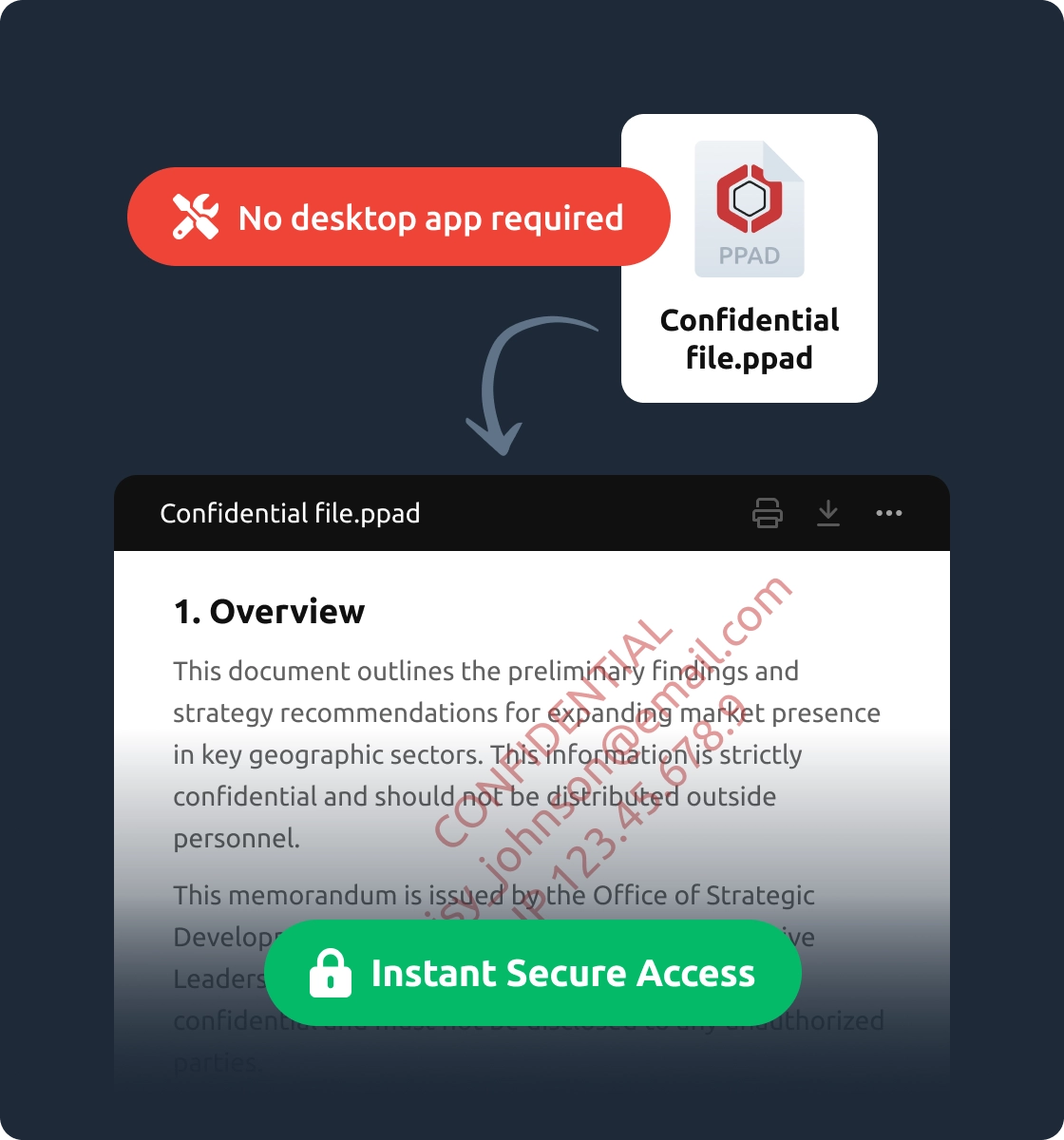
No. Recipients can open PPAD files directly in their browser without installing additional software.
Does it work offline?
Yes. Once a recipient opens a file, they can continue to access it offline for the duration you allow. Protection rules and restrictions still apply.
What file types are supported?
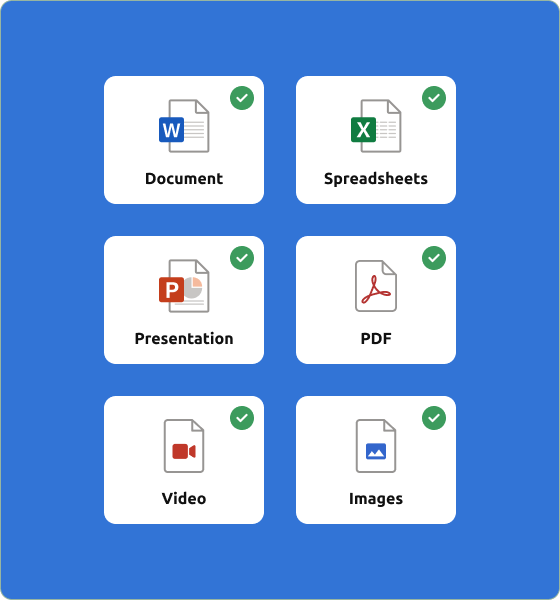
PPAD supports the following file types:
PDF: (.PDF)
Spreadsheets: (.XLSX)
Document ( .DOC, .DOCX, .MOBI, .ODT, .OTT, .EPUB, .XPS)
Presentation (.PPT, .PPTX, .PPTM, .PPSM, .POTM, .ODP, .OTP)
Private notes: (.TXT)
Images: (.JPG, .PNG, .GIF, .BMP)
Can I revoke access after download?
Yes. You can revoke access or set an expiration date at any time, even after the file has been downloaded.
Is a PPAD file secure?
Yes. PPAD uses encryption and digital rights enforcement to ensure files cannot be copied, forwarded, or modified outside the rules you configure.
Is it safe to install PPAD Viewer?
Yes. The PPAD Viewer runs directly in your browser and there is no risk of downloading malware or unknown programs. You are simply extending your browser’s ability to open .ppad files securely.
What do I do with a .ppad file?
To open a .ppad file, you will need the PPAD Viewer. For full instructions, see our help desk guide on opening PPAD files.