Top 10 Gmail Encryption Plugins in 2026
Compare the top 10 Gmail encryption plugins for 2026: pricing, features, G2/Capterra ratings, and why PPAD's persistent file protection leads the pack.

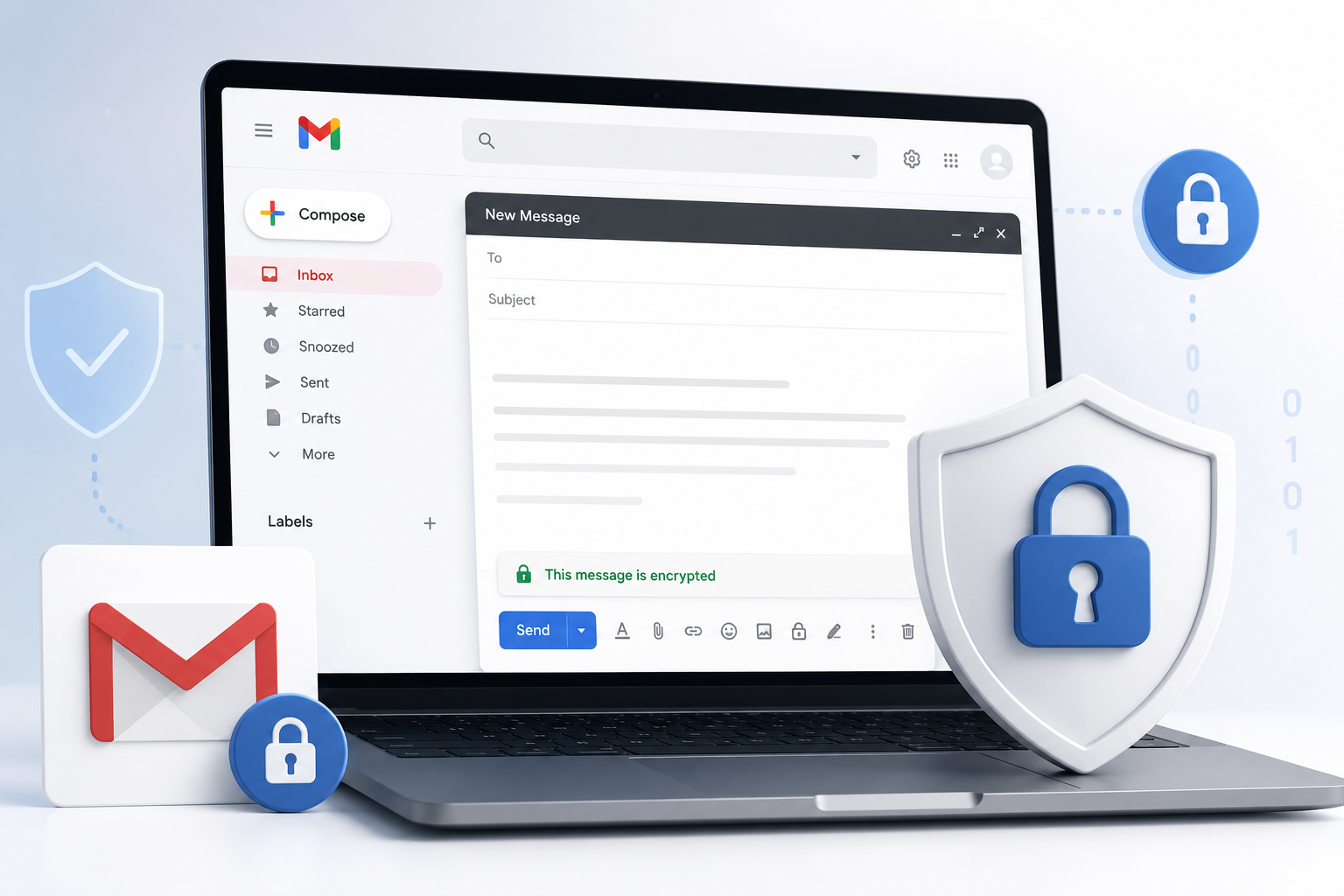
Gmail encryption has become a must have for any team that sends contracts, financial records, health data, or investor documents over email. This guide breaks down the ten best Gmail encryption plugins and Google Workspace add-ons in 2026, starting with PPAD, the only tool on this list that keeps files protected even after they've been downloaded. You'll find real pricing, genuine G2 and Capterra feedback, key features, and honest pros and cons for each option, plus a side by side comparison table to help you pick the right fit fast.
Overview
Gmail is secure in transit, but out of the box it doesn't stop a recipient from forwarding, downloading, or reposting a file once it lands in their inbox. That gap is exactly what Gmail encryption plugins are built to close. Some tools, like FlowCrypt and Mailvelope, bring OpenPGP encryption straight into Gmail's compose window. Others, like Paubox and LuxSci, work quietly in the background to encrypt every outbound message for compliance. And a few, like PPAD, go a step further by protecting the file itself, not just the email, so control doesn't end the moment someone hits download. Below, we compare the ten strongest options for Google Workspace and Gmail users in 2026.
Table of Contents
How We Chose the Top 10
Ranking Gmail encryption plugins isn't just about who has the loudest marketing. Here's what we weighed for every tool on this list.
Gmail and Google Workspace fit
We prioritized tools with a direct Gmail plugin, Chrome extension, or native Google Workspace integration, rather than general email security suites that only loosely support Gmail.
Pricing transparency
We looked for vendors who publish real pricing, not just "contact sales," so buyers can compare costs without a sales call.
Review platform presence
We checked live G2 and Capterra listings for rating and review volume, since these reflect real customer experience rather than vendor claims.
Evidence of an active product
Every tool included has a current, working vendor page, an active Chrome Web Store listing where applicable, and up to date documentation.
Disclaimer: The content provided is based on information available on the internet at the time of publication. While we strive to ensure accuracy, information may change over time. We do not guarantee the completeness, accuracy, or timeliness of the content, and we are not responsible for any changes, errors, or omissions.
1. PPAD
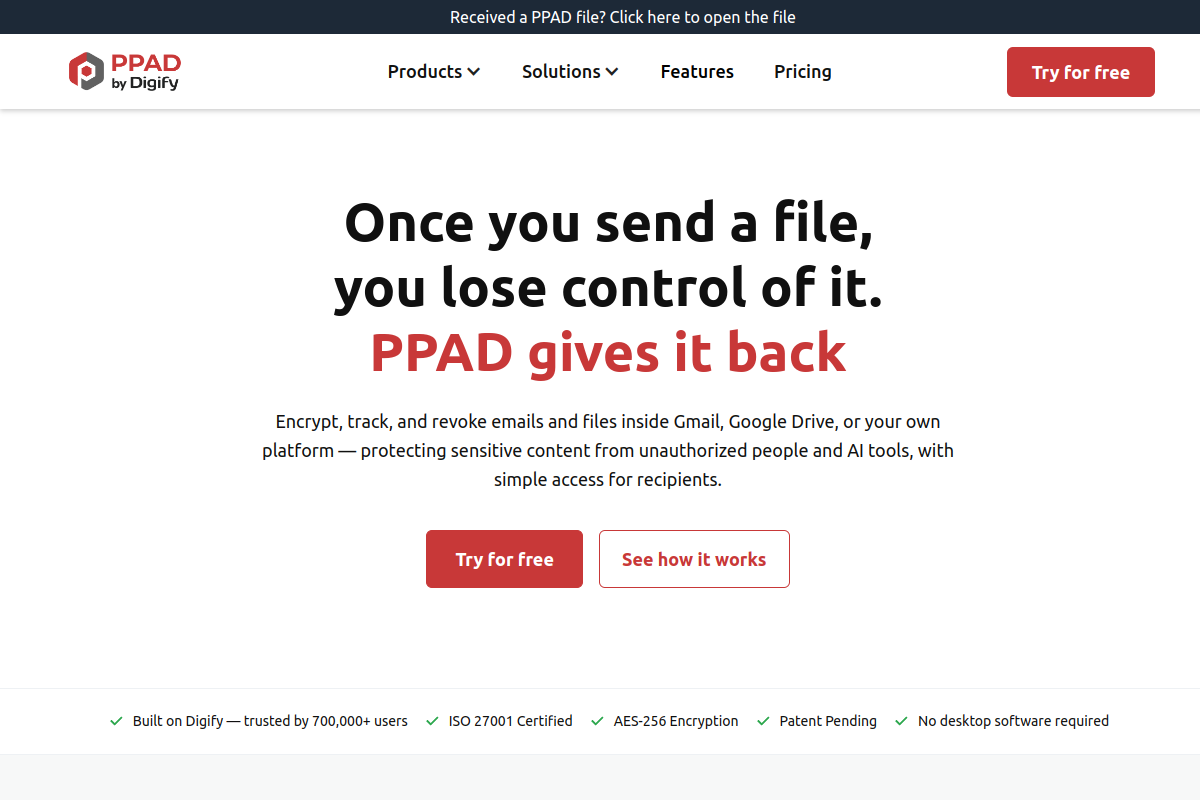
PPAD is a document security and virtual data room platform built for teams that need to share sensitive files without losing control once those files leave the inbox. Alongside secure document sharing and full virtual data rooms, PPAD integrates directly with Gmail and Outlook, letting you encrypt, track, and revoke email attachments without changing how your team sends mail. Its standout capability is Persistent Protection After Download (PPAD), a patent-pending DRM technology that keeps files locked down, watermarked, and revocable even after a recipient has downloaded them and gone offline. Trusted by over 800,000 professionals across 138 countries, including WeWork, LinkedIn, BCG, and Mastercard, PPAD is ISO 27001 certified and built for compliance heavy workflows in finance, legal, M&A, and investor relations.
Key features
- Persistent Protection After Download (PPAD), its core differentiator, keeps files controlled, watermarked, and revocable even after download and offline
- Gmail and Outlook integration that turns attachments into secure, trackable links without changing how you send email
- Real-time tracking showing who opened a file, how long they viewed it, and which pages they read
- Instant revoke and expiry, including the ability to unsend attachments after they've already been opened
- Dynamic watermarking, screenshot protection, and granular access permissions
- Virtual Data Rooms with Q&A and audit logs for due diligence and fundraising
- Integrations with Google Drive, OneDrive, Box, Dropbox, Salesforce, HubSpot, Slack, Zapier, and a developer API
- ISO 27001 certified, GDPR and HIPAA compliant, with AES-256 and RSA-2048 encryption plus SSO
Pros
- Protection follows the file even after download and while offline, which most Gmail encryption tools cannot do once a message leaves the inbox
- No plugin or software needed for recipients since files open directly in the browser
- Page-by-page tracking analytics that go far beyond a simple "email opened" notification
- Wide integration coverage across email, cloud storage, and CRM tools
- Backed by a high volume of strong reviews on both G2 and Capterra
Cons
- Premium pricing sits higher than lightweight, Gmail-only encryption plugins
- Some Capterra reviewers note the premium plan doesn't offer an annual or one-time subscription discount
- A few reviewers say the login and document resend flow could be simplified
- Deeper native Google Drive syncing would be welcomed by some users
On G2, one reviewer put it simply: "PPAD stands out for its simple yet powerful document security. I can easily control access, track who views documents, and protect files with features like expiry and watermarking, all without adding unnecessary complexity." On Capterra, users regularly praise the same thing: "It has the granular permissions, user reports needed, it's easy to set up individual VDRs, export and delete them," while a common criticism is that "pricing is expensive compared to other solutions," a fair trade-off given how much control PPAD keeps after a file leaves your inbox.
Pricing: Free (5 encrypted emails/mo); $25/user/mo (Email plan, unlimited encrypted emails)
Best for: Businesses that need Gmail and Google Workspace attachment protection that persists even after a file is downloaded
G2 rating: 4.6/5
Capterra rating: 4.9/5

2. Virtru
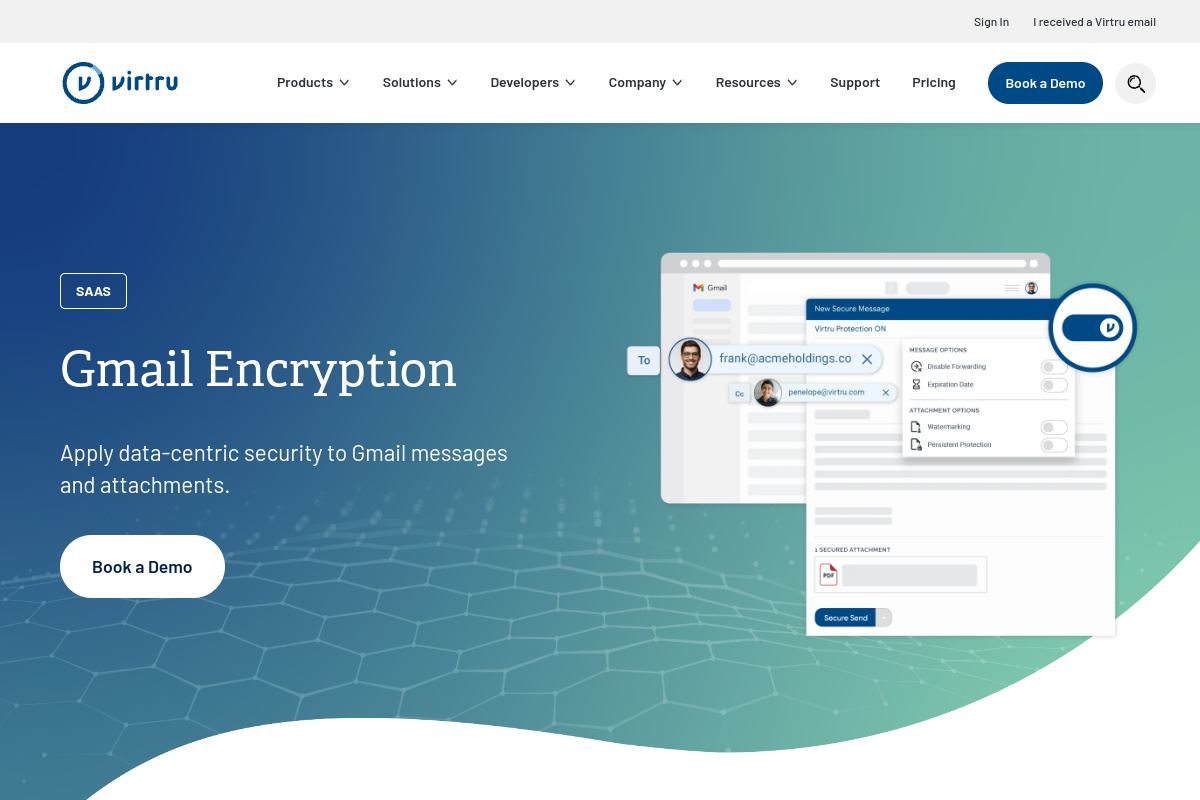
Virtru is one of the most established names in Gmail encryption, positioning itself directly for Google Workspace teams that want one-click message and attachment encryption with granular access controls. It works as a Chrome extension inside Gmail, letting senders set expiration dates, disable forwarding and downloading, and revoke access after a message is sent. Virtru also supports Google Vault for compliance retention, making it a solid fit for organizations that need both encryption and e-discovery readiness. It's a business-first tool rather than a personal one, and it's built to sit quietly inside the Gmail interface your team already knows.
Key features
- Gmail message and attachment encryption via Chrome extension
- Access revocation and message expiration dates
- Disable forwarding and downloading on a per-message basis
- Google Vault support for retention and e-discovery
Pros
- Explicitly built and marketed for Gmail and Google Workspace, not a bolted-on afterthought
- Granular, per-message access controls that are easy for end users to set
- Strong review volume on G2, with over 400 reviews indexed
- Google Vault integration supports compliance and legal hold requirements
Cons
- Capterra reviewers mention confusion for first-time recipients opening an encrypted message
- Some users report limitations exporting or filtering data from the admin dashboard
- Pricing starts higher than several lighter-weight Gmail plugins on this list
- Protection generally stops once a file is downloaded, unlike PPAD's persistent approach
Pricing: $119/mo (Starter plan, 5 users, billed annually)
Best for: Google Workspace teams that want one-click Gmail encryption with granular access controls
G2 rating: 4.4/5
Capterra rating: 4.7/5

3. FlowCrypt
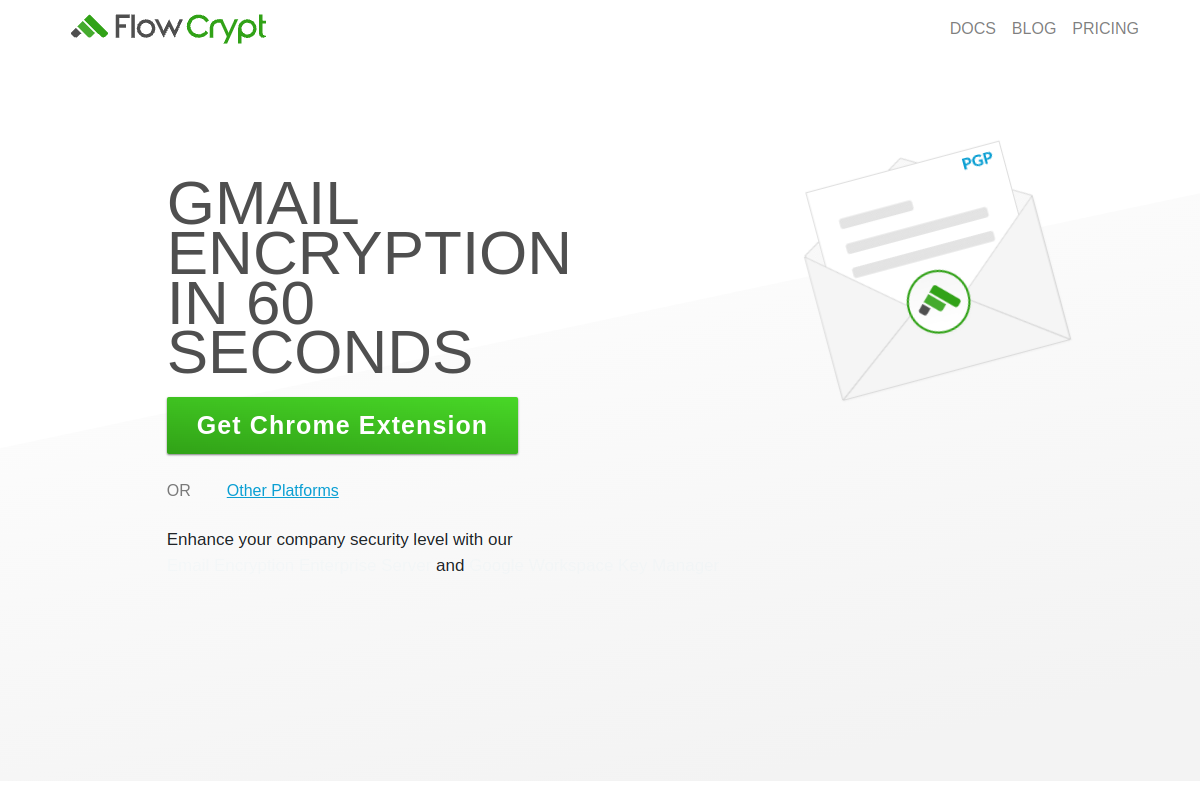
FlowCrypt brings OpenPGP encryption straight into Gmail through a Secure Compose button, appealing to individuals, teams, and Google Workspace organizations that want message-level control over their own encryption keys. It supports encrypted attachments, message signing, and password-based sending for recipients who don't have FlowCrypt installed. For larger organizations, FlowCrypt offers a Workspace Key Manager that centralizes key management for Google Workspace deployments. It's a strong pick for privacy-focused teams who are comfortable with PGP-style workflows and want that model built natively into Gmail rather than a separate secure inbox.
Key features
- Secure Compose button added directly to Gmail
- OpenPGP encryption with encrypted attachments and message signing
- Password-based sending for recipients without FlowCrypt installed
- Workspace Key Manager for centralized Google Workspace CSE key control
Pros
- Free for companies with fewer than 100 users, which is rare among business-grade Gmail encryption tools
- True end-to-end encryption using open PGP standards rather than a proprietary format
- Works for individuals, teams, and full Google Workspace organizations alike
- Dedicated Workspace Key Manager available for larger, managed deployments
Cons
- G2 reviewers note that external recipients may resist generating a PGP key, requiring one-time-password sending as a workaround
- Review volume on G2 is very small, so public buyer sentiment is thin
- A verified, up to date Capterra rating was not found at the time of publication
- PGP-based workflows carry a steeper learning curve than one-click encryption tools
Pricing: Free (for companies under 100 users)
Best for: Individuals, teams, and Google Workspace organizations that want OpenPGP encryption inside Gmail
G2 rating: 5.0/5
Capterra rating: Not publicly listed at time of publication

4. Mailvelope
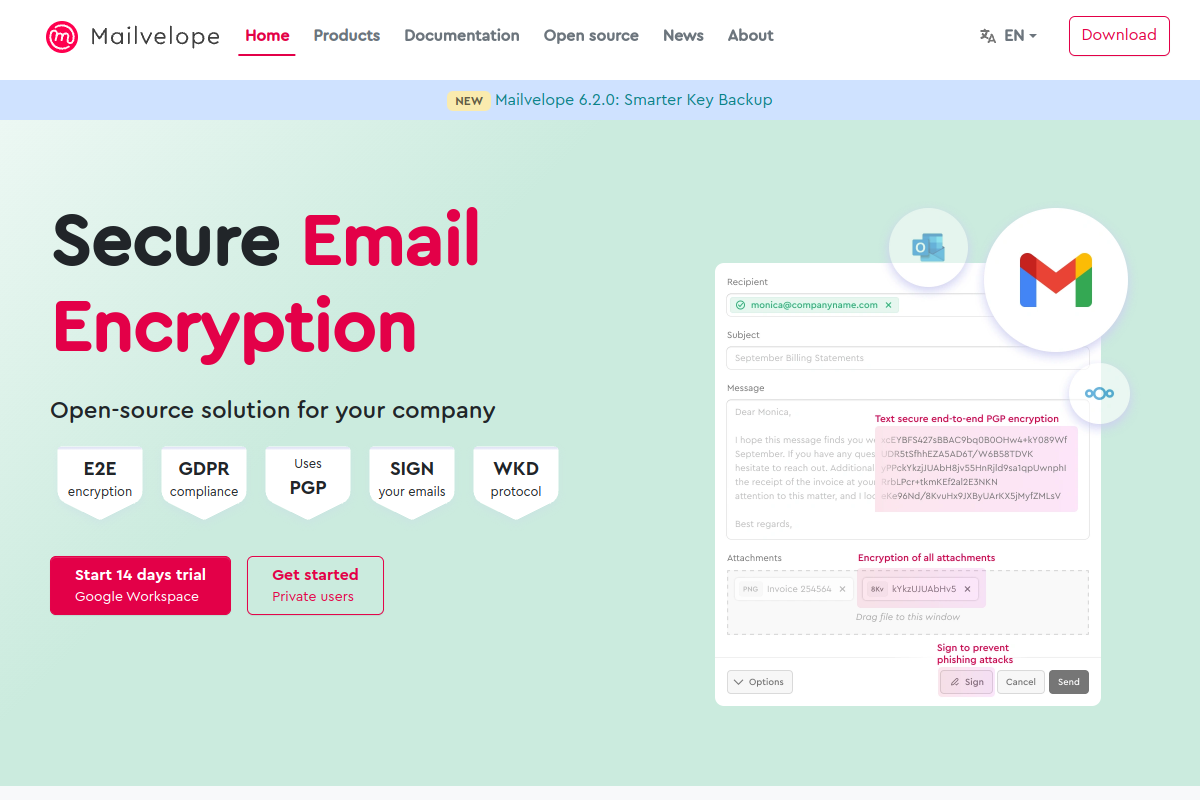
Mailvelope is a browser extension that brings OpenPGP encryption to Gmail and other webmail providers directly in the browser, without requiring a separate app. It handles attachment encryption and key management, and its Google Workspace plan adds phishing detection, GDPR compliance tooling, and periodic security audits on top of the core encryption features. Mailvelope is a good fit for privacy-conscious individuals and teams who want a lightweight, browser-native way to encrypt Gmail messages without committing to a full enterprise security platform, and its Workspace pricing undercuts most business-focused alternatives on this list.
Key features
- Browser extension for OpenPGP email encryption in Gmail and other webmail
- Attachment encryption and built-in key management
- Google Workspace plan with phishing detection and GDPR compliance tooling
- Periodic security audits included in the Workspace plan
Pros
- Free for private users straight from the Chrome Web Store
- Lower-cost Google Workspace pricing than most business email security platforms
- Works across Gmail and other webmail providers, not just one inbox
- Listed among recognized OpenPGP browser-plugin options for webmail encryption
Cons
- No verified G2 or Capterra rating was found at the time of publication, so public B2B review evidence is thinner than most tools on this list
- Relies on recipients understanding basic OpenPGP concepts
- Fewer enterprise-grade admin controls than dedicated business email security suites
- No persistent file protection after a document has been downloaded
Pricing: Free (private users); Google Workspace plan from EUR2.70/user/month billed annually
Best for: Users and Google Workspace teams that want browser-based OpenPGP for Gmail and webmail
G2 rating: Not publicly listed at time of publication
Capterra rating: Not publicly listed at time of publication

5. SendSafely
SendSafely focuses on end-to-end encrypted file and information exchange, with a Chrome extension that brings that same protection into Gmail compose. It encrypts the full email body, not just attachments, and supports secure file sharing up to 10GB directly from Gmail. This makes SendSafely a strong choice for teams whose Gmail encryption needs are tightly bundled with large file transfer, such as legal, finance, or professional services firms exchanging bulky due diligence documents alongside encrypted correspondence. Every plan, even the entry tier, includes end-to-end encryption as standard rather than gating it behind higher pricing.
Key features
- End-to-end encrypted file and information exchange
- Gmail sending and full message body encryption via Chrome extension
- Encrypted files sent directly from Gmail compose
- Secure sharing of files up to 10GB
Pros
- End-to-end encryption included on every plan, not just premium tiers
- Strong G2 rating with a healthy volume of reviews
- Full email body encryption, not only attachment protection
- Well suited to teams that regularly send large, sensitive files alongside email
Cons
- G2 review summaries note occasional inconsistency with the companion Outlook add-in
- Capterra review volume is low, at just a few reviews, limiting public sentiment data
- Less focused on granular, Gmail-native compliance workflows than some competitors
- Protection does not persist once a downloaded file leaves the platform's ecosystem
Pricing: $120/mo (Team plan, 5 users, billed annually)
Best for: Teams that need encrypted Gmail messages plus secure large-file exchange
G2 rating: 4.8/5
Capterra rating: 4.7/5

6. PreVeil
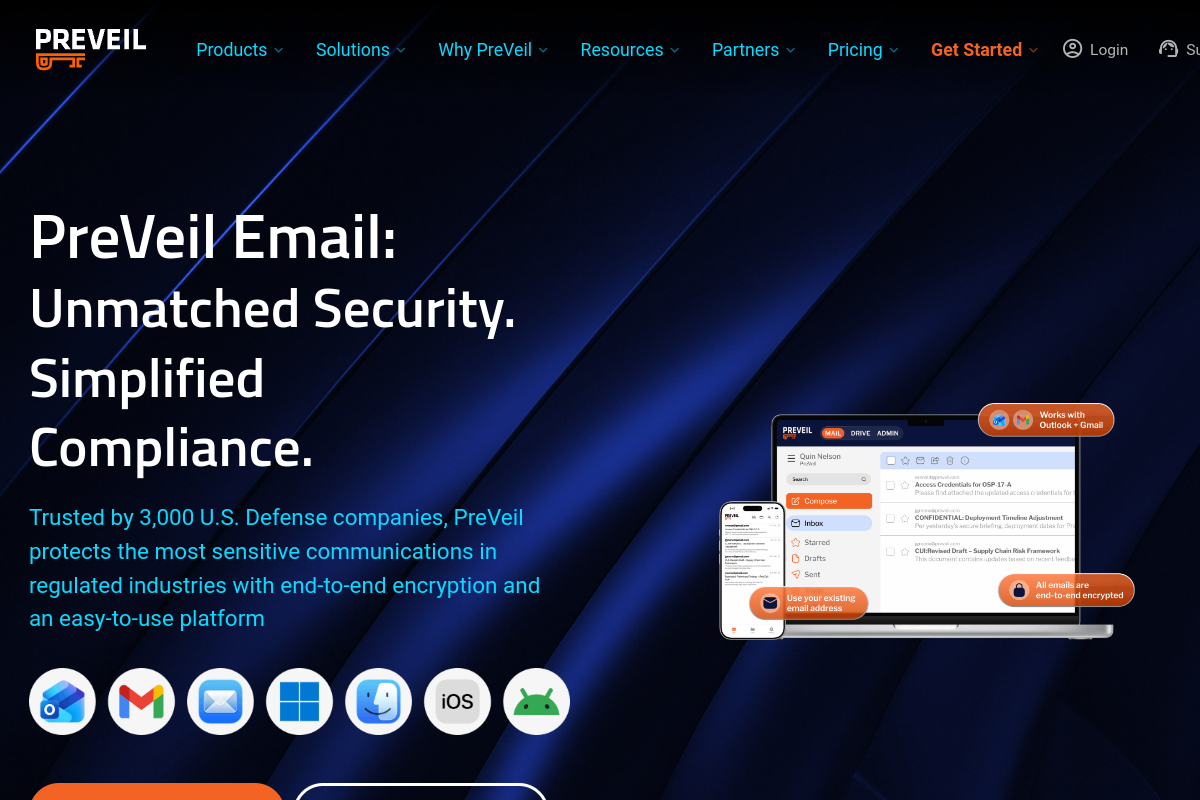
PreVeil gives users an end-to-end encrypted mailbox that lives inside Gmail, Outlook, or Apple Mail, while letting them keep their existing email address rather than migrating to a new domain. It bundles encrypted file sharing alongside encrypted email, and offers a free individual tier with 5GB of encrypted storage, making it approachable for smaller teams and regulated organizations testing the waters before a full rollout. PreVeil is a good option for compliance-heavy industries like defense and government contracting that need end-to-end encryption without disrupting existing email addresses and workflows.
Key features
- End-to-end encrypted email that works inside Gmail, Outlook, and Apple Mail
- Encrypted file sharing alongside encrypted email
- Support for an existing email address, with no domain migration required
- Free individual tier with 5GB of encrypted storage
Pros
- Recipients keep sending and receiving encrypted mail from their existing Gmail address
- Free tier available for individuals to try before committing to a paid plan
- Strong G2 rating from verified reviewers
- Well suited to regulated industries needing end-to-end encryption without workflow disruption
Cons
- G2 reviewers note that collaboration can be cumbersome since recipients may need their own PreVeil account
- Review volume on G2 is relatively small
- A verified Capterra rating was not found at the time of publication
- No persistent protection for files once they are downloaded outside the PreVeil mailbox
Pricing: Free (Basic plan); $25/mo (Individual plan)
Best for: Regulated teams that want an encrypted mailbox inside Gmail while keeping their existing email address
G2 rating: 4.5/5
Capterra rating: Not publicly listed at time of publication

7. RMail
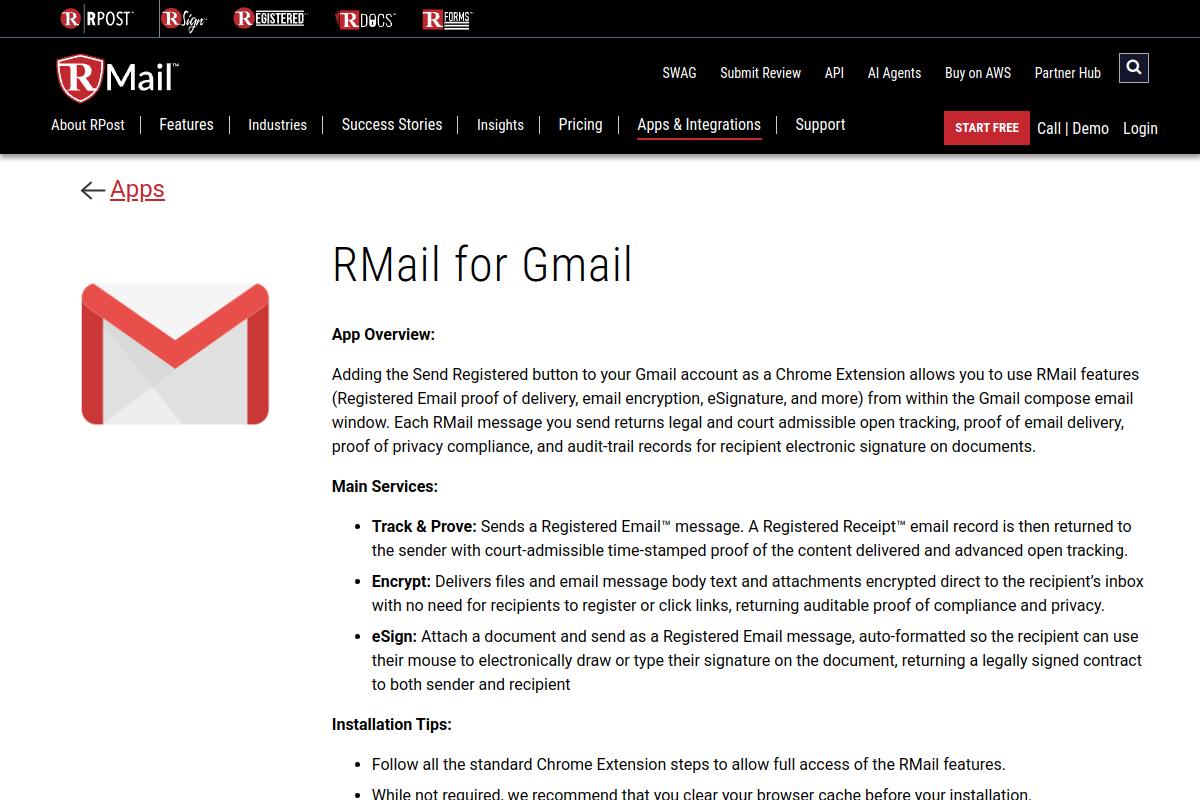
RMail adds a Chrome extension directly into Gmail that layers encryption on top of proof of delivery, tracking, and compliance record-keeping. Beyond simple encryption, RMail's Registered Email feature provides legal proof that a message was sent, delivered, and opened, along with audit-trail records for privacy compliance. Paid tiers add e-signature and large file-share capabilities, making RMail a good match for teams in legal, insurance, or professional services who need more than encryption alone, they need documented, defensible proof that a message was received and read.
Key features
- Chrome extension that adds encryption and other features inside Gmail compose
- Registered Email proof of delivery and proof of privacy compliance
- Audit-trail records for compliance reporting
- eSignature and large file-share features available on paid plans
Pros
- Combines encryption with legally defensible proof of delivery and opening, not just message security
- A free tier is available for periodic, lower-volume use
- Strong Capterra rating with a solid volume of reviews
- Named customers, including Jones Group and Dickinson Law, are shown on the vendor's own site
Cons
- Capterra reviewers note that most advanced security features depend on which pricing tier you're on, and costs can add up
- A confirmed, up to date G2 star rating was not available at the time of publication, though the listing shows 63 reviews
- Feature-gating across tiers can make it harder to predict the total cost upfront
- No persistent protection for files once downloaded and taken outside of Gmail
Pricing: $7/user/month (RMail 365 plan)
Best for: Gmail users who need encryption plus delivery proof, tracking, e-signature, and compliance records
G2 rating: Not verified at time of publication (63 reviews on G2)
Capterra rating: 4.7/5

8. Trustifi
Trustifi bundles Gmail encryption with a broader inbound and outbound email security stack, including threat protection, data loss prevention, and compliance automation. Its Gmail add-in is available directly from the Chrome Web Store, and Trustifi can be deployed across Gmail, Outlook, or any email server through relay, giving IT teams flexibility if their organization runs mixed email environments. This makes Trustifi a strong pick for organizations that want Gmail encryption to be one part of a larger email security program rather than a standalone plugin.
Key features
- Outbound encryption paired with inbound threat protection
- Data loss prevention and compliance automation
- Gmail add-in available via the Chrome Web Store
- Tracking and monitoring features for sent messages
Pros
- Bundles encryption with inbound threat protection and DLP in one platform
- Flexible deployment across Gmail, Outlook, or any email server via relay
- Strong ratings on both G2 and Capterra
- Compliance automation reduces manual policy work for IT and security teams
Cons
- G2 review summaries suggest the threat simulation features could be more advanced
- Vendor pricing page uses a "request pricing" model rather than posting rates upfront
- Broader security bundle may be more than teams need if all they want is Gmail encryption
- No persistent protection for a file once it has been downloaded and removed from Trustifi's environment
Pricing: Custom / contact sales (a regional Capterra listing shows a starting price around $6/user/month)
Best for: Organizations that want Gmail encryption bundled with inbound threat protection, DLP, tracking, and compliance automation
G2 rating: 4.8/5
Capterra rating: 4.9/5

9. NeoCertified
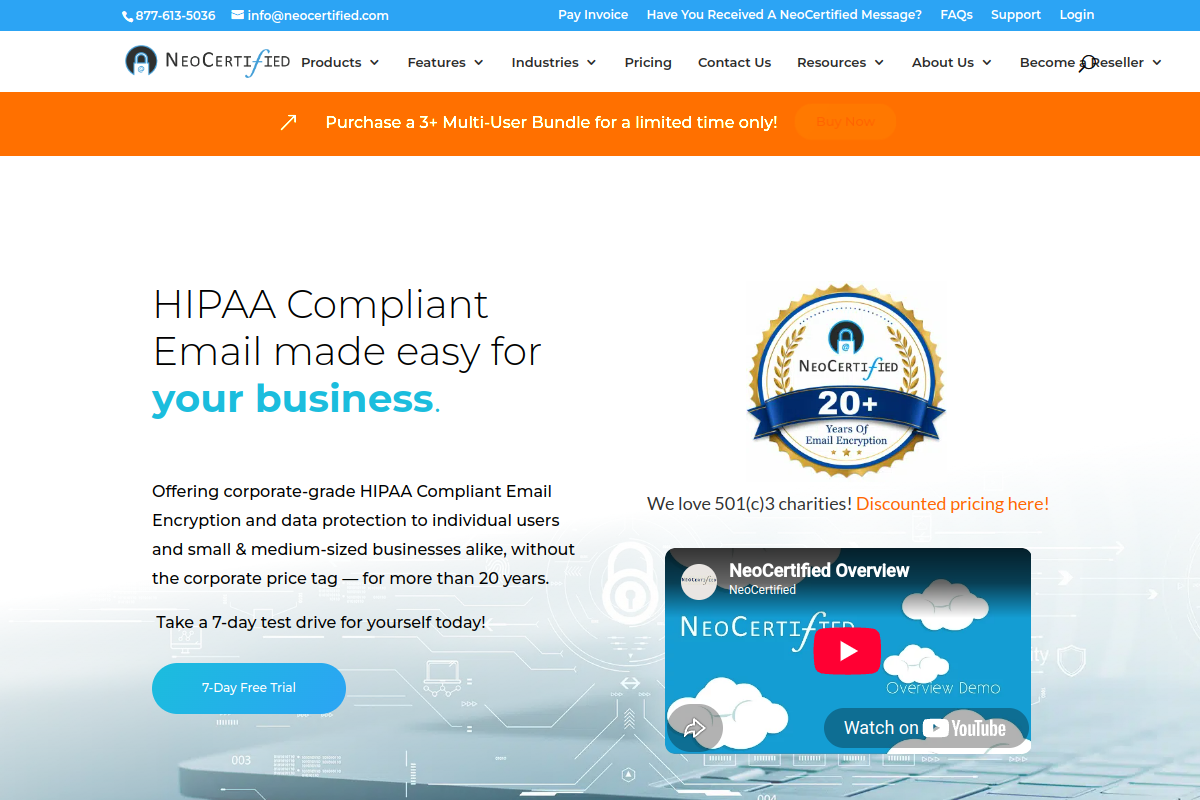
NeoCertified offers a straightforward, lower-cost secure email license built around a Gmail Chrome extension, alongside Outlook integration and mobile apps. It provides end-to-end encrypted email, encrypted attachments, and a secure portal for recipients, without the enterprise price tag of some larger platforms on this list. NeoCertified is a solid choice for small businesses, nonprofits, and regulated teams that want dependable Gmail encryption without paying for a full security suite they won't fully use, and its per-user annual pricing keeps costs predictable as a team grows.
Key features
- Gmail Chrome extension for end-to-end encrypted email
- Encrypted attachments and a secure recipient portal
- Outlook integration alongside the Gmail extension
- Mobile apps for encrypted email on the go
Pros
- Lower entry price than most business-grade Gmail encryption tools on this list
- Very strong review-platform presence on both G2 and Capterra
- Discounted nonprofit pricing available
- Direct Gmail plugin evidence is strong, straight from the Chrome Web Store
Cons
- G2 comparison snippets show relatively limited detailed pros and cons data
- Interface and feature set are more basic than full email security platforms like Trustifi or Paubox
- Current plan details should be verified directly with the vendor before purchase
- No persistent protection for a file once it has left the secure portal and been downloaded
Pricing: $99/year/user (single-user license)
Best for: Small organizations and regulated teams that want a lower-cost secure email license with a Gmail Chrome extension
G2 rating: 4.8/5
Capterra rating: 4.9/5

10. Paubox
Paubox takes a different approach to Gmail encryption by automatically encrypting every outbound message from Google Workspace, without requiring staff to click an extra button or learn a new tool. It's built specifically for HIPAA compliant workflows, layering in AI-powered inbound email security on top of automatic outbound encryption. Because there's no new domain or email address migration involved, Paubox is especially popular with healthcare organizations that need to prove HIPAA compliance across every email sent from Gmail, without retraining staff or changing daily habits.
Key features
- Automatic encryption applied to every outbound email from Google Workspace
- Built specifically for HIPAA compliance
- Inbound AI-powered email security
- No new domain or email address migration required
Pros
- Zero change to daily workflow since encryption happens automatically in the background
- Exceptionally strong review volume and rating on both G2 and Capterra
- Purpose-built for HIPAA compliant healthcare communication
- 14-day trial available to test before committing
Cons
- Better suited to automatic, policy-based encryption than manual, user-triggered compose encryption
- Buyers wanting PGP-style, per-message control may prefer FlowCrypt or Mailvelope instead
- Published pricing varies across sources, so it's worth confirming a live quote for your sender count
- No persistent protection for a file once it has been downloaded by the recipient
Pricing: $29/user/month (per Capterra listing; confirm current quote with vendor)
Best for: Healthcare organizations using Google Workspace that need automatic HIPAA-compliant outbound encryption without changing staff workflows
G2 rating: 4.9/5
Capterra rating: 5.0/5
Comparison Table
| Company | Best For | Core Strength | Pricing | Ratings |
|---|---|---|---|---|
| PPAD | Gmail and Google Workspace attachment protection that lasts even after download | Persistent file protection, even after download | Free; from $25/user/mo | G2 4.6/5, Capterra 4.9/5 |
| Virtru | Google Workspace teams wanting one-click Gmail encryption | Granular access controls, Google Vault support | From $119/mo | G2 4.4/5, Capterra 4.7/5 |
| FlowCrypt | Individuals and teams wanting OpenPGP in Gmail | Free OpenPGP encryption with Secure Compose | Free (under 100 users) | G2 5.0/5, Capterra not listed |
| Mailvelope | Browser-based OpenPGP for Gmail and webmail | Lightweight browser extension, low-cost Workspace plan | Free; Workspace from EUR2.70/user/mo | Not verified |
| SendSafely | Teams needing encrypted Gmail plus large file exchange | Full message body encryption, up to 10GB file transfer | From $120/mo | G2 4.8/5, Capterra 4.7/5 |
| PreVeil | Regulated teams wanting encrypted mail on their existing address | End-to-end encrypted mailbox inside Gmail, Outlook, Apple Mail | Free; Individual from $25/mo | G2 4.5/5, Capterra not listed |
| RMail | Encryption plus delivery proof and compliance records | Registered Email proof of delivery and audit trails | From $7/user/mo | G2 not verified, Capterra 4.7/5 |
| Trustifi | Gmail encryption bundled with threat protection and DLP | Inbound and outbound security plus compliance automation | Custom / contact sales | G2 4.8/5, Capterra 4.9/5 |
| NeoCertified | Small orgs wanting a lower-cost Gmail encryption license | Affordable secure email license with Gmail extension | From $99/year/user | G2 4.8/5, Capterra 4.9/5 |
| Paubox | Healthcare teams needing automatic HIPAA-compliant encryption | Fully automatic outbound encryption, no workflow change | From $29/user/mo | G2 4.9/5, Capterra 5.0/5 |
FAQs
Does Gmail already encrypt my emails?
Gmail uses TLS encryption in transit for most messages, and eligible Google Workspace customers can turn on client-side encryption (CSE) for extra protection. However, neither option stops a recipient from forwarding, downloading, or reposting a file once they've received it, which is the gap that Gmail encryption plugins are designed to close.
What's the difference between Gmail encryption plugins and Google Workspace client-side encryption?
Google's own client-side encryption protects message content from Google's own servers, but it's limited to eligible Workspace editions and doesn't offer the granular access control, tracking, or persistent file protection that dedicated Gmail encryption plugins like PPAD, Virtru, or FlowCrypt provide.
Can an encrypted Gmail attachment still be protected after it's downloaded?
With most Gmail encryption plugins, protection ends the moment a recipient downloads the file. PPAD is the exception on this list, with Persistent Protection After Download keeping files watermarked, access-controlled, and revocable even after download and while offline.
Which Gmail encryption plugin is best for HIPAA or GDPR compliance?
Paubox is built specifically around automatic HIPAA-compliant outbound encryption for Google Workspace, while PPAD is ISO 27001 certified and supports both GDPR and HIPAA compliance alongside its persistent file protection and audit logging.
Are there any free Gmail encryption plugins?
Yes. FlowCrypt is free for companies under 100 users, Mailvelope is free for private users, and PreVeil offers a free individual tier with 5GB of encrypted storage. PPAD also offers a free trial with no credit card required.
Conclusion
All ten tools on this list add real, meaningful encryption to Gmail, but they solve fairly different problems. FlowCrypt and Mailvelope are excellent if you want lightweight, PGP-based encryption baked into Gmail's compose window. Paubox and LuxSci-style overlays quietly encrypt everything in the background for compliance. Trustifi and RMail bundle encryption with broader threat protection or proof of delivery. PPAD stands apart because it doesn't stop protecting a file the moment someone hits download, which is exactly where most Gmail encryption plugins run out of control. With Persistent Protection After Download, Gmail and Outlook integration that requires no workflow change, deep tracking analytics, and strong ratings across both G2 and Capterra, PPAD is the most complete and future-proof choice for anyone who needs Gmail encryption that keeps working long after the email has been read.
Ready to Protect Every Gmail Attachment, Even After It's Downloaded?
Encrypting a message is only half the job. PPAD keeps your files protected, tracked, and revocable long after they leave your inbox, with no extra software for recipients and no disruption to how your team already sends email. Start a free trial or see how PPAD works with Gmail to get started today.