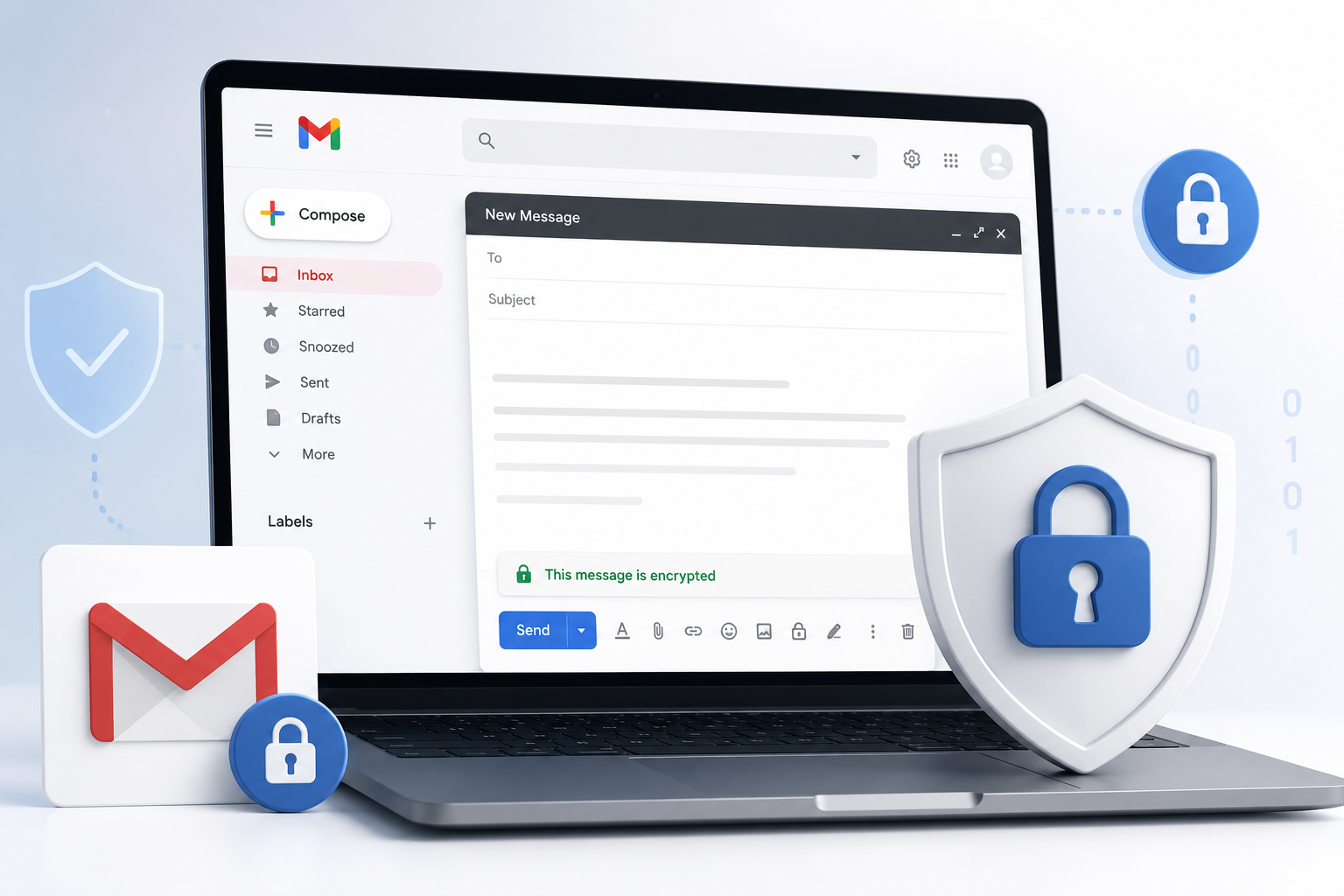
Top 10 DRM Software in 2026
Digital rights management has quietly become a must-have for any business that shares valuable files outside its own walls.

Top 10 DRM Software in 2026
Summary: Digital rights management has quietly become a must-have for any business that shares valuable files outside its own walls. This guide breaks down the ten strongest DRM platforms in 2026, starting with PPAD, the persistent protection technology built by Digify that keeps a file locked down, trackable, and revocable even after it has been downloaded, forwarded, or fed into an AI tool. Digify itself, the trusted platform PPAD is built on, takes the second spot. Alongside these two, you will find document-security specialists, enterprise EDRM platforms, and video-focused multi-DRM providers, each rated using real G2 and Capterra feedback so you can see what actual users think before you buy.
What Is DRM Software, and Why Does It Matter in 2026?
Digital rights management (DRM) software gives content owners a way to control what happens to a file, video, or document after it leaves their hands. That can mean stopping screenshots, expiring access after a set date, watermarking a page with a viewer's name, or revoking a file entirely, even if a copy already sits on someone's laptop. The category covers a surprisingly wide range of tools. Some focus purely on documents and PDFs, some are built for enterprise-wide data protection across email and file systems, and others exist to protect premium video streams from piracy.
Because so much business now happens over email, shared drives, and virtual data rooms, a single leaked pitch deck, contract, or training video can cause real financial damage. That is exactly the gap DRM software fills, and it's why the space has grown from a niche security tool into something almost every fundraising, legal, publishing, or media team now budgets for. The risk has also evolved. It's no longer just a person forwarding a file to the wrong inbox, it's a recipient dropping a downloaded document straight into an AI tool to summarize or extract from. That newer threat is exactly why PPAD, our top pick below, was built the way it was.
Table of Contents
How We Chose the Top 10
Putting this list together meant looking past marketing copy and checking what actually shows up in the category. Here is what shaped the ranking:
- Category fit first. We prioritized products that are explicitly built for content protection, such as watermarking, access revocation, expiration, and encryption, over general file-sharing or DAM tools that only bolt on DRM as a side feature.
- Real user feedback. Every entry was checked against its live G2 and Capterra listings so the ratings and review themes reflect what actual customers say, not vendor claims.
- Pricing transparency. We pulled pricing straight from each vendor's own pricing page wherever it was public, and noted clearly when a plan is quote-only.
- Breadth of protected content. Because DRM spans documents, enterprise files, and streaming video, the list intentionally mixes document DRM, enterprise EDRM, and multi-DRM video platforms so the comparison is useful no matter what you're protecting.
Disclaimer: The content provided is based on information available on the internet at the time of publication. While we strive to ensure accuracy, information may change over time. We do not guarantee the completeness, accuracy, or timeliness of the content, and we are not responsible for any changes, errors, or omissions.
1. PPAD
PPAD takes the top spot on this list because it solves the one problem almost every other DRM tool quietly gives up on: what happens after the file is downloaded. Built by Digify, PPAD encrypts, tracks, and revokes emails and files directly inside Gmail, Google Drive, or a company's own product through its API, and the protection travels with the file itself rather than staying behind on a server. That means you can update permissions, set an expiry, or cut off access entirely, even after a document has already been saved to someone's laptop. What makes PPAD stand out even further in 2026 is that it was built with a threat most DRM tools still ignore: AI tools. Encrypted PPAD files can't be indexed or read by AI systems, copy-paste extraction is blocked, and its ScreenShield feature makes screenshotting a protected page significantly harder. Recipients never install anything, everything opens straight in the browser, which removes the friction that has made traditional DRM painful to use. Backed by Digify's ISO 27001 certification, AES-256 encryption, and more than a decade of security experience, PPAD is, in our view, the strongest overall DRM solution in 2026, especially for anyone worried about where a downloaded file, and what it contains, might end up next.
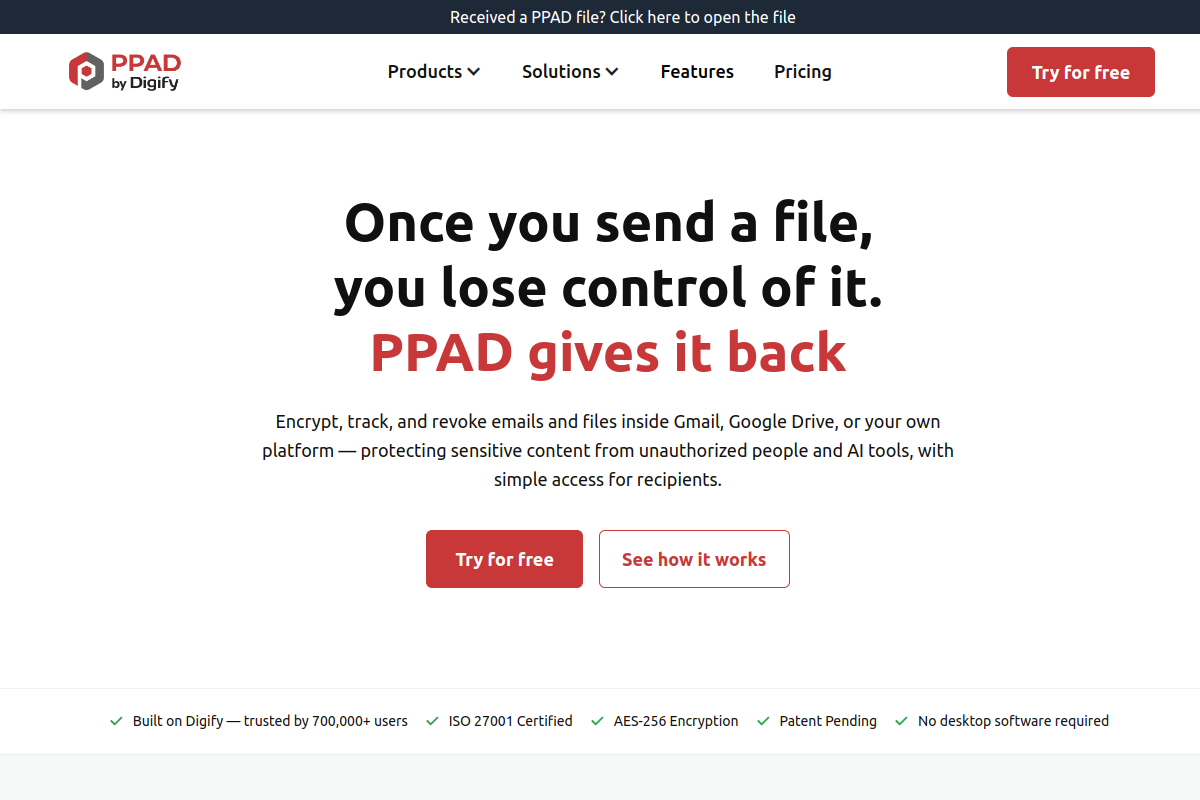
Key Features
- Persistent Protection After Download (PPAD), protection that follows the file even after it's downloaded or forwarded
- Native Gmail and Google Workspace integration, with Microsoft 365 and SharePoint support coming soon
- Developer API for embedding persistent file protection directly into your own product
- AES-256 encryption that blocks AI tools from reading or indexing protected files
- Copy-paste extraction blocking and ScreenShield anti-screenshot protection
- Page-by-page open and view analytics
- Remote revocation and expiry control at any time, even after download
- No desktop software required, recipients open protected files directly in the browser
Pros
- The only tool on this list built specifically to block both human misuse and AI ingestion of a downloaded file
- Genuinely frictionless for recipients, no viewer installs, no complicated logins
- Native Gmail and Google Workspace integration makes adoption painless for teams already living in Google's tools
- Backed by Digify's decade-plus security track record, ISO 27001 certification, and patent-pending technology
- Transparent, public pricing running from a genuine free tier through to enterprise
Cons
- As a newer standalone brand, it doesn't yet carry its own independent G2 or Capterra review history apart from Digify's
- Microsoft 365, Outlook, and SharePoint support is listed as coming soon rather than available today
- Features like Google Drive integration, watermarking, and screenshot protection require the paid Advanced plan
Pricing: $0/mo (Free plan; paid plans start at $25/mo)
Best for: Teams that need persistent, low-friction protection for emails and files, including protection against AI tools, inside Gmail, Google Workspace, or their own product via API
G2 rating: Not yet listed on G2 (new standalone product)
Capterra rating: Not yet listed on Capterra (new standalone product)

2. Digify
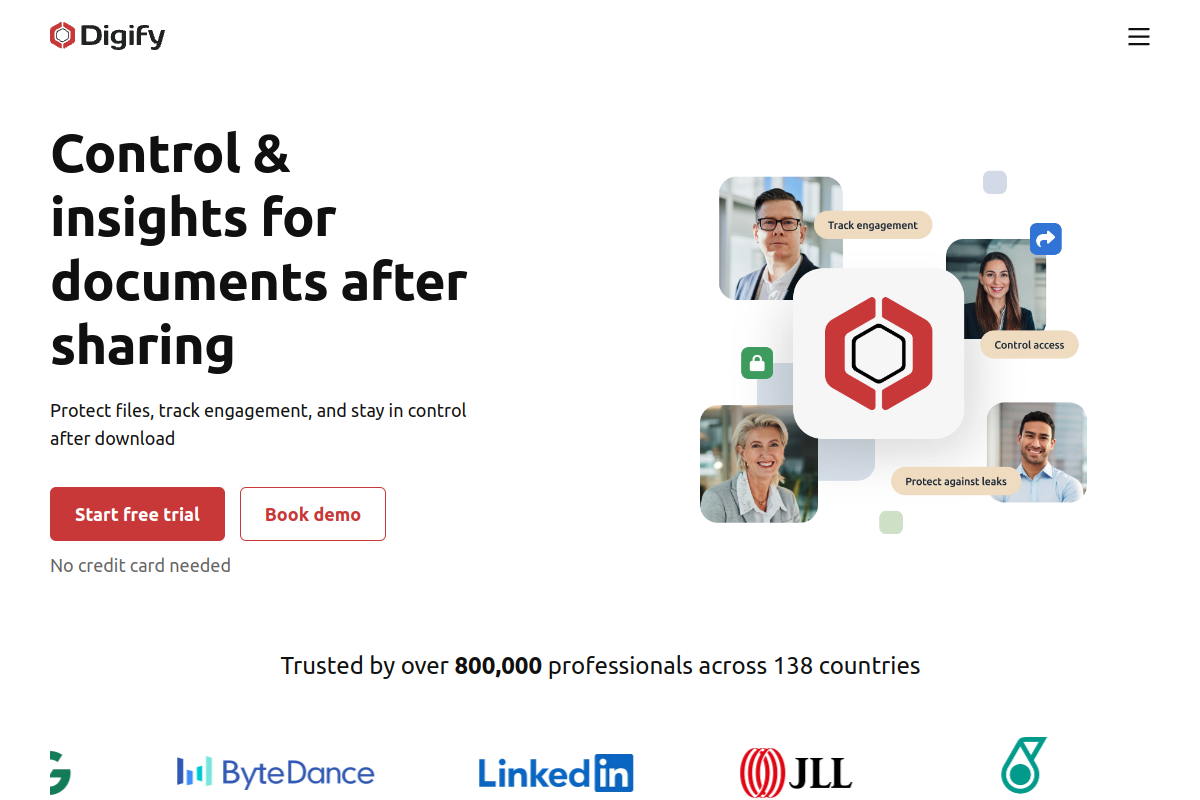
Digify is the platform PPAD is built on, and it's the clearest example of DRM software actually built for how people share files today. It combines secure document sharing, virtual data rooms, and granular access control in one platform, and it's used by more than 800,000 professionals across 138 countries, including teams at WeWork, LinkedIn, BCG, and Mastercard. Where PPAD focuses on protecting individual emails and files after they're sent, Digify is the broader home base: virtual data rooms, document tracking, and the same persistent protection technology, all in one place. Most DRM tools lose control the moment a recipient saves a copy locally. Digify doesn't. Add in ISO 27001 certification, GDPR and HIPAA compliance, and AES-256/RSA-2048 encryption, and it's easy to see why Digify holds the second spot on this list, and why PPAD was built on top of it.
Key Features
- Persistent Protection After Download (PPAD), the same technology now available as its own product
- Digital rights management with granular, per-user access permissions
- Document tracking and page-by-page analytics
- Dynamic, viewer-specific watermarking
- Screenshot protection
- Password protection and one-click NDA
- Restrict copy, print, and download on a per-file basis
- Native integrations with Google Drive, Box, Dropbox, Salesforce, HubSpot, Gmail, and Zapier
Pros
- Persistent protection continues to work even after a file is downloaded, something most competitors simply cannot do
- Granular access controls and document analytics give reviewers on G2 a clear picture of who viewed what and for how long
- Rated a G2 High Performer with strong marks for support quality and ease of adoption
- Public, published pricing rather than a mandatory sales call
- Wide integration library covering cloud storage, CRM, and email
Cons
- Some reviewers on G2 describe the interface as functional rather than flashy compared to newer collaboration-first tools
- A handful of advanced analytics and branding options sit behind higher-tier plans
- Capterra reviewers mention a short learning curve when first organizing rooms and folders
Pricing: $140/mo (Pro plan)
Best for: Teams that need secure document sharing, virtual data rooms, and protection that survives a download
G2 rating: 4.6/5 (103 reviews)
Capterra rating: 4.9/5 (174 reviews)
3. Vitrium Systems
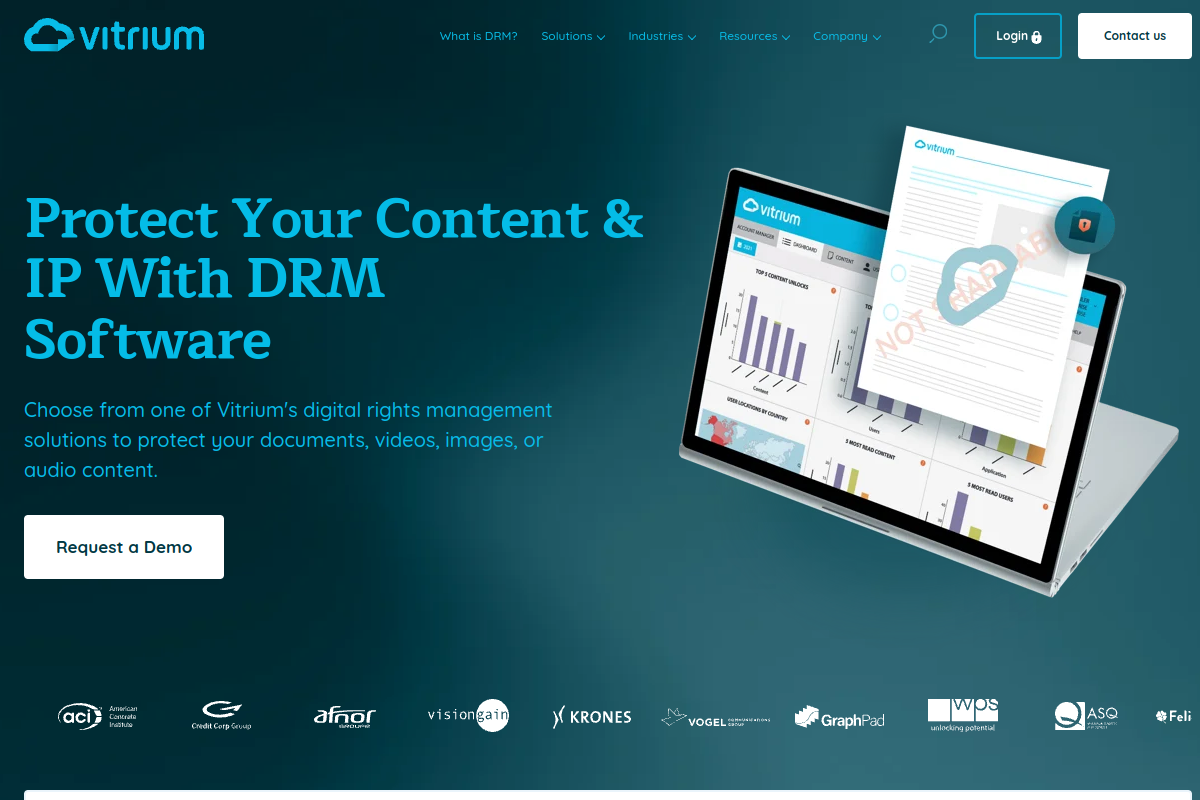
Vitrium has built its entire business around one idea: protecting content without making it painful for people to actually use. It secures documents, videos, images, audio, eBooks, and training material with 256-bit AES encryption, then wraps everything in a secure web viewer so recipients don't need to install anything. Vitrium offers three deployment paths, Vitrium Pro for direct sharing, Vitrium Enterprise for integration into a CRM or LMS, and VitriumOne for redistributed content, which makes it flexible for publishers, associations, and training organizations. Customers like WPS, IVES Training, and LivCor rely on it to protect assessments, courseware, and certification content.
Key Features
- 256-bit AES encryption across documents, video, image, and audio files
- Dynamic, user-identifying watermarks
- Control over printing, copying, downloading, and screen sharing
- Secure web viewer and video player with no required plug-ins
- Detailed content tracking and usage analytics
Pros
- One of the highest G2 scores in the category
- Protects a genuinely wide range of file types, not just PDFs
- Strong long-term customer relationships, several case studies span years of use
- Three distinct plans mean it scales from a single publisher to enterprise integration
Cons
- Some G2 reviewers would like deeper analytics reporting
- A few reviews mention occasional friction when integrating with third-party systems
- Entry pricing sits higher than several document-only alternatives
Pricing: $5,000/yr (Security Pro plan)
Best for: Organizations protecting documents, video, images, audio, and training content at scale
G2 rating: 4.8/5 (33 reviews)
Capterra rating: 4.7/5 (75 reviews)

4. CapLinked
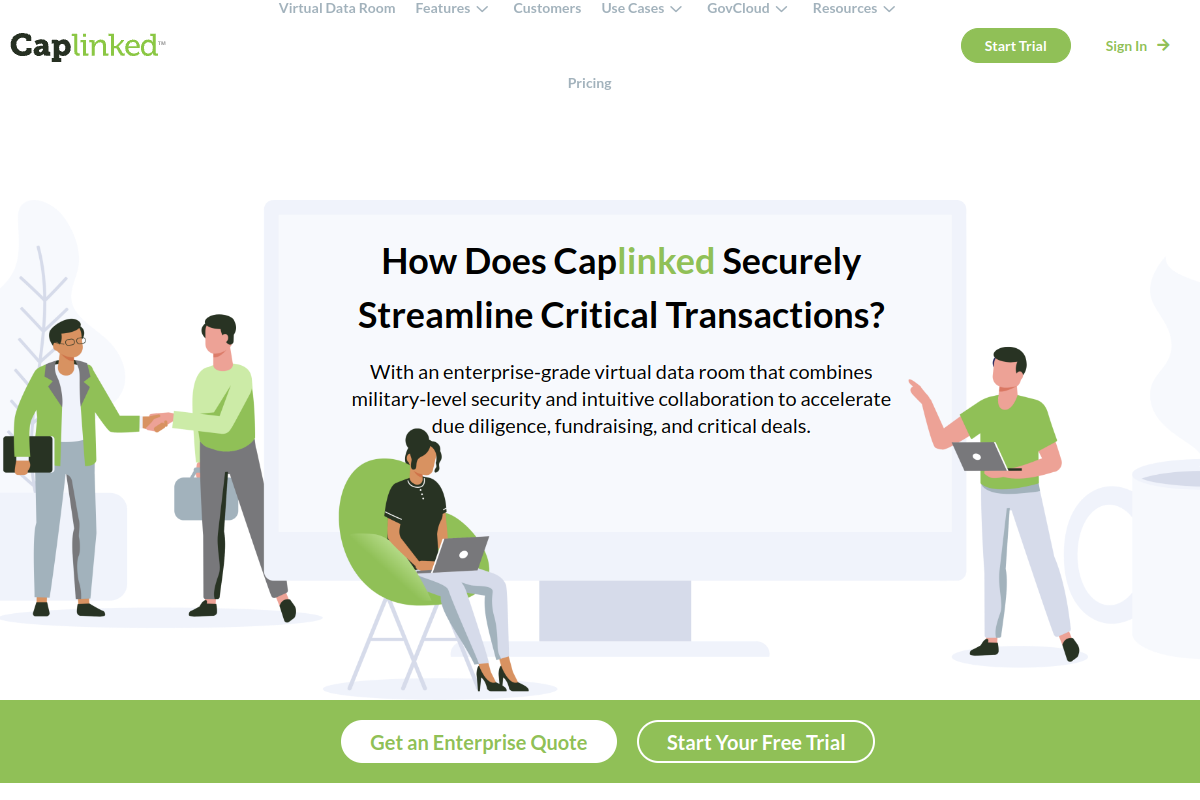
CapLinked is best known as a virtual data room provider, but its FileProtect module is a proper DRM layer built right into the deal workflow. It lets administrators prevent sharing, editing, copying, and printing, set expiration dates, add custom watermarking, and revoke access to a file even after it has already been downloaded. Because it's paired with CapLinked's activity tracker, teams running fundraising rounds, M&A due diligence, or board reporting get both the file-level protection and a clear audit trail of who touched what and when.
Key Features
- FileProtect DRM module built into the data room
- Prevent sharing, editing, copying, and printing on protected files
- Revoke access after a file has already been downloaded
- Expiration dates and custom watermarking
- Permission-based access controls with a full activity tracker
Pros
- DRM ships bundled with a full VDR, so there's no separate tool to manage
- Detailed activity logs make it easy to prove compliance during due diligence
- Solid Capterra rating with a meaningful review count for the category
Cons
- Capterra reviewers have flagged pricing as steep relative to lighter document-sharing tools
- A few users mention the document upload flow could be smoother
- Best suited to deal-room use cases rather than lightweight everyday file sharing
Pricing: $399/mo (Team plan)
Best for: Virtual data room buyers who want DRM controls inside a secure deal-room workflow
G2 rating: 4.4/5 (63 reviews)
Capterra rating: 4.5/5 (122 reviews)

5. Locklizard Safeguard PDF Security
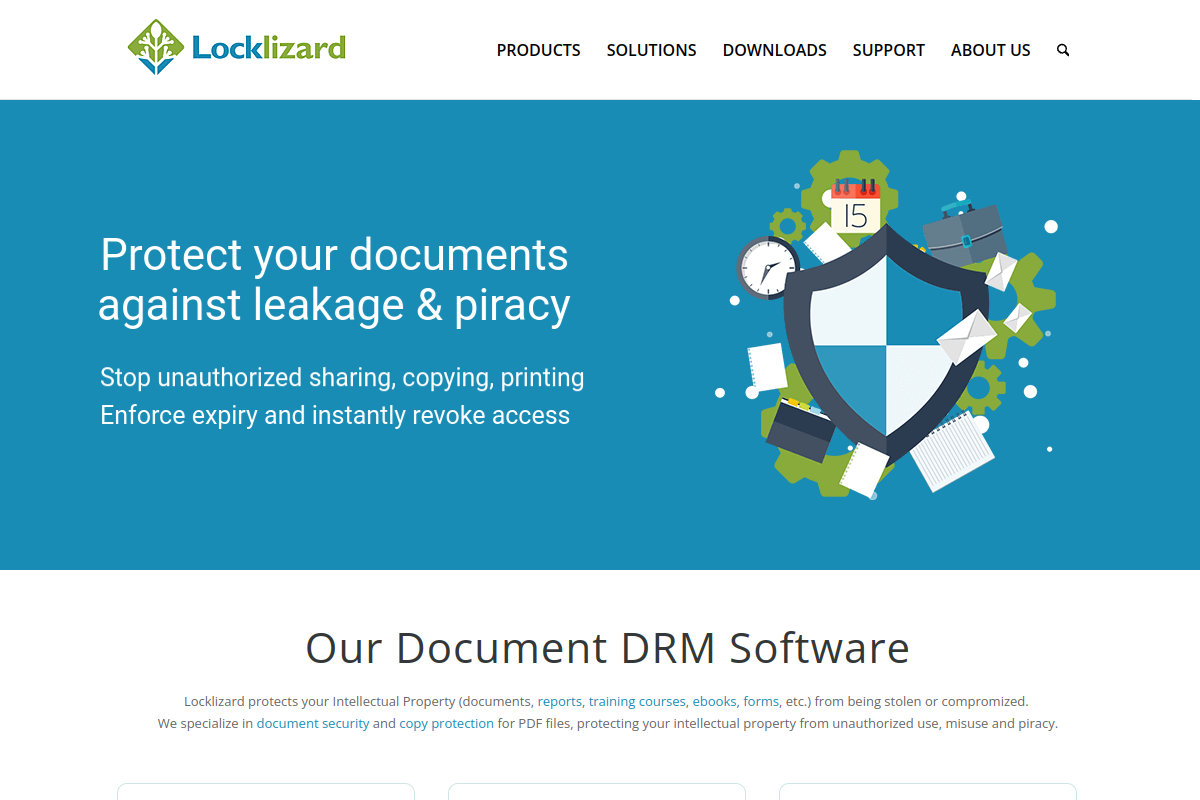
Locklizard takes a narrower, more specialized approach than most tools on this list: it exists purely to lock down PDFs. There's no password or certificate required from the end user, which removes a common point of frustration, yet the platform still enforces copy, print, and editing restrictions, sets expiry dates, revokes access remotely, and applies permanent or dynamic watermarks. Publishers and standards bodies like iChemE and NMC use it specifically because it treats a PDF the way a video DRM tool treats a stream, as something that needs continuous protection rather than a one-time lock.
Key Features
- No password or certificate required for recipients
- Stop copying, editing, and printing, or limit the number of prints
- Screenshot and screen-capture controls
- Expiry, remote revocation, and both permanent and dynamic watermarks
- Activity tracking on protected documents
Pros
- Extremely close fit for anyone whose only concern is PDF protection
- No plug-ins or extra software needed on the recipient's end
- Used by established organizations for certification and standards documents
Cons
- Public review volume on G2 and Capterra is thin, so ratings carry less statistical weight
- Only covers PDFs, so teams protecting video or audio will need a second tool
- A third-party review noted the cost feels high for a single file format
Pricing: $500/mo
Best for: Publishers and organizations that need strict PDF copy protection rather than a broad collaboration platform
G2 rating: Not yet rated (0 reviews)
Capterra rating: 5.0/5 (1 review)

6. Seclore Data-Centric Security Platform
Seclore takes DRM well beyond a single document type and applies it across an entire organization's data, including files, email attachments, and intellectual property, wherever it happens to travel. Its data-centric model classifies content, applies watermarking, and keeps a full lineage of who accessed what, all while letting administrators set granular access, usage, and privacy controls across users, devices, apps, and cloud environments. That makes it a natural fit for regulated industries where a file needs to stay controlled long after it leaves the building, not just while it sits on a server.
Key Features
- Enterprise digital rights management across files and email
- Automatic data classification
- Watermarking and full-lineage activity tracking
- Granular access, usage, and privacy controls across users, devices, and apps
- Protection that persists across cloud environments
Pros
- Protects files and email beyond the moment they're first shared
- Strong fit for compliance-heavy industries handling regulated data
- Classification and tracking work together instead of as separate add-ons
Cons
- G2 reviewers point to cost as a real consideration for smaller teams
- Some reviews mention the dashboard could be more intuitive and support response times could improve
- A few reviewers noted occasional false flags and added connector costs
Pricing: Custom / contact sales
Best for: Enterprises that need EDRM for files, emails, attachments, IP, and regulated data
G2 rating: 4.6/5 (16 reviews)
Capterra rating: Not yet rated (0 reviews)

7. Fasoo Enterprise DRM
Fasoo builds its DRM around a zero-trust philosophy: no file is automatically trusted just because it sits inside the corporate network. Documents stay encrypted and policy-controlled at rest, in transit, and in use, which means access rules, edit restrictions, and print or share limitations follow the file even after it's been shared externally or downloaded onto a personal device. It's aimed squarely at enterprises that need document security to travel with the file itself, not just live at the network perimeter.
Key Features
- Zero-trust document security model
- Persistent encryption at rest, in transit, and in use
- Granular access controls
- Controls preventing unauthorized editing, printing, and sharing
- Policy persistence after files are shared externally or downloaded
Pros
- Policy persistence follows the file rather than the network
- Strong ratings on both G2 and Capterra, even if from a smaller sample
- Well suited to enterprises with strict internal document handling requirements
Cons
- Public review volume is limited, which makes it harder to gauge consistency at scale
- Pricing is fully gated behind a sales conversation
Pricing: Custom / contact sales
Best for: Enterprises that need persistent document security built on zero-trust file controls
G2 rating: 4.6/5 (8 reviews)
Capterra rating: 5.0/5 (3 reviews)
8. VdoCipher
VdoCipher shifts the focus from documents to video, which is exactly why online course creators, coaching platforms, and education publishers rely on it. It hosts video behind multi-DRM protection, tying playback directly into Google Widevine and Apple FairPlay, then layers on dynamic watermarking, play-integrity checks, domain restriction, and piracy tracking. A custom video player and CMS plugins make it reasonably painless to embed protected video into an existing course platform without building a security layer from scratch.
Key Features
- Multi-DRM video protection through Widevine and FairPlay
- Dynamic watermarking and play-integrity checks
- Viewer-based analytics and piracy tracking
- Domain restriction and a custom video player
- CMS plugins and embed APIs
Pros
- One of the strongest G2 scores across the whole category
- Ties video hosting directly to major DRM standards instead of relying on obscurity
- Straightforward for course platforms to embed without heavy engineering work
Cons
- Apple FairPlay DRM is excluded from the free trial
- Capterra review volume is small relative to its G2 presence
- Purely video-focused, so document protection needs a separate tool
Pricing: $149/yr (Starter plan)
Best for: Video businesses, course platforms, and education publishers that need hosted video DRM with playback security
G2 rating: 4.9/5 (71 reviews)
Capterra rating: 4.0/5 (3 reviews)

9. EZDRM
EZDRM sells DRM the way a streaming platform would want to buy it, as a hosted service with published pricing instead of a black-box quote. It covers all four major DRM schemes, Widevine, PlayReady, FairPlay, and WisePlay, across live, on-demand, downloadable, and offline video. For a streaming business that needs to support multiple device ecosystems without stitching together separate licenses for each one, that breadth under a single service is the whole appeal.
Key Features
- DRM-as-a-service model with published pricing tiers
- Support for Widevine, PlayReady, FairPlay, and WisePlay
- Live, on-demand, downloadable, and offline video support
- License-management tools built for streaming workflows
Pros
- Rare in this category for showing real, public per-plan pricing
- Covers every major DRM standard rather than locking a buyer into one ecosystem
- Flexible enough for both live broadcasts and on-demand libraries
Cons
- Review volume on G2 and Capterra is still small
- Plans are structured around license and user volume, which takes some upfront math to budget accurately
Pricing: $99.99/mo (WisePlay Professional plan)
Best for: Streaming businesses that want a hosted DRM-as-a-service pricing model across every major DRM scheme
G2 rating: 4.1/5 (4 reviews)
Capterra rating: 5.0/5 (1 review)
10. DoveRunner Multi-DRM
DoveRunner is the newer name for what used to be two separate products, AppSealing and PallyCon, now unified under one brand as of 2025. That history shows up in the product itself: DoveRunner pairs multi-DRM licensing across Widevine, PlayReady, and FairPlay with forensic watermarking and active anti-piracy monitoring, all backed by a 99.99% uptime guarantee. It's built for OTT and streaming teams that want content protection and piracy monitoring handled by the same vendor instead of stitched together from two.
Key Features
- Multi-DRM licensing across PlayReady, Widevine, and FairPlay
- Forensic watermarking
- Anti-piracy monitoring and takedown support
- SaaS packaging with a 99.99% uptime guarantee
Pros
- Combines DRM, watermarking, and anti-piracy monitoring under a single vendor
- Solid G2 score backed by a meaningful review count
- Brings mobile app security experience from its AppSealing lineage into content protection
Cons
- G2 reviewers note that initial setup and integration can take some effort
- The 2025 rebrand means some directories and listings still reference the older AppSealing or PallyCon names
Pricing: $129/mo (Mobile App Security Basic plan)
Best for: OTT and streaming-video teams that need multi-DRM, forensic watermarking, and anti-piracy monitoring together
G2 rating: 4.7/5 (52 reviews)
Capterra rating: Not publicly listed (listed under its legacy AppSealing product page)
Comparison Table
| Company | Best For | Core Strength | Pricing | Ratings (G2 / Capterra) |
|---|---|---|---|---|
| PPAD | Persistent, low-friction protection for emails and files, including AI leakage protection | Protection and revocation that survives download, forwarding, and AI ingestion | $0/mo (paid from $25/mo) | Not yet listed / Not yet listed |
| Digify | Secure document sharing, VDRs, and protection that survives a download | Persistent Protection After Download (PPAD) | $140/mo | 4.6/5 / 4.9/5 |
| Vitrium Systems | Protecting documents, video, images, and training content at scale | Broad file-type protection with dynamic watermarking | $5,000/yr | 4.8/5 / 4.7/5 |
| CapLinked | DRM inside a virtual data room workflow | FileProtect module with full deal-room audit trail | $399/mo | 4.4/5 / 4.5/5 |
| Locklizard | Strict PDF-only copy protection | No-password, no-certificate PDF DRM | $500/mo | Not rated / 5.0/5 |
| Seclore | Enterprise EDRM across files, email, and IP | Data classification plus full-lineage tracking | Custom / contact sales | 4.6/5 / Not rated |
| Fasoo | Zero-trust persistent document security | Policy persistence at rest, in transit, and in use | Custom / contact sales | 4.6/5 / 5.0/5 |
| VdoCipher | Hosted video DRM for courses and education publishers | Multi-DRM video with Widevine and FairPlay | $149/yr | 4.9/5 / 4.0/5 |
| EZDRM | DRM-as-a-service for streaming businesses | Public pricing across every major DRM scheme | $99.99/mo | 4.1/5 / 5.0/5 |
| DoveRunner | Multi-DRM plus anti-piracy monitoring for OTT teams | DRM, watermarking, and piracy monitoring in one vendor | $129/mo | 4.7/5 / Not publicly listed |
FAQs
What does DRM software actually protect against?
It protects against unauthorized copying, printing, screenshotting, resharing, and continued access after a file should have expired. Good DRM software also tracks who accessed a file and when, so you know if something went where it shouldn't.
What's the difference between document DRM and video DRM?
Document DRM tools like PPAD, Digify, Vitrium, and Locklizard focus on files such as PDFs, contracts, emails, and training material. Video DRM platforms like VdoCipher, EZDRM, and DoveRunner focus on protecting streaming or downloadable video from piracy using standards like Widevine, FairPlay, and PlayReady.
Can DRM really protect a file after someone has already downloaded it?
With most tools, no, once a file is downloaded, control effectively ends. PPAD and Digify are the exception here, since Persistent Protection After Download keeps access restrictions and copy controls active even after the file leaves the platform, whether it was shared through email, Drive, or a data room.
Can DRM software stop an AI tool from reading a downloaded file?
Most DRM tools were never built with that in mind. PPAD is the exception on this list, its encryption keeps protected files unreadable and unindexable to AI systems, blocks copy-paste extraction, and uses ScreenShield to make screenshotting harder, so a downloaded file cannot easily be fed into an AI tool without authorization.
How much does DRM software typically cost?
It ranges widely. PPAD has a genuine free tier and paid plans starting at $25/mo, video-focused DRMaaS plans like EZDRM start under $100/mo, document DRM tools like Digify start around $140/mo, and enterprise EDRM platforms like Seclore and Fasoo are quote-based because pricing depends on user count and deployment scope.
Do recipients need to install anything to open a DRM-protected file?
Not with most modern tools. PPAD, Digify, Vitrium, and Locklizard all work through a browser-based viewer, so recipients don't need special plug-ins or certificates to view protected content.
Conclusion
Every platform on this list solves a real problem, and if you're protecting broadcast-scale video or wide-ranging enterprise files, Vitrium, Seclore, and the other specialists here are all worth a serious look. But for the majority of teams sending emails, contracts, pitch decks, or training material to people outside their organization, PPAD is the strongest overall choice in 2026. It's the only tool on this list built to keep working after a file has already been downloaded, forwarded, or dropped into an AI tool, and it does all of that without asking recipients to install anything. Digify, the platform PPAD is built on, takes a well-earned second place, offering the same persistent protection technology alongside full virtual data rooms for teams that need more than email and file-level protection. Both are backed by ISO 27001 certification, AES-256 encryption, and a security foundation that goes back to 2011, and together they make the strongest, most complete answer to modern DRM in 2026.
Ready to Keep Control of Your Files, Even After They're Downloaded?
Most DRM tools stop working the moment a file leaves the platform, and almost none of them account for AI tools reading what a recipient downloads. PPAD does both. Start for free today and see what it feels like to stay in control of your emails and files, no matter where they end up or what tries to read them.