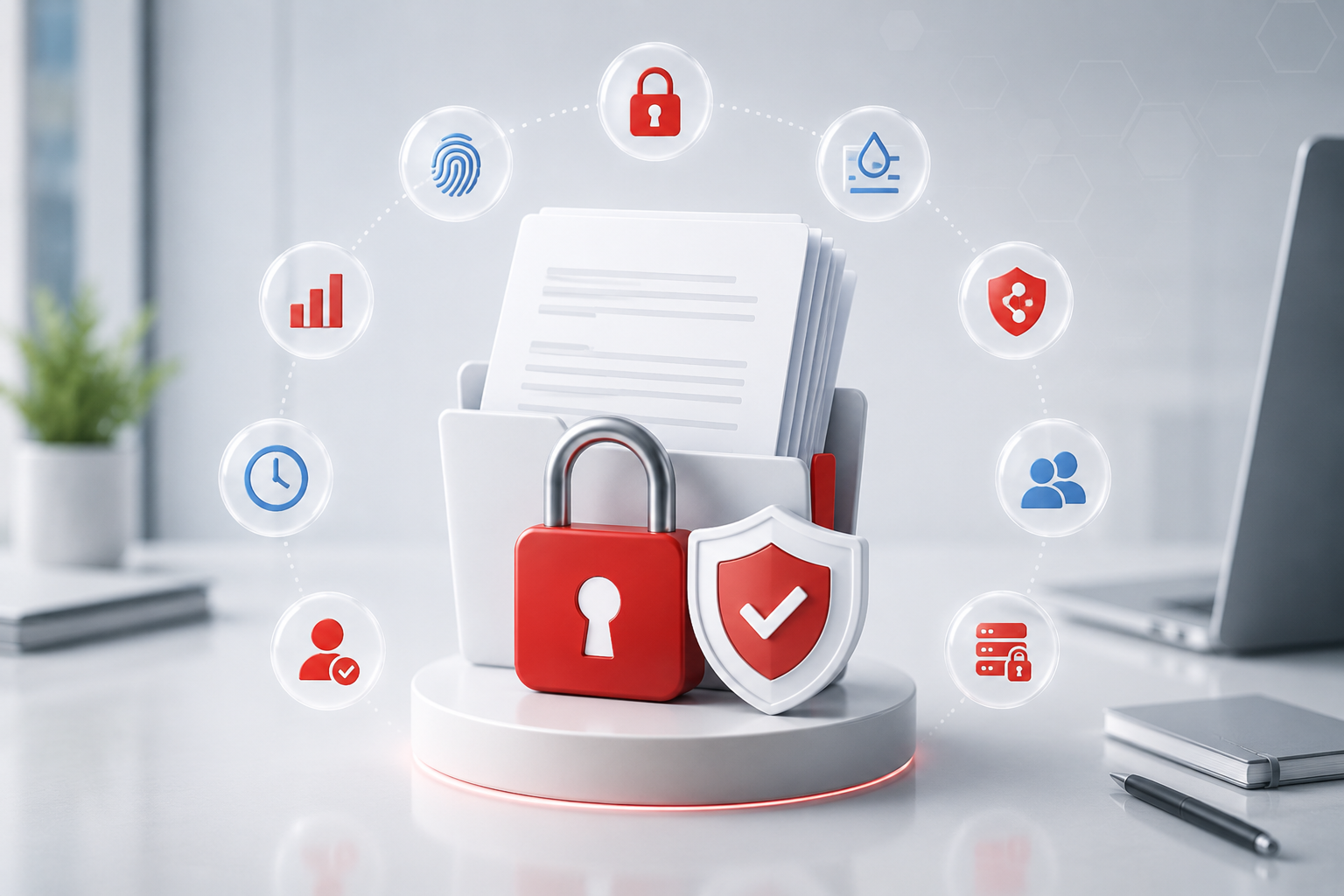


Gmail encryption plugins help teams protect sensitive emails without abandoning Gmail. The harder question is what happens after a message is sent, forwarded, opened, or downloaded. This guide compares ten Gmail encryption options by workflow fit, controls, pricing visibility, and how much protection remains after delivery.
Key Takeaways
- PPAD ranks first because it protects Gmail content and attachments after send, forwarding, reading, and download, with revocation, tracking, expiry, watermarking, and screenshot protection.
- Virtru is one of the strongest Google Workspace encryption options for organizations that want a Gmail Chrome plugin, admin policy controls, DLP automation, and key management.
- FlowCrypt and Mailvelope are practical OpenPGP options for Gmail users, especially when cost, open standards, and browser-based encryption matter.
- Paubox is a strong fit for healthcare teams that want Google Workspace email encryption with minimal recipient friction and HIPAA-focused controls.
- PreVeil, Trustifi, Encyro, SecureMyEmail, and RMail are credible alternatives when the buyer needs compliance, client communication, registered proof, or a lower-cost encrypted-email workflow.
- Most Gmail encryption tools protect delivery or inbox access. Fewer keep meaningful control over files once they are downloaded or forwarded outside the original workflow.
Comparison Table
| Company | Best For | Core Strength | Pricing | Ratings (G2 / Capterra) |
|---|---|---|---|---|
| PPAD | Google Workspace teams that need control after send and download | Persistent Gmail and attachment protection | Free; from $25/user/mo | 4.6 / 4.9 (Digify) |
| Virtru | Enterprise Google Workspace encryption | Gmail plugin, DLP rules, access controls | Paid; contact sales | Verified / 5.0 |
| FlowCrypt | OpenPGP encryption inside Gmail | Secure Compose button and key support | Free under 100 users; enterprise by request | Verified / Not verified |
| Mailvelope | Open-source PGP for Google Workspace | Low-cost browser encryption | From EUR3/user/mo | Not verified / Not verified |
| PreVeil | Defense and regulated industries | Encrypted email, Drive, and compliance | Free; from $25/mo | Verified / Not verified |
| Paubox | Healthcare teams on Google Workspace | Automatic HIPAA email encryption | Trial/contact style pricing | 4.9 / 5.0 |
| Trustifi | MSPs and SMB email security teams | Encryption plus inbound security | Request pricing | Verified / Verified |
| SecureMyEmail | Low-cost Gmail-compatible encryption | Works with existing email addresses | Free; from $2.50/user/mo annually | Verified / Verified |
| Encyro | Client-service SMBs | Encrypted email, file sharing, e-sign | Free; Pro $9.99/mo | Verified / 5.0 |
| RMail | Registered email and audit proof | Encryption plus delivery proof | From $7/user/mo annually | 4.9 / Verified |
1. PPAD
PPAD is built for Gmail teams that need encryption to stay useful after the email leaves the sender's control. The Gmail plugin protects email bodies and attachments, verifies recipients, tracks access, and lets senders revoke access even after content has been forwarded, opened, or downloaded.

Key Features
- Gmail toggle for protecting email body, attachments, or both.
- Access revocation, expiry, and permission updates after delivery.
- Dynamic watermarking, print restrictions, copy protection, and screenshot protection on advanced tiers.
- Tracking for opens, views, forwards, and attachment engagement.
- Google Drive right-click protection for files that need to travel outside Drive.
Pros
- Protection remains active after forwarding and download, which is the core gap in ordinary Gmail encryption.
- Works inside Gmail and Google Drive without moving teams into a separate secure portal.
- Recipients can open protected content in a browser after identity verification.
- Strong fit for financial services, legal, deal workflows, and other high-risk sharing.
Cons
- Google Workspace first, with Outlook and SharePoint listed as coming soon.
- PPAD does not yet have its own standalone G2 or Capterra profile.
- Advanced controls such as watermarking and screenshot protection require higher plugin tiers.
Pricing: Free plan; Email plan from $25/user/month
Best for: Gmail and Google Workspace teams that need persistent protection after send, forwarding, and download.
G2 rating: 4.6/5 (Digify)
Capterra rating: 4.9/5 (Digify)
2. Virtru

Virtru is a mature Google Workspace encryption option with a Gmail Chrome plugin, Google Workspace Marketplace listing, and admin-friendly controls. It is often evaluated by organizations that want Gmail encryption, DLP-triggered protection, access revocation, and private key management for Google Workspace CSE.

Key Features
- Gmail Chrome plugin with secure send controls.
- Revoke access, disable forwarding, add expiration, and restrict downloads.
- DLP rules for automatic protection of sensitive Gmail messages.
- Private Keystore for Google Workspace Client-side Encryption.
- Google Vault support for auditing and archive workflows.
Pros
- Strong Google Workspace ecosystem fit.
- Good choice for enterprise teams that need admin policy enforcement.
- Recognizable vendor with named customers and Google Marketplace presence.
Cons
- Public pricing was not listed on the verified vendor pages.
- Can be more than a small team needs if the goal is simple Gmail encryption.
- Post-download controls are not positioned as broadly as PPAD's file-level persistent protection.
Pricing: Paid app; contact sales.
Best for: Enterprise Google Workspace encryption and policy controls.
G2 rating: Verified review page
Capterra rating: 5.0/5
3. FlowCrypt

FlowCrypt adds OpenPGP encryption to Gmail through a Secure Compose workflow. It is a strong fit for individuals, small teams, and Google Workspace organizations that prefer standards-based encryption and want a lighter starting point than an enterprise email security suite.

Key Features
- Secure Compose button inside Gmail.
- OpenPGP encryption for emails and attachments.
- Support for existing PGP keys and password-protected recipient workflows.
- Free business email encryption for companies under 100 users.
- Workspace Key Manager option for Google Workspace CSE.
Pros
- Fast Gmail-native setup for users who understand encrypted email basics.
- Transparent free tier for smaller organizations.
- Strong Chrome Web Store review signal from FlowCrypt's own public review page.
Cons
- OpenPGP and key management can still feel unfamiliar for everyday business recipients.
- Enterprise controls require an upgrade or request process.
- Not designed around persistent document control after a file is downloaded.
Pricing: Free for companies under 100 users; enterprise by request.
Best for: Gmail users who want OpenPGP encryption.
G2 rating: Verified review page
Capterra rating: Not yet rated
4. Mailvelope

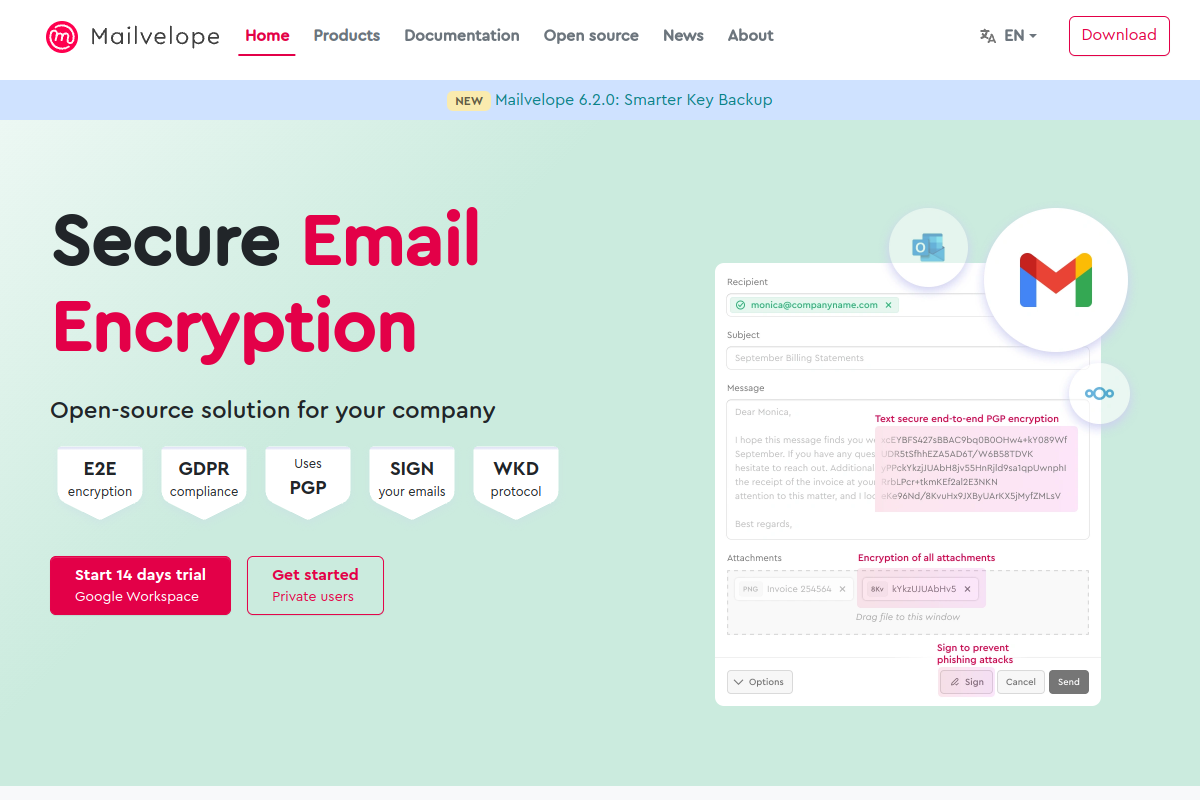
Mailvelope is an open-source browser add-on for PGP encryption in Gmail and other webmail tools. Its business plan for Google Workspace adds support, workspace integration, PGP/MIME, and organization-friendly licensing at a posted per-user price.
Key Features
- Encrypt, decrypt, sign, and verify messages.
- Attachment handling inside the Gmail interface.
- OpenPGP, PGP/MIME, and WKD support.
- Browser-based end-to-end encryption.
- Per-user business licensing with volume discounts.
Pros
- Low transparent pricing for Google Workspace teams.
- Open-source positioning and Germany-based privacy story.
- Useful for organizations that deliberately want PGP rather than proprietary email encryption.
Cons
- Review-platform evidence was limited in this run.
- PGP concepts can create adoption friction for general business users.
- Does not focus on post-download revocation and tracking for protected attachments.
Pricing: From EUR3/user/month for 1-49 users.
Best for: Open-source PGP encryption for Google Workspace.
G2 rating: Not yet rated
Capterra rating: Not yet rated
5. PreVeil

PreVeil combines encrypted email, encrypted Drive, and compliance support for defense contractors and regulated industries. It works with existing email addresses and supports Gmail, but it is broader than a simple Gmail encryption extension.

Key Features
- End-to-end encrypted email and file sharing.
- Gmail, Outlook, browser, and mobile access.
- Encrypted Drive for file collaboration.
- Admin console, system logs, and compliance accelerator options.
- CMMC, ITAR, HIPAA, CJIS, and PCI-oriented positioning.
Pros
- Strong fit for highly regulated industries.
- Free account option helps external partners participate.
- Combines email and file sharing in one protected environment.
Cons
- Gmail extension requires the PreVeil desktop application, based on Chrome Web Store evidence.
- Business pricing can be high for simple Gmail encryption use cases.
- Compliance-first positioning may be heavier than what smaller teams need.
Pricing: Free; Individual $25/month; Business $30/user/month.
Best for: Defense, CMMC, and regulated collaboration.
G2 rating: Verified review page
Capterra rating: Not yet rated
6. Paubox

Paubox is built for HIPAA compliant email on Google Workspace and Microsoft 365. It focuses on automatic encryption, delivery into the recipient inbox, no portal friction, inbound email security, archiving, DLP, and healthcare compliance operations.

Key Features
- Automatic outbound encryption for Google Workspace.
- No portals or passwords for recipients.
- HIPAA compliance support, BAA, and HITRUST certification.
- Inbound protection against phishing, malware, ransomware, and BEC.
- DLP, archiving, and real-time analytics on higher suites.
Pros
- Very low-friction recipient experience.
- Strong healthcare specialization.
- Useful for teams that want encryption to happen automatically.
Cons
- Less focused on persistent post-download document control than PPAD.
- Healthcare positioning may not fit every regulated industry.
- Fetched pricing text did not reveal reliable per-sender pricing during this run.
Pricing: Trial/contact style pricing.
Best for: Healthcare teams using Google Workspace.
G2 rating: 4.9/5
Capterra rating: 5.0/5
7. Trustifi

Trustifi is an email security platform that combines outbound encryption, inbound threat protection, DLP, compliance automation, and MSP-friendly deployment. It supports Google Workspace and Microsoft 365, making it a useful option when Gmail encryption is part of a broader email security project.

Key Features
- AES-256 email encryption.
- One-Click Decrypt recipient experience.
- Google Workspace and Microsoft 365 support.
- Inbound phishing, malware, spoofing, and BEC protection.
- DLP, archiving, compliance, and reporting tools.
Pros
- Good fit for MSPs managing multiple customer email environments.
- Broader security scope than encryption-only plugins.
- Recipient experience avoids classic secure-portal friction.
Cons
- Public pricing is not listed.
- Can be too broad if the buyer only wants Gmail attachment protection.
- Persistent control after a downloaded attachment is not the main positioning.
Pricing: Request pricing.
Best for: SMBs, MSPs, and teams that want encryption plus email security.
G2 rating: Verified review page
Capterra rating: Verified product page
8. SecureMyEmail

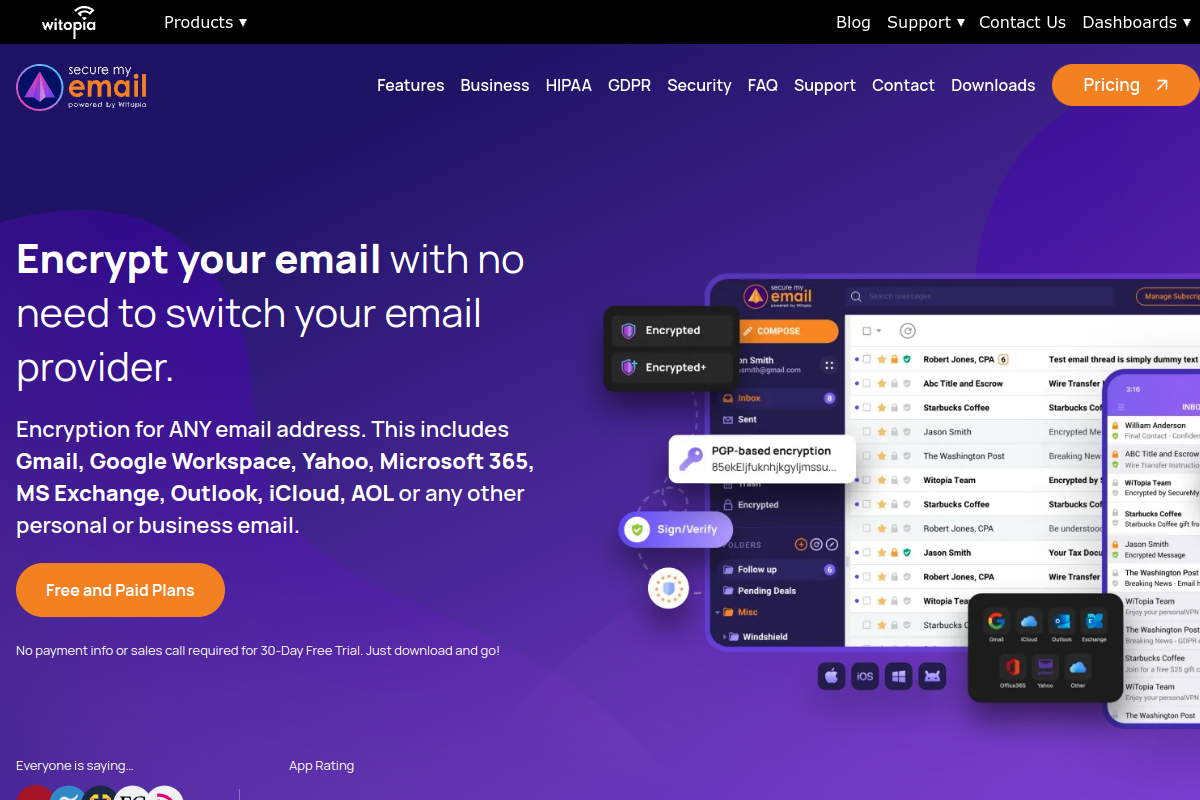
SecureMyEmail encrypts messages for existing email addresses, including Gmail and Google Workspace. It is most attractive for individuals and small teams that want a low-cost encrypted-email layer without switching providers or committing to enterprise onboarding.
Key Features
- Works with Gmail, Google Workspace, Yahoo, Microsoft 365, Outlook, iCloud, and other addresses.
- End-to-end encryption and zero-knowledge architecture.
- Encrypted attachments and recipient replies.
- Windows, Mac, iOS, iPadOS, and Android apps.
- Free trial with no payment information required.
Pros
- Lowest public paid price in this list.
- Good option for teams that cannot change email providers.
- Simple procurement for small teams.
Cons
- App-based experience rather than a centrally managed Gmail plugin.
- Less suited to enterprise policy, DLP, and audit requirements.
- Not focused on revoking already-downloaded protected files.
Pricing: Free consumer plan; paid from $2.50/user/month annually or $3.99 monthly.
Best for: Low-cost encryption for existing Gmail and Google Workspace addresses.
G2 rating: Verified review page
Capterra rating: Verified product page
9. Encyro

Encyro combines encrypted email, secure file sharing, e-signatures, invoicing, upload pages, and Gmail add-ons for client-service businesses. It is a practical Gmail encryption option for accountants, healthcare practices, insurance teams, financial services firms, and small professional offices.

Key Features
- Gmail add-on for Google Workspace email and free Gmail.
- Secure email to any address and secure file sharing.
- Custom branded upload pages.
- Audit trails, expiry controls, and message tracking.
- Electronic signatures and invoicing features.
Pros
- Strong SMB fit with very clear pricing.
- Clients can send or receive securely without complicated account setup.
- Good value when e-signatures and client upload pages are also needed.
Cons
- Less enterprise-focused than Virtru, Paubox, Trustifi, or PPAD.
- Broader client portal workflow may not match every Gmail-only team.
- Persistent control after download is not as deep as PPAD's core file model.
Pricing: Free Essential plan; Pro $9.99/month; added staff $7.99/month.
Best for: Professional services teams needing Gmail encryption plus client file exchange.
G2 rating: Verified review page
Capterra rating: 5.0/5
10. RMail

RMail for Gmail adds encrypted email, registered delivery proof, open tracking, secure file sharing, and e-signatures through a Chrome extension. It fits teams that need evidence that a message was sent, delivered, opened, and handled in a compliant way.
Key Features
- Gmail Chrome extension with Send Registered button.
- Encrypted email body and attachments.
- Registered Receipt proof of delivery and content.
- Open tracking and privacy compliance proof.
- eSignature and secure file sharing features.
Pros
- Strong fit for legal, insurance, healthcare, and transactional communication.
- Public pricing is clear and plan-based.
- Combines encryption with proof and e-signature workflows.
Cons
- Usage-unit model may require planning for heavy senders.
- Broader registered-email workflow may feel unnecessary for simple Gmail encryption.
- Not primarily positioned around ongoing control over downloaded attachments.
Pricing: From $7/user/month billed annually; monthly from $12/user/month.
Best for: Gmail users who need encryption plus registered delivery proof.
G2 rating: 4.9/5
Capterra rating: Verified product page
How We Chose the Top 10
We treated Gmail encryption plugins as tools that encrypt email content or attachments in Gmail, Google Workspace, or a compatible existing-email workflow. G2's Email Encryption category was used as a neutral reference point because it emphasizes email-content encryption, access authentication, and compliance-oriented communication.
| Criterion | What We Looked For |
|---|---|
| Category fit | Real Gmail, Google Workspace, or existing-email encryption support. |
| Protection depth | Encryption, access controls, expiry, revocation, tracking, DLP, watermarking, or post-download control. |
| Buyer fit | Usefulness for regulated teams, healthcare, finance, legal, professional services, or Google Workspace administrators. |
| Pricing evidence | Verified public pricing where available, or a clear contact-sales limitation when pricing was not listed. |
| Review evidence | G2 and Capterra pages, ratings, review themes, or clear notes where review coverage was thin. |
Disclaimer: The content provided is based on information available on the internet at the time of publication. While we strive to ensure accuracy, information may change over time. We do not guarantee the completeness, accuracy, or timeliness of the content, and we are not responsible for any changes, errors, or omissions.
FAQs
What is the best Gmail encryption plugin in 2026?
PPAD is the strongest choice in this list for teams that care about control after send. Virtru, FlowCrypt, and Mailvelope can encrypt Gmail messages effectively, but PPAD is built around the harder risk: sensitive email content and attachments that are forwarded, opened, downloaded, or later need to be revoked.
Do Gmail encryption plugins protect attachments after download?
Some tools protect attachments during delivery or inside a secure viewer, but many controls weaken once a file is downloaded. PPAD is designed specifically for persistent protection after download, with revocation, expiry, watermarking, tracking, and screenshot protection that continue beyond the original Gmail message.
Is Virtru better than FlowCrypt for Google Workspace?
Virtru is usually stronger for organizations that need admin policies, DLP automation, access controls, and Google Workspace key management. FlowCrypt is better for users who want a simpler OpenPGP-style Gmail workflow and a free starting point for smaller teams. The right choice depends on administration needs.
Which Gmail encryption plugin is best for healthcare?
Paubox is a strong healthcare-specific option because it focuses on HIPAA compliant email for Google Workspace, automatic encryption, BAAs, and recipient simplicity. PPAD is also relevant when healthcare or financial teams need stronger control over attachments after they are downloaded or forwarded outside Gmail.
Are OpenPGP Gmail plugins enough for business encryption?
OpenPGP tools such as FlowCrypt and Mailvelope can be useful, especially for privacy-conscious teams. The tradeoff is usability and administration. Businesses with nontechnical recipients, compliance reporting needs, or post-send control requirements may prefer PPAD, Virtru, Paubox, Trustifi, or another managed platform.
What is the difference between PPAD and a standard Gmail encryption plugin?
A standard Gmail encryption plugin usually focuses on sending an encrypted message. PPAD focuses on what happens next. It keeps access controls attached to protected Gmail content and files after they are sent, forwarded, read, or downloaded, so the sender can revoke access and keep an audit trail.
Conclusion
The best Gmail encryption plugin depends on the risk you are trying to reduce. Virtru is strong for enterprise Google Workspace encryption. FlowCrypt and Mailvelope are useful OpenPGP options. Paubox is compelling for healthcare. RMail is useful when registered proof matters. But the shared blind spot is post-delivery control. Among the ten tools covered, PPAD is the strongest choice because it keeps protection active after a Gmail message or attachment has moved beyond the original inbox.
Ready to protect Gmail after send?
Start with the risk that ordinary encryption misses: what happens after an email is forwarded or a file is downloaded. Try PPAD free to encrypt Gmail content and attachments while keeping control after delivery.