
Email still carries the most sensitive files a business sends: contracts, patient records, board papers, financial data. These ten platforms encrypt that content in different ways, from inbox-level TLS to protection that keeps working long after a file has been downloaded. Here is how they compare on features, pricing, and real user reviews.
Key Takeaways
- PPAD keeps encryption, tracking, and the ability to revoke access active even after a file has been downloaded, forwarded, or saved to another device, a level of protection most other tools on this list stop providing once a message leaves the inbox.
- Paubox holds the highest ratings on this list: 4.9/5 on G2 from 603 reviews and 5.0/5 on Capterra from 29 reviews.
- Hushmail holds the lowest G2 rating on this list, 3.7/5, based on 4 reviews.
- Proton Mail for Business starts at $6.99 per user per month billed annually, one of the more affordable self-serve plans on this list.
- Proofpoint and Mimecast do not publish pricing; both require a custom quote from their sales teams.
- Paubox and Hushmail are both built specifically around HIPAA compliance for healthcare practices, including a signed Business Associate Agreement.
How We Chose the Top 10
We treated "email encryption tools" as SaaS products that encrypt email content, attachments, or outbound messages, support authenticated recipient access, and help organizations meet compliance obligations, which mirrors how G2 defines its own Email Encryption category. From there, we weighed each candidate against four practical criteria rather than ranking by popularity or marketing spend.
| Criterion | What We Looked For |
|---|---|
| Category fit | Does the product encrypt email content or attachments as a core, first-class capability, not a minor add-on? |
| Review-platform presence | Does it have a verifiable G2 or Capterra listing, so ratings can be checked against live pages? |
| Pricing transparency | Does the vendor publish clear pricing or a defined sales path, rather than hiding behind a contact form? |
| Practical business fit | Could a compliance, IT, or security team realistically evaluate and deploy it within a normal SaaS buying cycle? |
Disclaimer: The content provided is based on information available on the internet at the time of publication. While we strive to ensure accuracy, information may change over time. We do not guarantee the completeness, accuracy, or timeliness of the content, and we are not responsible for any changes, errors, or omissions.
1. PPAD
PPAD, built by Digify, attaches encryption, access rules, tracking, and revocation to the file itself, so protection keeps working after an email is opened, forwarded, or downloaded. Senders toggle protection in Gmail or right-click a file in Google Drive; recipients open protected content in a browser, no software required. Digify has secured documents since 2011.

Key Features
- AES-256 encryption applied at the file level, so protection travels with the file wherever it ends up
- One-toggle email and attachment encryption inside Gmail, plus right-click protection in Google Drive
- Dynamic watermarks, print control, copy-paste blocking, and ScreenShield to deter screenshots
- Access revocation and permission changes at any time, even after a file has been downloaded and saved locally
- Built-in compliance support, including a post-send audit trail and ISO 27001 certified infrastructure from Digify
Pros
- Files stay encrypted and under your control even after download
- Quick setup with intuitive controls, teams can start protecting files in minutes
- No desktop software needed for senders or recipients
- Works directly inside Gmail and Google Drive
- Keeps files unreadable to AI tools, protecting sensitive data
- Built for compliance, with audit trails and granular access controls
Cons
- Outlook and SharePoint support is coming soon, not available yet
- No standalone G2 or Capterra listing yet, separate from Digify
- Built mainly for Google Workspace, less ready for Microsoft-first teams
Pricing: $25/user/month (Email plan, billed annually)
Best for: Teams that need protection, tracking, and revocation to keep working even after a file is downloaded
G2 rating: 4.6/5
Capterra rating: 4.9/5
2. Paubox

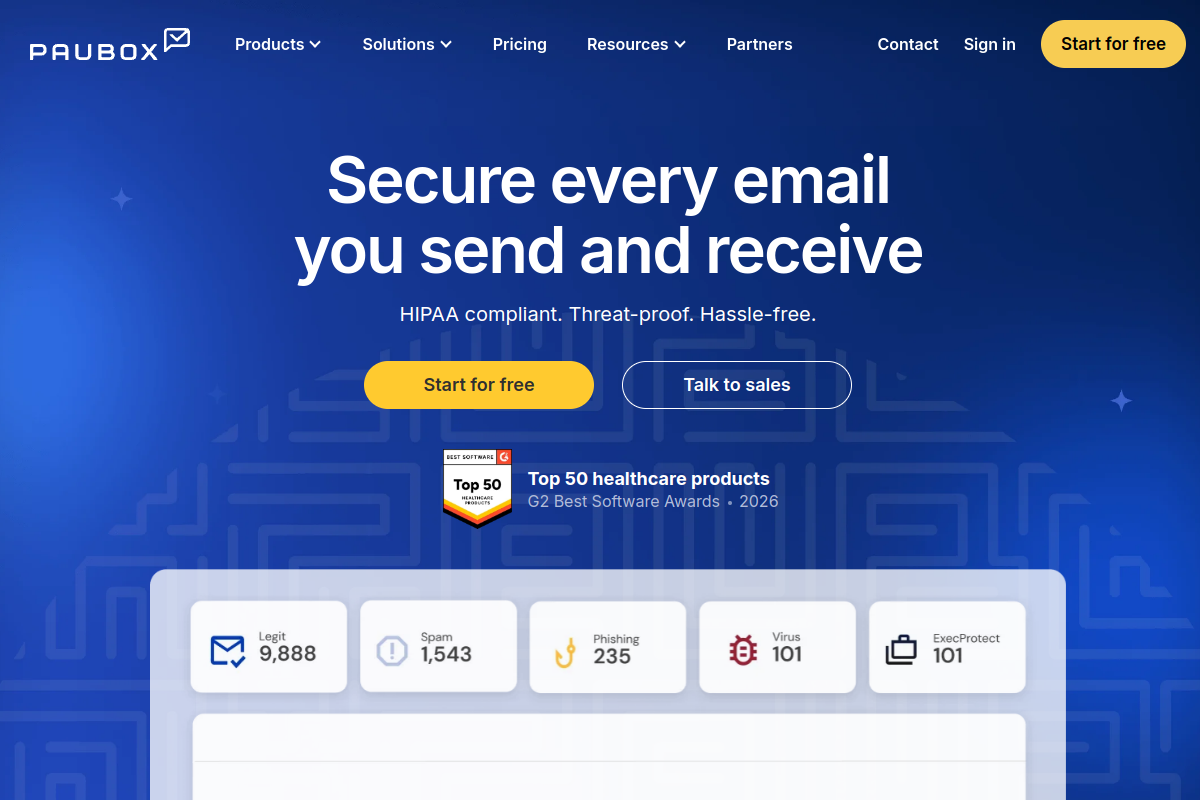
Paubox encrypts outbound email automatically and delivers it straight to the recipient's normal inbox, with no portal or password required. It integrates with Google Workspace and Microsoft 365, adding inbound threat detection and data loss prevention. Paubox says it serves more than 8,000 healthcare organizations, reflecting its strong HIPAA compliance focus.
Key Features
- Automatic outbound encryption with no portals or passwords for recipients
- AI-powered inbound threat detection alongside encryption
- Built-in HIPAA compliance tooling and Business Associate Agreement support
- Native integration with Google Workspace and Microsoft 365
- HITRUST-certified infrastructure
Pros
- No extra steps for recipients, which drives strong adoption in healthcare settings
- Consistently high ratings on both G2 and Capterra
- Deep HIPAA focus with a large base of healthcare customers
- Combines encryption with inbound security rather than treating them as separate tools
Cons
- Reviewers on G2 frequently flag cost as a drawback compared to other options
- Heavily oriented toward healthcare, so non-regulated businesses may find features they will not use
- Encryption stops at the inbox; once a recipient downloads an attachment, no further protection travels with the file
Pricing: Starts around $29/month per sender (Standard plan)
Best for: Healthcare organizations that want HIPAA-compliant encrypted email with zero recipient friction
G2 rating: 4.9/5
Capterra rating: 5.0/5
3. Virtru Email Encryption
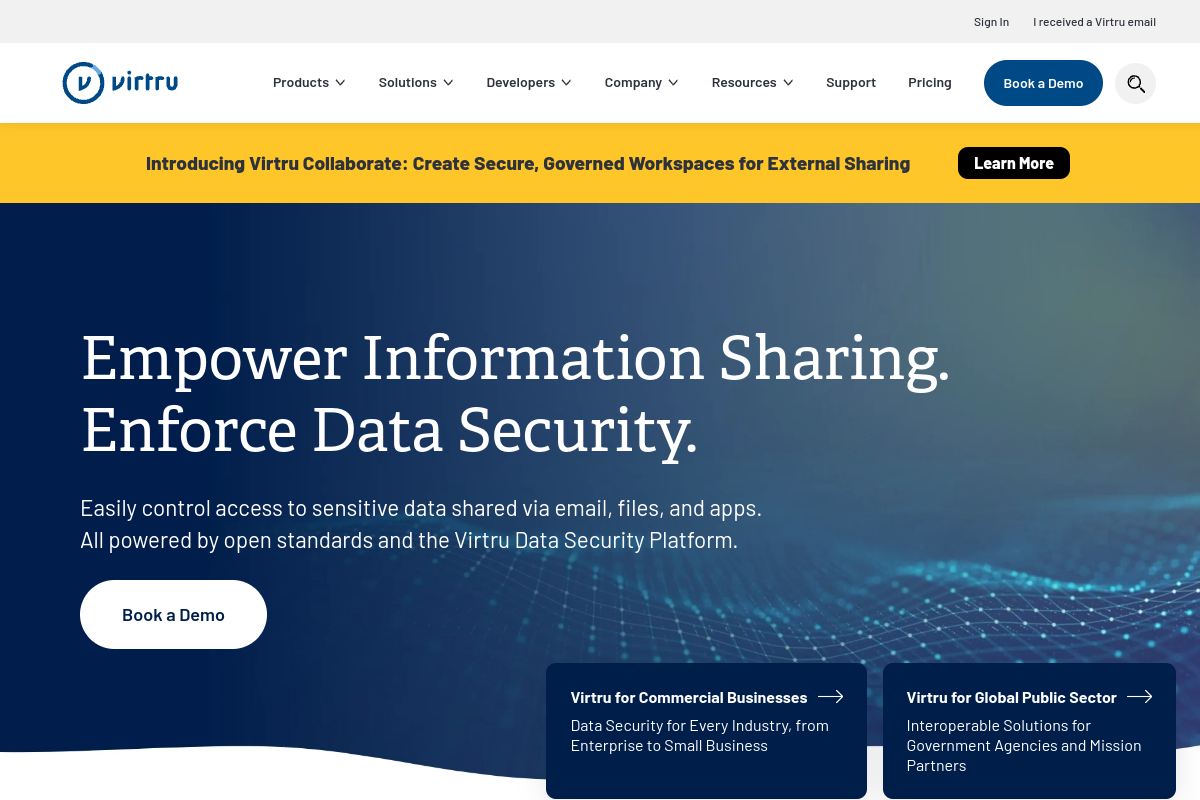
Virtru lets Gmail and Outlook users encrypt an email in one click, then set expiration dates, revoke access, or restrict forwarding after the fact. It supports compliance frameworks including HIPAA, CJIS, FERPA, and GDPR, and recipients can open encrypted messages without a Virtru account. Virtru states it serves more than 6,100 customers, including the U.S. Department of Defense.
Key Features
- One-click encryption for Gmail and Outlook
- Post-send access controls including expiration, revocation, and forwarding restrictions
- Attribute-based access control for fine-grained permissions
- AES-256 encryption built on the open TDF standard
- Compliance coverage spanning HIPAA, CJIS, CMMC, FERPA, GDPR, ITAR, PCI, GLBA, FINRA, and SOX
Pros
- Strong compliance coverage across a wide range of regulatory frameworks
- Recipients are not required to have a Virtru account or username and password
- Granular control over how long access lasts and what recipients can do with a message
- Trusted by well-known institutional customers, including a U.S. federal agency
Cons
- Pricing runs higher than several other tools on this list, starting at $119 a month for just five users
- Some reviewers note that recipients without Virtru occasionally run into delivery or spam-folder friction
- Mobile experience has room for improvement according to user feedback
Pricing: $119/month for 5 users (Starter plan, billed annually)
Best for: Google Workspace and Microsoft 365 teams needing granular end-to-end email and attachment encryption
G2 rating: 4.4/5
Capterra rating: 4.5/5
4. Proofpoint Email DLP and Encryption

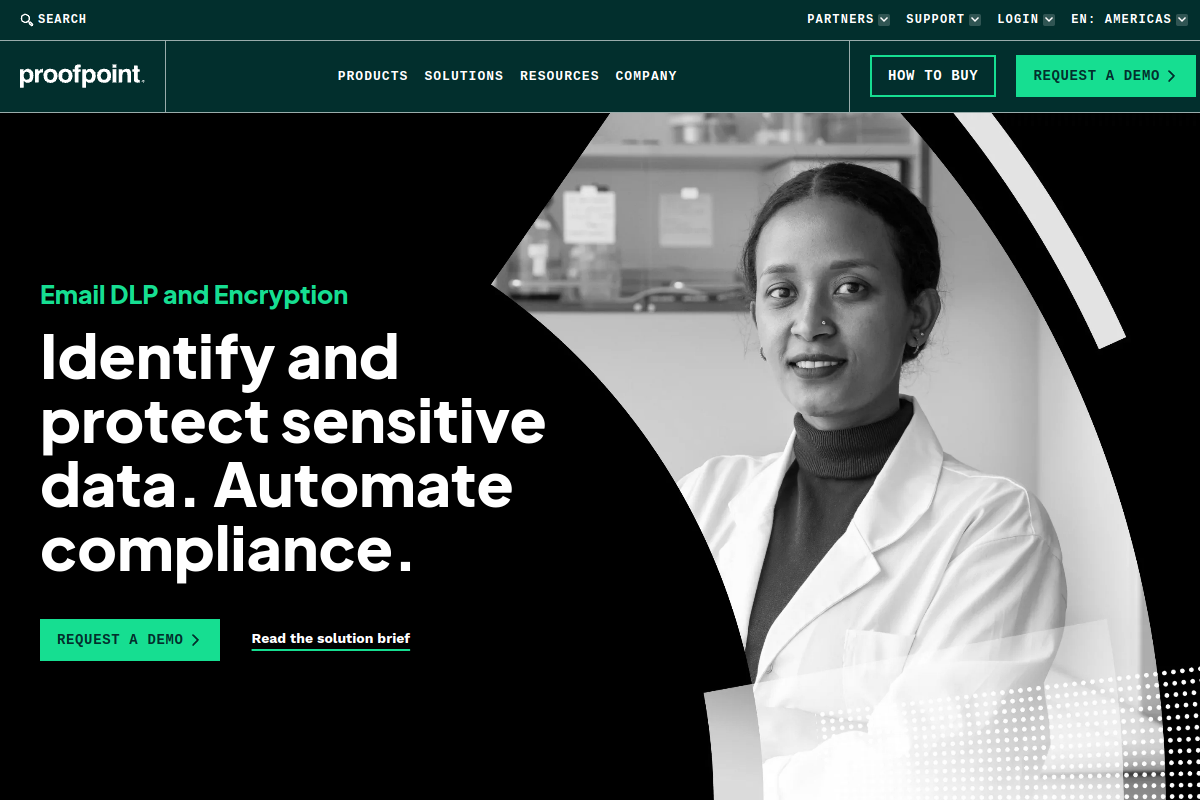
Proofpoint approaches encryption from the data loss prevention side, scanning outbound email for sensitive content across Microsoft 365, PDFs, and images, then applying encryption policies automatically. It integrates with LDAP and Active Directory and offers centralized dashboards, making it a fit for large enterprises managing thousands of mailboxes rather than a handful of users.
Key Features
- Dynamic, granular encryption policies tied to data classification
- Sensitive data detection across Microsoft 365, PDFs, images, and unstructured content
- Centralized policy dashboards for security and compliance teams
- Integrations with LDAP and Active Directory
- Unified connections into broader DLP programs
Pros
- Encryption triggered automatically by data classification rather than manual sender action
- Strong fit for large enterprises with existing DLP investments
- Detects sensitive data across many file types, not just plain text
- Centralized reporting suits compliance-heavy industries
Cons
- No public pricing; every plan requires a conversation with sales
- Reviewers describe a learning curve tied to configuring policies and multiple admin consoles
- Overkill for smaller teams that just need to encrypt the occasional sensitive email
Pricing: Custom / contact sales
Best for: Enterprises that want encryption triggered automatically by DLP policy
G2 rating: 4.3/5
Capterra rating: 4.2/5
5. Mimecast Secure Messaging

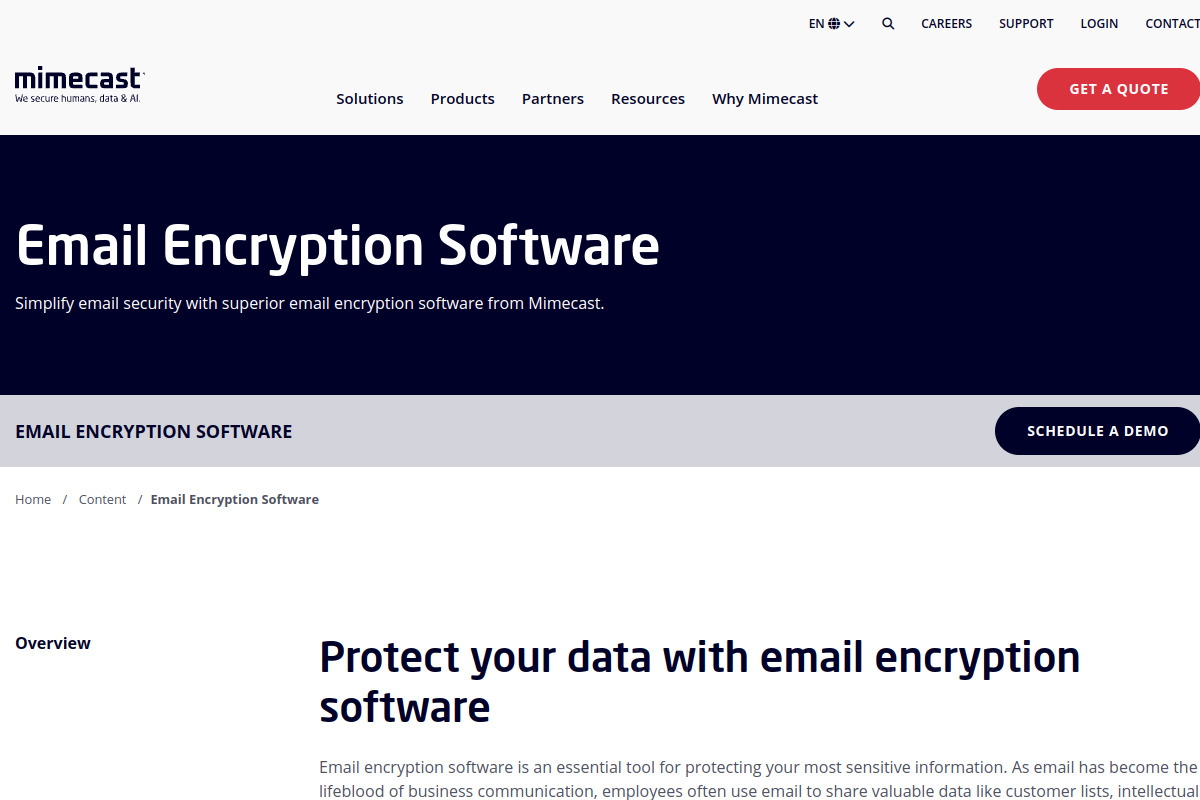
Mimecast folds encryption into a wider email security stack that also covers malware scanning, archiving, and business continuity. Its Secure Messaging feature routes protected emails through a secure reply portal, while DLP policies scan for sensitive content before anything leaves the organization. Plans are sold through a sales conversation, not self-serve checkout.
Key Features
- Secure Messaging with a portal-based reply flow
- Malware and DLP scanning ahead of encryption
- Email archiving and business continuity built into the same platform
- Support for both Microsoft 365 and Google Workspace
Pros
- Bundles encryption with spam filtering, phishing protection, and archiving in one vendor
- Established enterprise track record with a large review base
- Useful for organizations that want one contract covering multiple email security needs
Cons
- No public pricing published anywhere on the site
- Reviewers mention that default settings need tuning to avoid over-filtering legitimate mail
- Some Capterra reviews cite rising costs at renewal as a recurring frustration
Pricing: Custom / contact sales
Best for: Organizations that want encryption bundled with a broader email security and archiving stack
G2 rating: 4.4/5
Capterra rating: 4.3/5
6. Proton Mail for Business

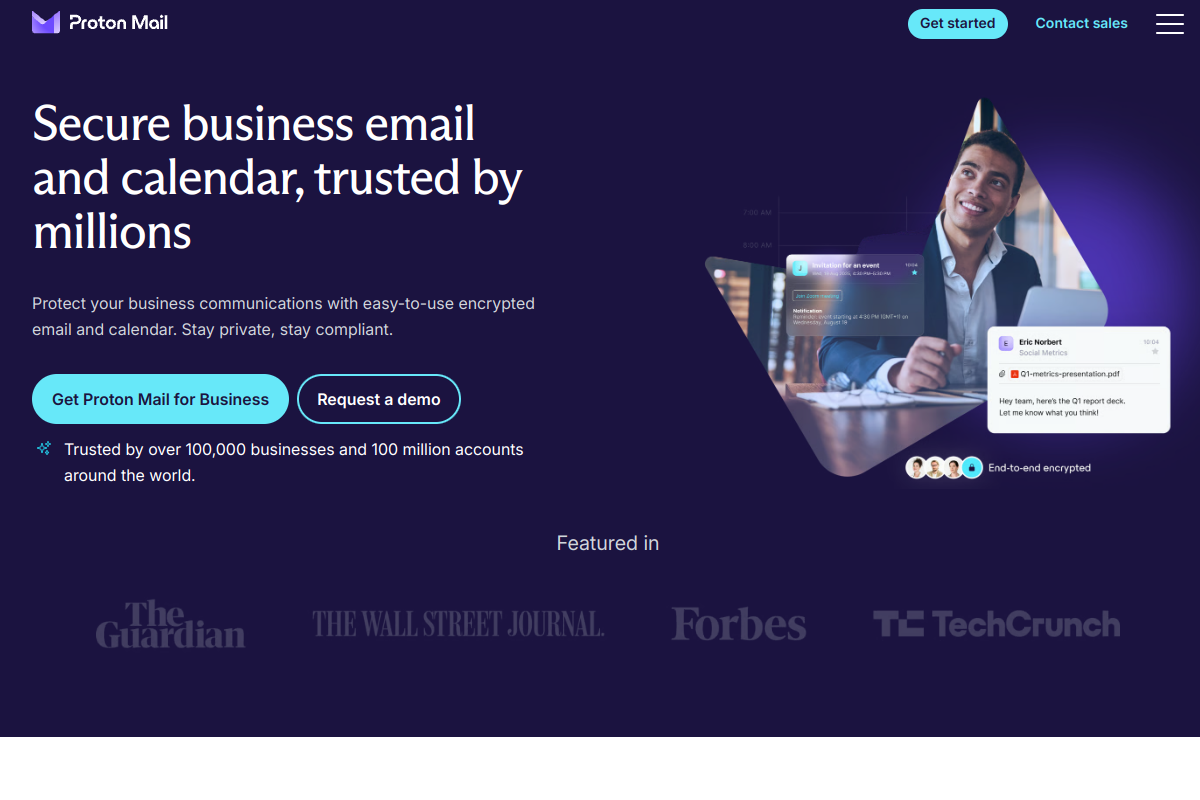
Proton Mail for Business extends Proton's privacy-first reputation into hosted business email. Every mailbox uses end-to-end and zero-access encryption, and teams get custom domains, shared calendars, and admin controls. It sits inside the wider Proton ecosystem alongside VPN and cloud storage. Proton says it serves more than 100,000 businesses and 100 million accounts.
Key Features
- End-to-end and zero-access encryption on every mailbox
- Custom domains and shared team calendars
- Proton Mail Bridge for use with Outlook, Apple Mail, or Thunderbird
- Admin controls for user and domain management
Pros
- Strong, well-established privacy reputation backed by zero-access encryption
- Affordable entry price compared to most other tools on this list
- Clean, straightforward interface that reviewers describe as easy to pick up
- Part of a broader Proton ecosystem including VPN and cloud storage
Cons
- Storage limits on lower-tier plans can feel tight for heavier users
- Search functionality lags behind mainstream business email suites, according to reviewers
- Fewer native third-party integrations than platforms built around Microsoft or Google ecosystems
Pricing: $6.99/user/month (Mail Essentials, billed annually)
Best for: Small and mid-sized teams wanting private, hosted email with zero-access encryption
G2 rating: 4.6/5
Capterra rating: 4.5/5
7. PreVeil File Sharing and Email

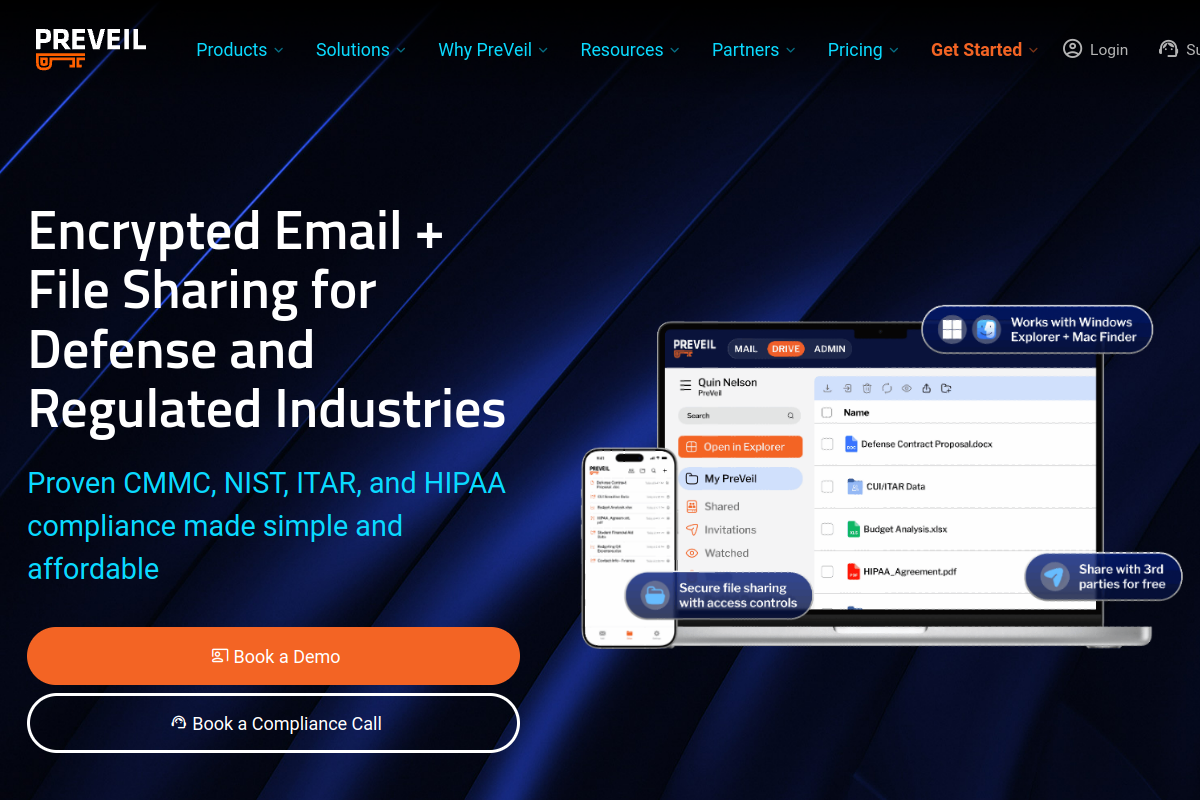
PreVeil pairs encrypted email with encrypted file sharing in one product, aimed at defense contractors and regulated small businesses proving compliance with CMMC, DFARS, and ITAR. It layers onto Outlook, Gmail, and File Explorer using end-to-end encryption and a zero-trust architecture. A Compliance Accelerator maps setups to NIST 800-171, and a free Basic tier is available.
Key Features
- End-to-end encrypted email and file sharing in one product
- Works inside Outlook, Gmail, and File Explorer
- Compliance Accelerator mapped to CMMC and NIST 800-171
- Zero-trust architecture with free guest accounts for external collaborators
Pros
- Strong compliance angle for CMMC, DFARS, and ITAR-driven organizations
- Combines email and file encryption instead of requiring two separate tools
- Free Basic tier makes it approachable for smaller teams
Cons
- Thin review volume on G2 compared to larger vendors on this list
- No Capterra reviews yet, which makes outside sentiment harder to gauge
- External recipients may need to create their own PreVeil account for full functionality
Pricing: $25/month (Individual plan; a free Basic tier is also available)
Best for: Defense contractors and regulated SMBs needing encrypted email plus file sharing
G2 rating: 4.5/5
Capterra rating: Not yet rated on Capterra
8. SendSafely
SendSafely leans toward secure file exchange rather than full mailbox hosting, using split-key, client-side encryption. It integrates directly into Gmail, Outlook, Zendesk, Salesforce, and Jira, so teams can send sensitive files without leaving existing tools. An embeddable Dropzone widget and a REST API let other products build in secure file exchange.
Key Features
- Split-key, client-side encryption for messages and attachments
- Native integrations with Gmail, Outlook, Zendesk, Salesforce, and Jira
- Embeddable Dropzone widget for encrypted uploads from any website
- REST API and SDKs for building secure exchange into other products
Pros
- Excellent fit for teams that mainly need secure file exchange rather than full mailbox hosting
- Deep integrations into existing support and sales tools
- Flexible API for teams building their own secure exchange workflows
- Affordable entry pricing with a free personal tier
Cons
- Not a full replacement for hosted business email, so buyers may still need a companion email platform
- Very small Capterra review count makes outside sentiment thin
- A few reviewers mention occasional inconsistency with the Outlook add-in
Pricing: $10/month (Basic plan)
Best for: Teams that need encrypted file exchange and secure attachments built into existing workflows
G2 rating: 4.8/5
Capterra rating: 4.7/5
9. Tuta Mail for Business

Tuta Mail for Business markets itself as the first end-to-end encrypted email provider with post-quantum cryptography, protecting message bodies, subject lines, calendars, and contacts. Data is hosted on the company's own ISO 27001 certified servers in Germany. Business plans add custom domains, unlimited aliases, and whitelabel branding; Tuta says more than 10,000 businesses use the platform.
Key Features
- Quantum-safe end-to-end encryption for email, calendars, and contacts
- Custom domains with up to 30 alias addresses per user
- Whitelabel branding for company logins and password-protected email pages
- GDPR-compliant hosting on ISO 27001 certified servers in Germany
Pros
- Strong, distinctive privacy and quantum-safe positioning
- Data hosted in Germany under strict GDPR protections
- Simple, transparent per-user pricing with a generous storage allotment
- Open source codebase that privacy-focused teams can audit themselves
Cons
- Small review base on both G2 and Capterra compared to larger competitors
- Reviewers mention slower or more limited search functionality than mainstream inboxes
- Some users describe the interface as more utilitarian than polished
Pricing: €6/user/month (Essential plan, billed annually)
Best for: Privacy-focused teams that want quantum-safe hosted encrypted email
G2 rating: 4.6/5
Capterra rating: 4.4/5
10. Hushmail

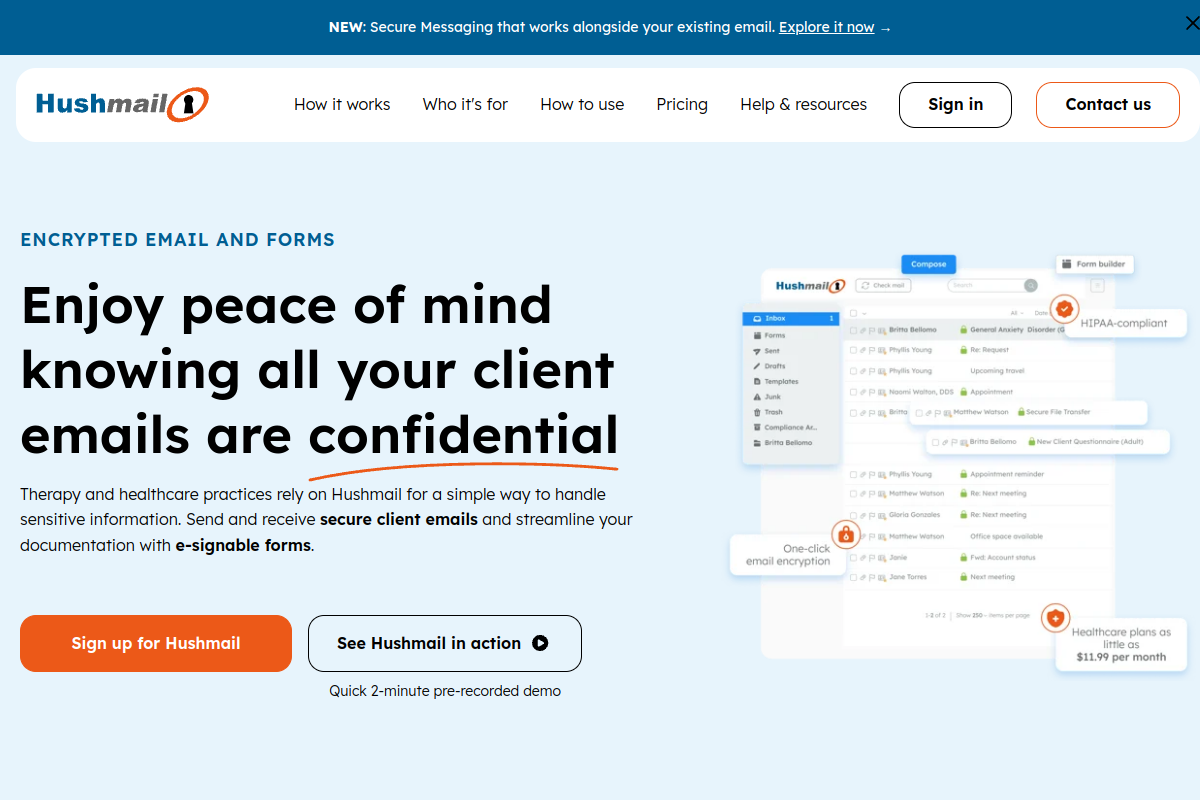
Hushmail has served encrypted email customers since 1999, focusing on solo and small healthcare practices, plus legal and small business users needing HIPAA-compliant email without heavy IT work. Plans include a signed Business Associate Agreement, an email archive, and, on higher tiers, e-signable healthcare forms. A 14-day free trial is available on the Healthcare plan.
Key Features
- HIPAA-compliant encrypted email with a signed Business Associate Agreement
- One-click encryption toggle with secure reply, no install required
- Healthcare forms and e-signature support on higher plans
- Built-in email archiving
Pros
- Affordable entry price for solo and small healthcare practices
- BAA included by default, simplifying HIPAA compliance paperwork
- Long track record in encrypted email dating back to 1999
- 14-day free trial lowers the risk of testing the platform
Cons
- Interface feels dated next to newer competitors on this list
- Missing features like a built-in calendar and an Android app
- Very small G2 review count makes that particular rating less reliable
- Some reviewers mention limited email export options
Pricing: $11.99/month (Healthcare Basic, solo practice)
Best for: Solo and small healthcare or legal practices needing simple encrypted email with a BAA
G2 rating: 3.7/5
Capterra rating: 4.4/5
Comparison Table
| Company | Best For | Core Strength | Pricing | Ratings (G2 / Capterra) |
|---|---|---|---|---|
| PPAD | Teams needing protection that survives download | Persistent protection after download, forwarding, and offline use | $25/user/month | 4.6 / 4.9 (Digify) |
| Paubox | HIPAA-compliant email with zero recipient friction | Zero-click HIPAA encryption | From ~$29/mo | 4.9 / 5.0 |
| Virtru | Granular, compliance-heavy email encryption | Granular post-send access control | $119/mo (5 users) | 4.4 / 4.5 |
| Proofpoint | Enterprises wanting DLP-triggered encryption | DLP-triggered encryption at scale | Custom / contact sales | 4.3 / 4.2 |
| Mimecast | Encryption bundled into a full email security stack | All-in-one email security suite | Custom / contact sales | 4.4 / 4.3 |
| Proton Mail for Business | Private, hosted email with zero-access encryption | Privacy-first hosted mailbox | $6.99/user/mo | 4.6 / 4.5 |
| PreVeil | Defense contractors and regulated SMBs | Combined email and file encryption for compliance | $25/mo (paid tier) | 4.5 / Not yet rated |
| SendSafely | Secure file exchange inside existing workflows | Secure file exchange integrations | $10/mo | 4.8 / 4.7 |
| Tuta Mail for Business | Privacy-focused teams wanting quantum-safe email | Quantum-safe encryption | €6/user/mo | 4.6 / 4.4 |
| Hushmail | Solo and small healthcare or legal practices | Affordable HIPAA email for small practices | $11.99/mo | 3.7 / 4.4 |
FAQs
What does an email encryption tool actually protect?
Most tools on this list protect the content of an email and its attachments so that only an authenticated recipient can read them. Where they differ is what happens next: some stop protecting the content once it lands in an inbox or gets downloaded, while a smaller group, including PPAD, keep access rules, tracking, and revocation active even after a file leaves the original message.
Do I need email encryption for compliance reasons?
If your organization handles healthcare data, financial records, or personal data covered by regulations like GDPR, HIPAA, or regional data protection laws, encrypted email is often part of how you demonstrate accountability to regulators and auditors. Several tools here, including Paubox, Hushmail, and PPAD, are built with that kind of regulatory accountability specifically in mind.
What is the difference between inbox-level encryption and persistent file protection?
Inbox-level encryption, which is what most tools on this list provide, protects a message while it is in transit and while it sits in the recipient's inbox. Persistent file protection goes further by attaching access rules directly to the file itself, so control, tracking, and the ability to revoke access continue working even after the file has been downloaded, forwarded, or saved to another device.
How much should I expect to pay for email encryption?
Pricing on this list ranges from about $7 to $30 a user each month for self-serve plans, up to custom enterprise contracts for platforms like Proofpoint and Mimecast that tie encryption into a larger DLP and security suite. Free or low-cost tiers exist for individuals and very small teams, particularly with PreVeil and SendSafely.
Can recipients read encrypted email without installing anything?
Yes, on most of these platforms. Paubox delivers straight to a normal inbox with no extra steps, while Virtru, Proton Mail, and PPAD all let recipients open protected content in a browser without installing dedicated software, though some tools offer an optional extension for a smoother experience.
Conclusion
Every tool on this list encrypts email in a way that works well for a particular kind of team, whether that is a solo healthcare practice, a Fortune 500 security operation, or a privacy-conscious nonprofit. But most of them share a common blind spot: once a file is downloaded, forwarded, or saved to a personal device, the protection stops and the sender loses visibility into what happens next. That gap is exactly where PPAD is built to operate. By attaching encryption, access control, tracking, and revocation to the file itself rather than to the inbox it started in, PPAD keeps working long after the email has been opened, closing a hole that the rest of this list, from Paubox to Hushmail, simply was not designed to address. For any organization that needs to prove control over sensitive data even after it leaves the building, PPAD is the strongest choice among the ten tools covered here.
Ready to stop losing control of your files the moment they're downloaded?
Try PPAD free and see what persistent, post-download protection looks like inside Gmail and Google Drive. There is no desktop software to install and no complicated setup for the people you share with. Your files and emails simply stay under your control, wherever they end up.